설명
A modular Blueprint addon to show stylized messages such as Info, Warning, Success and more, directly on-screen. Only 2 MB and fully lightweight. Easy integration in 2 minutes.
Built for real production use.
This system is battle-tested inside our full game frameworks:
👉 Voyager: Third Person Shooter Template: (Link)
👉 Defender: Top Down Shooter Template: (Link)
👉 Defender: Side Scroller Shooter Kit: (Link)
Optimized for clarity, modularity, and fast integration into any project.
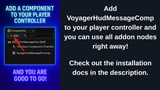
Easy installation. Add a component (VoyagerHudMessagePcComp) to your player controller and you are good to go!
🎮 Playable Demo & Docs
📦 Download Playable Demo: https://drive.google.com/file/d/1wtAmb1EGizuwb8Pmfe50EBN11snxiGJd/view?usp=sharing
📄 Installation: https://docs.google.com/document/d/1sUt0dXk3_gSNkH7E1aRQB1pM-AKFXiSqZH2IAL_p0TQ/edit?tab=t.0
▶️ Other products: https://www.fab.com/tr/sellers/Game%20Dev%20Voyager
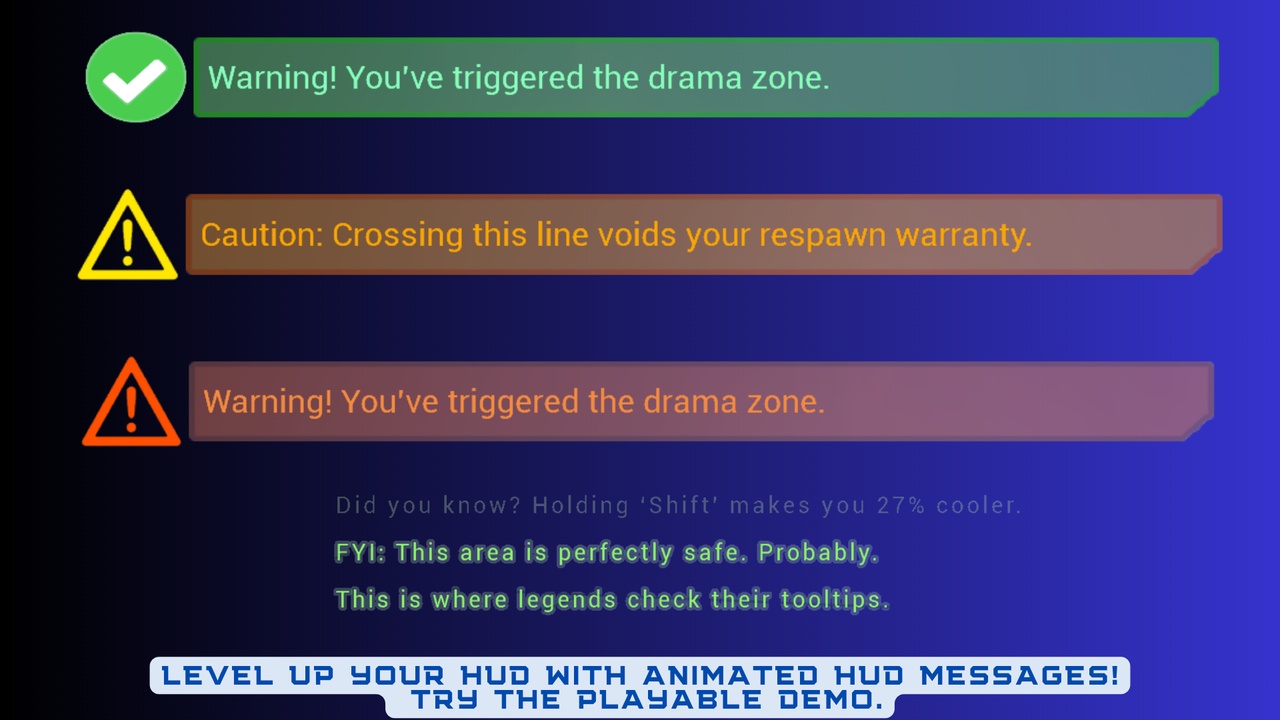
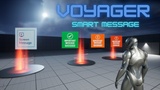
Message types:
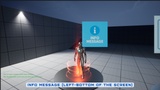
- Info
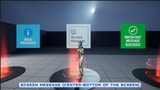
- Screen
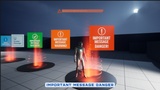
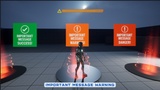
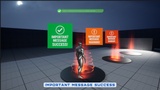
- Important (Success, Warning, Danger types)
## Features
- Modular & lightweight
- Blueprint accessible
- Customizable UI
## Setup
Migrate the WB_MessagesMain into your project’s Content directory.
Add VoyagerHudMessagePcComp component to your player controller.
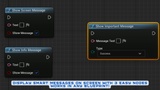
Call ShowInfoMessage, ShowScreenMessage, ShowImportantMessage from any blueprint!
© Game Dev Voyager
This asset is entirely handcrafted. The thumbnail image was generated using AI for promotional purposes only.