
설명
Enhance Your Visuals with the Outline Shader for Unreal Engine
Video Demonstration (video includes all the shaders from Artistic Post Process Pack, check part related to the Outline effect)
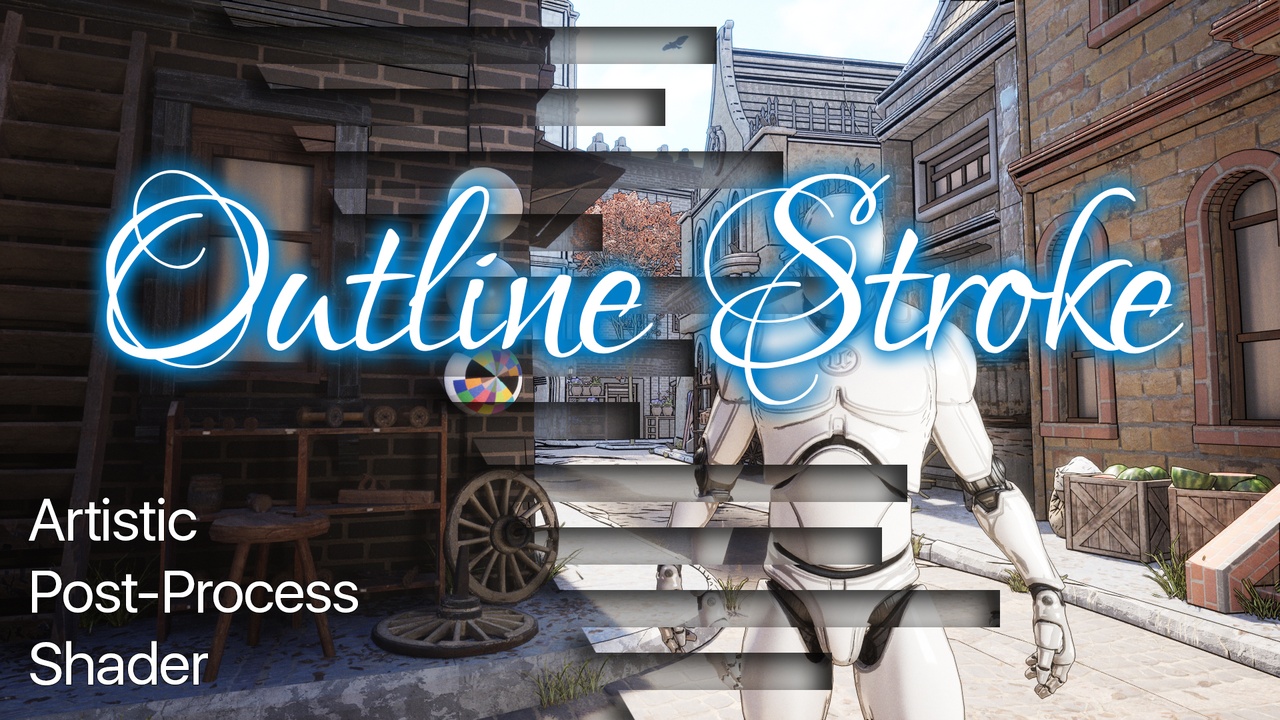
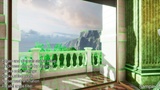
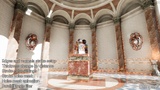
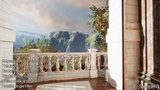
Add clarity and focus to your scenes with the Outline Shader, a powerful post-process effect crafted for Unreal Engine. This shader is designed to highlight key elements with clean, defined lines that enhance contrast and accentuate object contours, making it perfect for emphasizing important features within your project.
Features:
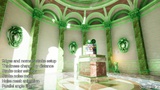
Sharp, Adjustable Outlines: Customize line thickness, color, and intensity to suit the aesthetic of your scene.
Normals Stroke: tune outline on the normals to have even more details in the scene
Noise Distortion: make outline unique and artistic with the noise mask, which also can be animated
Easy-to-Use Parameters: Each setting is clearly labeled, making adjustments intuitive, even for users new to shader manipulation.
Commented Code for Flexibility: Dive into well-documented code that makes integration into your project a breeze, allowing you to tweak and modify as needed.
Custom Depth Buffer Mask: apply shader to the certain objects in the scene, or exclude them from the shader
Ideal for adding a stylized edge or focusing viewer attention, the Outline Shader is an excellent choice for creators looking to add visual clarity and depth to their Unreal Engine scenes. Whether for a sleek tech look or a hand-drawn effect, this shader brings versatility and impact to your artistic vision.
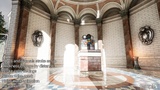
NB! Level used for the screenshots and video demo capturing is not included into the pack!
Documentation: Link (doc includes all the shaders from Artistic Post Process Pack, check part related to the Outline effect)
Links
Other post-process shaders from this pack: