描述
Gameplay Video | Demo | Documentation
Grind Rail System Updated 6/4/2026
If there are any issues, questions or technical assistance, please let me know, I'll reply as soon as possible.
Please provide Order ID for support: Discord | [email protected]
If the Grind Rails / Ziplines are loaded without their supports or Boost Rings are misplaced, please open another level and then load the previous one again. This can happen when the Editor loads the project for the first time.
-----
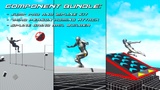
This bundle includes:
This bundle is not needed if you already own them separately, please follow this guide (link) to make them work together.
Apart from the example level music, this bundle doesn't have anything extra. All the example levels, animations, VFX, SFX, Components and blueprints are from the individual projects.
The Components are not Replicated.
-----
Features:
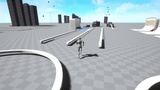
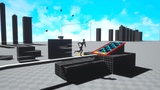
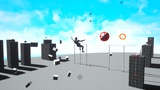
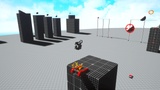
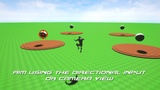
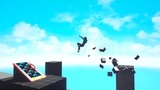
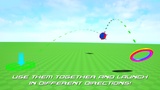
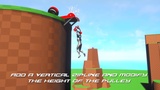
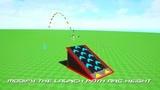
Add Jump Pads, Springs, Boost Rings and Vertical Ziplines to your levels.
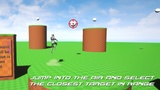
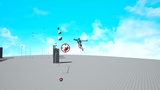
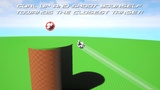
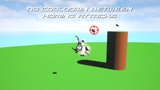
While Falling, press the Jump button to launch a Homing Attack that zeroes in on the closest Target!
The targeting system will place a crosshair on top of enemies so the character can interact with them.
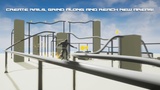
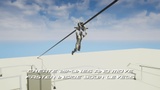
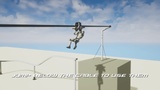
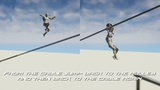
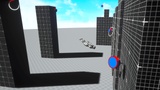
Use Splines to create Grind Rails and Ziplines that can be easily added to your levels.
-----
Requirements:
A Character Movement Component + Animation Blueprint that plays Montages.
A Custom Trace Channel used by the Homing Attack component and blocked by the Target Actors only.
A Blueprint Interface implemented by the Target Actors. It's the provided type of Blueprint communication used by the Component.
-----
Additional Notes:
Unreal Engine's Control Rig Foot IK solution will rotate incorrectly both Character's legs while using Jump Pads, Homing Attacks, Grind Rails and Vertical Ziplines. To prevent that, we need to set the IK Alpha value to 0 and return it to 1 after using them. The documentation provides information on how to do it.
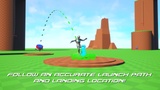
The Terminal Velocity of the project can be increased to make sure the Character follows the predicted launch arc while falling with more than - 4.000 Velocity (Z). By default the Terminal Velocity is 4.000, so the Character (while falling) will only follow the predicted arc until reaching - 4.000 Velocity (Z). Increasing it to 10.000 for example, will allow the Character to follow the arc accurately for longer.
-----
Attribution (CC0):