Descrizione
Be sure to check out our other products
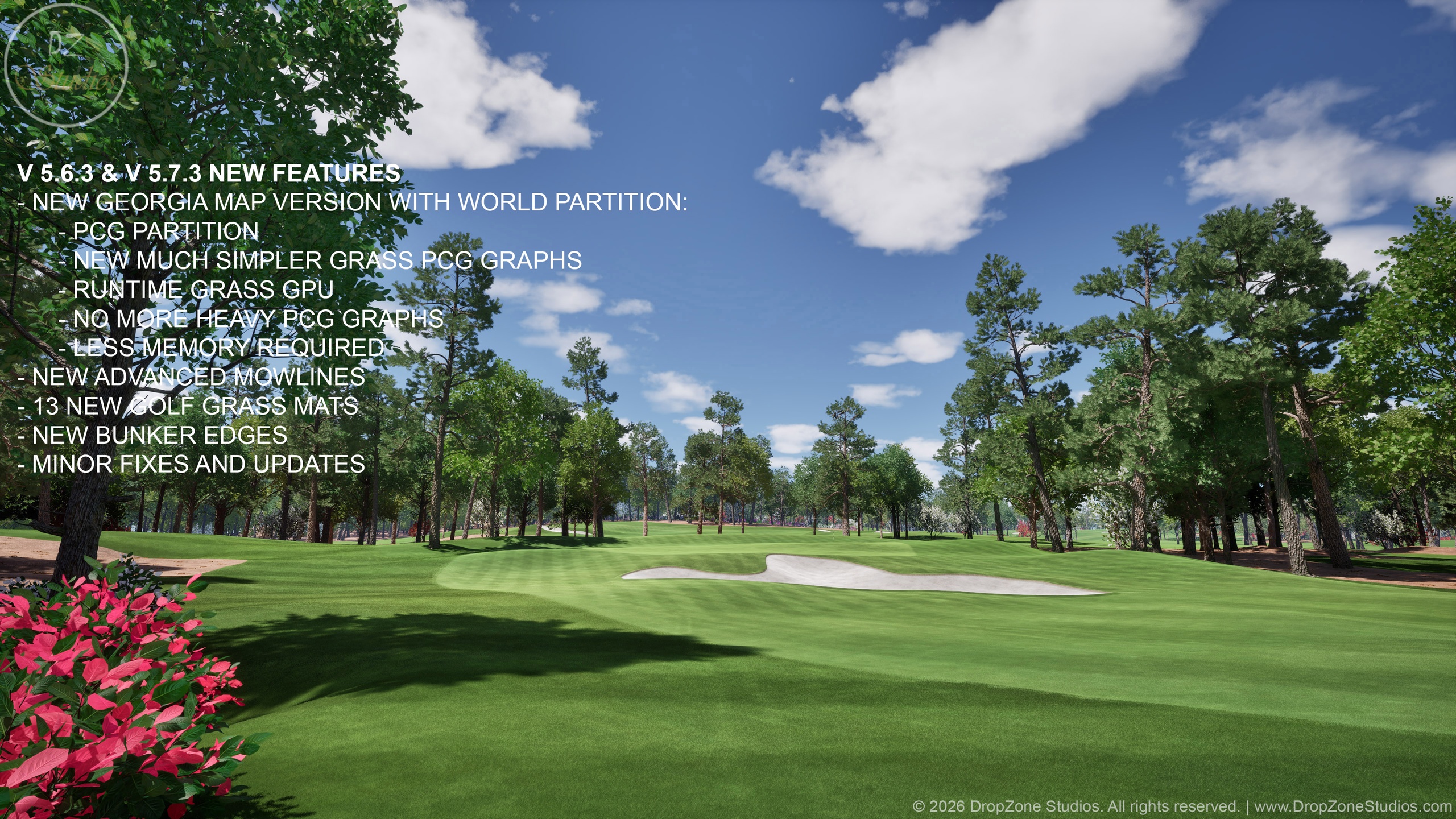
V 5.6.3 & V 5.7.3 NEW FEATURES
- NEW GEORGIA MAP VERSION WITH WORLD PARTITION:
- PCG PARTITION
- NEW MUCH SIMPLER GRASS PCG GRAPHS
- RUNTIME GRASS GPU
- NO MORE HEAVY PCG GRAPHS
- LESS MEMORY REQUIRED
- NEW ADVANCED MOWLINES
- 13 NEW GOLF GRASS MATS
- NEW BUNKER EDGES
- MINOR FIXES AND UPDATES
TRAILER VIDEOS
DZ Golf Course Template - Georgia (Trailer)
DZ Golf Course Template - Georgia (Trailer 2)
TUTORIAL VIDEOS
1. DZ Golf - Georgia (Overview Tutorial)
2. DZ Golf - Georgia (Landscape Tutorial)
3. DZ Golf - Georgia (PCG and Splines Tutorial)
DZ Golf Course Template - Update Tutorial (V5.6.2 and V5.7.2)
REQUIRED PLUGINS
Procedural Content Generation Framework (PCG)
Modelling Tools Editor Mode
Landscape Patch
Water
Check update history and upcoming features/improvements for DZ products from our pages: https://dropzonestudios.com
Support: [email protected]
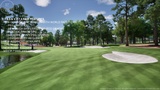
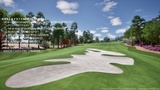
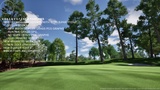
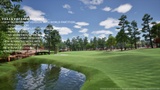
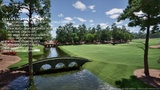
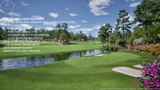
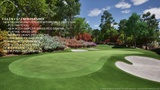
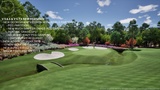
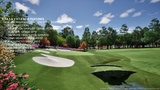
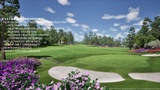
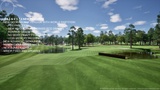
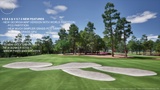
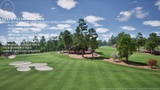
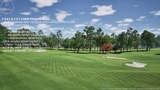
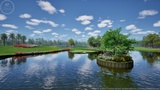
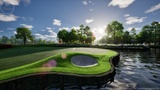
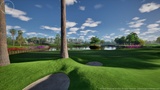
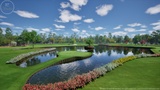
"DZ Golf Course Template - Georgia" is a project that is primarily designed for modelling full 18 hole golf courses down to the last grass blade. DZ Grasses pack included a lot of different grass mats, but this tool is perfect for creating entire golf courses with all the bells and whistles. Still DZ Grasses asset pack works as a great asset store of grasses for this new Golf Course Template project. All the important objects like golf hole, flag pole and golf ball have real sizes and accurate colliders. Also the mass of the golf ball is accurate and it's behavior in different landscape areas is very convincing even what comes to cup physics. So all is quite ready for building a golf simulation around this template package. And to prove you that this package is able to handle 18 holes full of 3D grass, trees and different objects, we created the whole course for you. Now there is also 3 hole Florida showcase map and world partitioned version of Georgia map, that mostly uses runtime grass, added to this package.
We recommend watching the demo video and tutorials to understand the quality and logic of this template project. In principle, the user can do everything in the UE editor, but we highly recommend using pre-prepared satellite images, height maps, and landscape layer mask textures for real-life golf course design. This is all explained in the tutorials, but the user him-/herself is still responsible for creating satellite images, height maps and landscape layer mask textures. These are then imported and used in the project, after which the user immediately has a maximum of seven height blended and pre painted landscape layers with height data. The landscape layers also contain physics properties, so the course is almost ready to be used without grass and other 3D objects at this stage. All things can be edited and corrected in the UE editor, but the main part of the actual work is done automatically by importing and even more by the very versatile PCG graphs this template offers.
All golf course and other 3D grass areas and their combinations can be easily created by drawing splines in modelling mode. In the tutorials, we show you the settings that make drawing quick so that it produces results in seconds, from different grass areas to flowerbeds and forests etc.. Also tee markers, hazard markers, divots in tee boxes and pin positions in the greens are all handled via PCG graphs and BP actors. There is also randomization of tee and pin placements with a logic created in PCG graphs. User only needs to place PB actors or draw splines with different tags. This way the creation of full 18 hole golf courses is done in few days no matter if you are a beginner or a pro. Of course, everything depends on how fast and accurately user can create those pre-prepared textures (heightmap, satellite image and landscape layer masks).
Landscape and grass materials have all the same functions and many new ones compared to DZ Grasses pack. You can check specs of all the DZ Trees packs and DZ Grasses packs to know that all the features and more are included in this asset pack. All foliage is fully modelled / opaque blended to have maximum performance with Nanite. Many things have been done to get the most realistic and real life feeling to all aspects. Watch the videos (links above) to find out most of them!
FEATURES AND ASSET LIST
3 Showcase maps (DZ_Golf_Course_Georgia, DZ_Golf_Course_Georgia_WP and DZ_Golf_Course_Florida)
1 Overview map (DZ_Overview_Map)
21 PCG Graphs for spawning grasses, trees, bushes, flowers, roads, fences, bulkheads, electric wires etc. according to splines and landscape layers
1 Extremely versatile landscape material with 7 height blended layers
1 Landscape material instance for controlling all the landscape layers and their blends
41 Trees (10 Loblolly pines and 31 deciduous trees), all new fully geometric models
4 Palm trees from DZ libraries (Opaque versions of Date Palm and Windmill Palm)
20 Bushes (large and small, with and without flowers)
16 Single leaves
5 groups of leaves
Falling leaves feature (Niagara, BP actor and PCG combo)
33 pcs of fully modelled Nanite grass mats
Divot marks (decals)
38 Different golf course objects and other meshes (golf flag is cloth simulated)
High resolution textures
Common wind controller blueprint for controlling wind direction and strength of all the DZ Assets
All landscape layers and most of the meshes have accurate colliders and physics materials
Season variations (recommended to be adjusted mostly in master material instances)
Snow effect (recommended to be adjusted mostly in master material instances)
Wetness Effect (recommended to be adjusted mostly in master material instances)
NANITE SUPPORT
All the meshes are high-res Nanite meshes and are using Nanite by default. Everything is optimized to achieve the best performance without compromising quality.
LUMEN SUPPORT
This product supports Lumen in (all) the supported engine version(s) mentioned at the bottom of this product page. Lumen can be activated in "Project Settings" => "Rendering" => "Global Illumination" => "Dynamic Global Illumination Method" => "Lumen". More information about Lumen can be found in Unreal Engine 5.0 documentation.