
描述
For the documentation, more info, feedbacks or anything else, feel free to open an issue on GitHub
If you like this plugin you should probably check out my other plugins!
UPDATE August 2026 - V3.5
Physics Tools
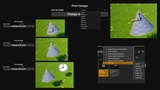
Added pivot changer options for faces/edges/corners
UPDATE June 2026 - V3.4
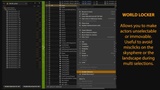
Outliner/World locker
Hide actors at startup
Assign tags and colors to actors
Reorganized setting
Preset text and color for node comments
UPDATE April 2026 - V3.1
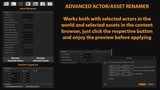
Actor Renamer Preview
Selective Outliner Organizer
Pivot tools works on ISM/HISM
Added option to align yaw only on pivot tool
UPDATE April 2026 - V3.0 - Level Design Tools and complete blutility refactor
Added level design tools to main widget:
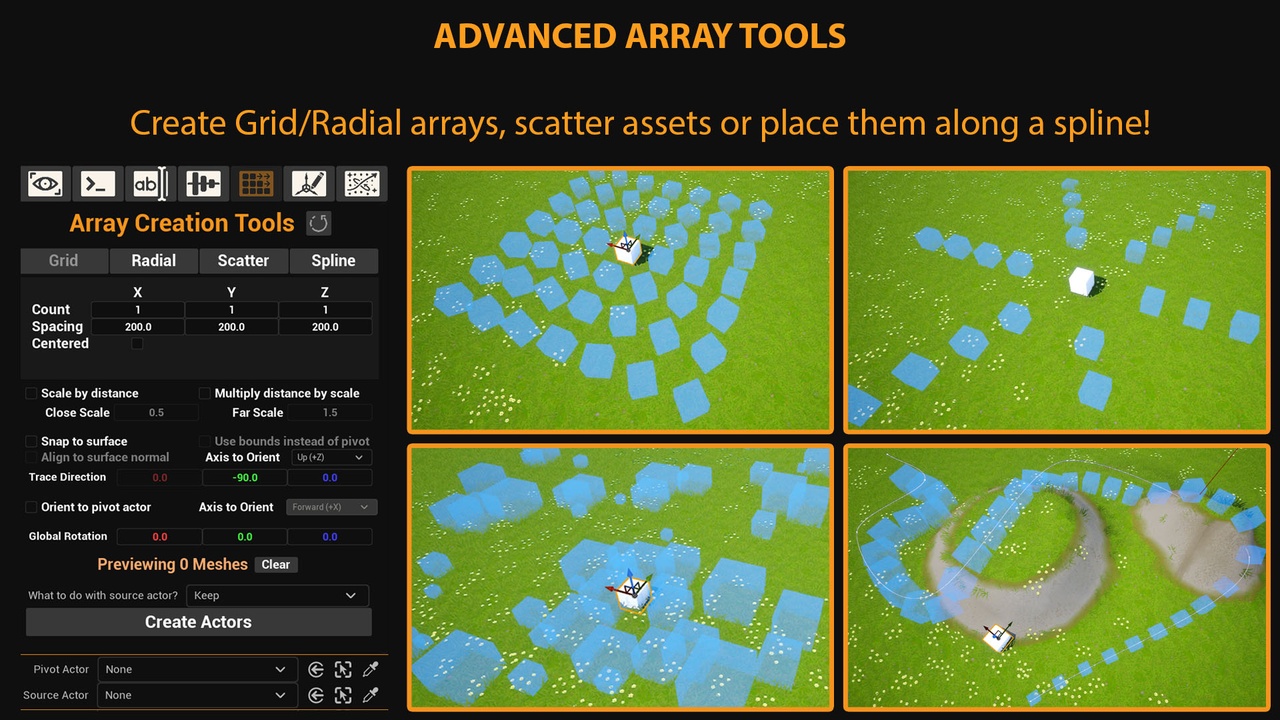
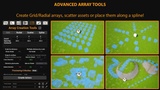
Array Tool (Create 3D Grids, radial arrays, scatter and spline)
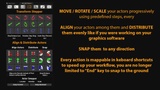
Align / Snap to surface / Distribute / Cycle / Swap actor transform
Instance Manager (Convert to ISM/HISM or explode instances to actors, randomize primitive data)
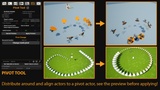
PivotTool (Align around pivot, face pivot, modify mesh pivot with one click)
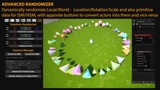
Randomizer (Randomize transform for actors and instances)
Stepper (Move, Rotate, Scale by fixed amounts in local and world space)
Added auto adapt to naming convention on asset created/imported
Added option to generate a prefix based on class if one missing
Migrated context menu scripts to C++
Improved Renamer to also work with world actors and support more options
Removed external dependency of image resizer
Skeletal mesh socket exporter/importer with auto match bone names, supports custom skeletons
Static mesh socket manager
Better Blueprint/MaterialInstance reparenter
Auto-zoom before Capture Nodes and restore previous zoom, more zoom available on settings
Command to resize undocked viewport to specific size
UPDATE March 2026 - V2.12
Added shortcut for timeline node
Added shortcut for custom math expression node (customizable in settings)
Added shortcut for applying precompiled comments with specific colors
UPDATE February 2026 - V2.10
Added shortcut to add reroute node with X
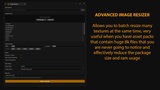
Improved ImageResizer - Now allows selection of single assets and drag n drop of textures
Fixed bug with submenus being added multiple times in the "Window" dropdown menu
Updated 5.5 version that was left behind for issues of backward compatibility
UPDATE February 2026 - V2.8 - World Locker / Image Resizer / Various Fixes
Improved "restore saved tab group" and open tab detection
Added the option to prevent actors from being selected/moved in the world outliner
Added tool to batch resize image uassets inside the editor
UPDATE February 2025 - V2.4 - Added Multiple Tab Restore
Save your opened tabs in the project settings and reopen them whenever you need them, with a button or a shortcut (CTRL+SHIFT+ALT+T)
(Tabs must be opened through this plugin or clicking the assets manually, otherwise they won't be saved)
Re-open a tab you have accidentally closed with the classic browser shortcut (CTRL+SHIFT+T)
Fixed the "Open In Explorer" command that was only working with project files, now it also works with folders)
UPDATE February 2025 - V2.3 - Added Data Table Utils
Batch Export selected data tables to .json or .csv
Reimport all selected data tables that have a referenced source file to read from
UPDATE April 2024 - V2.2 - Refactored "Adapt to naming convention" utility and changed some shortcuts:
Utility now supports 51 classes, can be modified and incremented by modifying the "ClassToString" TMap inside AEU_GenericUtils
Remapped shortcuts for getters to improve usability and key accessibility
UPDATE March 2024 - V2.1 Complete Refactoring and additional features (5.1+ Only):
New Settings Panel - Settings are now stored in the plugin's folder and they persist in different projects
New Quick-Search feature - Allows to create a list of commonly searched words and automatically invoke the "Find In Blueprints" window and highlight all the files with the occurrences
Quick Node Shortcuts - 90+ pre-assigned shortcuts for the most common blueprint nodes, you can disable the ones you don't like, reassign the keybindings and add your own! Not limited to built-in engine nodes!
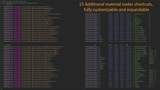
Material Nodes Shortcuts - 20+ pre-assigned material shortcuts for the most common material nodes
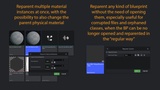
Replace parent material of multiple instances at once - Useful when the "delete and replace references" doesn't allow you to reparent a material instance to another material or to another instance, but you need to keep the values you already set, also allow you to set the parent physical material (it works independently).
Replace parent class of multiple blueprints at once - Useful for corrupted or orphaned BPs that can no longer be opened and reparented in the "regular way"
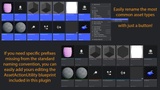
Rename multiple assets at once - Search and replace feature, possibility to add a prefix or a suffix.
Adapt to naming convention - Allows you to automatically add the naming convention prefix to the most common classes, if it's a custom one, you can add your own!
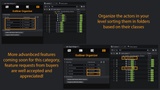
World outliner organizer - Allows you to quickly sort your actors in folders based on their classes (more features coming soon)
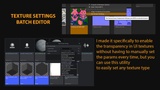
Texture type batch changer - Allows you edit the texture group, compression and sRGB of Texture2D assets, especially useful for UI texture when the transparency is never enabled by default in the content browser preview
Shortcut to launch the main widget - Now the extension shortcut (CTRL+ALT+SHIFT+E) also runs the main widget instead of only focusing the plugin folder.
WARNING FOR 5.2 with AEU version 1.2 - Epic changed something in the engine that doesn't allow editor widgets to be clicked while in play.
To solve this issue open the AEU_MainWidget and go to the Graph page. Click "Class Settings" and in the "Details" panel check "Is Enabled in PIE" and "Is Enabled in Debugging" in the "Settings" category.
The plugin is made of:
1 Main Widget that contains 4 child widgets, that could be run separately:
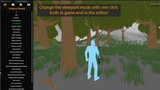
1 Widget to control the Viewport Modes both in editor and in PIE (Play in editor)
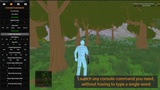
1 Widget to control the Console Commands with one click both in editor and in PIE
1 Widget to Batch rename assets
1 Widget to Organize the outliner
4 Asset action utilities to manage your files:
AEU_GenericUtils - To allow batch renaming to the naming convention
AEU_BlueprintUtils - To allow batch blueprint reparenting
AEU_MaterialUtils - To allow batch material instance reparenting
AEU_TextureUtils - To allow batch texture parameter change
1 Dropdown menu that shows your Custom filters and allows you to find them in blueprints
90+ Pre-assigned shortcuts for BP nodes
20+ Pre-assigned shortcuts for material nodes
4 256x256px Icons used in the widget
4 Widget elements, used in the other widgets
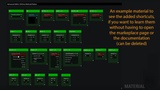
4 Files to showcase the remapped shortcuts (the "Examples" folder can be deleted)
More features coming soon, feature requests are accepted from verified buyers.