






描述
A Visual State Machine Editor for AI, Dialogue, Combat, Quests, and More
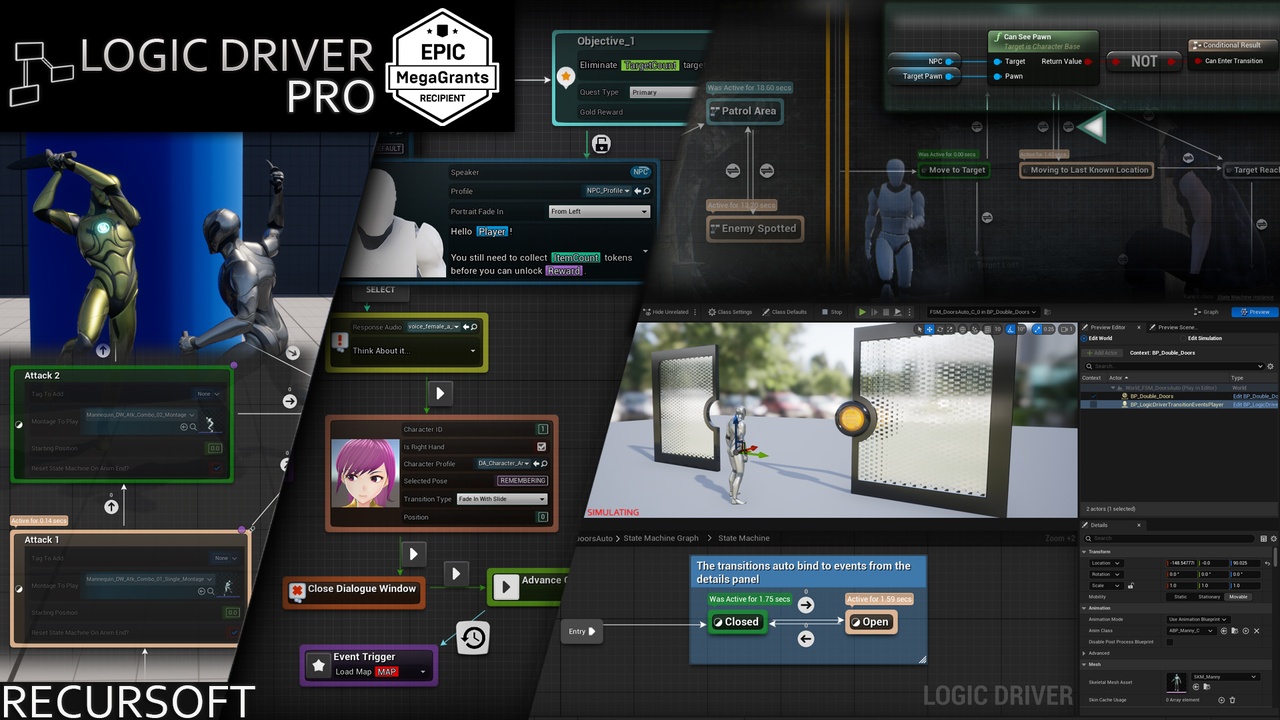
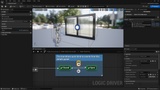
Logic Driver Pro is a dedicated blueprint editor for creating node-based gameplay systems. Define your own nodes in blueprints or C++, then use them to build narrative flows, combo systems, UI states, tutorials, and anything else where state matters. Awarded an Epic MegaGrant, and shipping in projects from solo indies to AAA studios.
Watch the Showcase Video for examples of different use cases in real projects.
Curious? Logic Driver Lite is a free, basic version of the core system and a good way to get a feel for it.
Who It's For
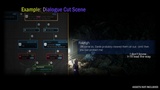
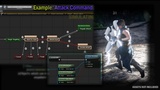
Designers building branching dialogue, narrative, and quest systems. Programmers building AI, combat, and boss encounters. Teams that want one cohesive authoring framework powerful enough to anchor the gameplay systems of an entire project.
Unopinionated by Design
Logic Driver provides the authoring framework. You provide the design. There's no built-in quest module, no prescribed dialogue format, no assumptions about how your AI should be structured. Just flexible tools that fit the game you're actually making.
Supported Versions
Logic Driver Pro supports the latest official version of Unreal Engine. Advertised features apply to the most current release.
For full engine compatibility, visit the support page.
Core Features
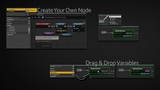
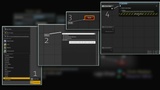
Developers can create custom nodes using blueprints or C++, exposing variables on the node and encapsulating reusable logic. Each node can include:
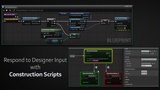
Editor Construction Scripts – Update node properties dynamically in response to designer input.
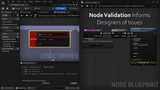
Node Validation – Provide visual warnings or prevent compilation when conditions aren’t met.
Rule Behavior – Help enforce patterns and automate parts of the design process.
Designers may then use these nodes within Logic Driver’s state machine blueprints:
Place Nodes – Easily add nodes with context-aware placement, with rule behavior limiting available state types or preselecting transition options.
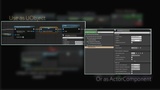
Exposed Properties – Assign values by entering defaults directly or by connecting variables, functions, or expressions.
Preview Mode – Preview the system in the state machine blueprint editor.
🆕 Breakpoint Debugging – Debug the system during Play In Editor (PIE) or in Preview Mode.
Advanced Capabilities
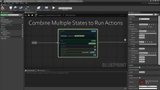
State Stack – Combine multiple states in a sequence to execute tasks in order.
Transition Stack – Quickly generate transition expressions between different transition types.
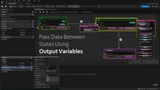
🆕 Output Variables – Organize data flow between states or back to the owning state machine blueprint.
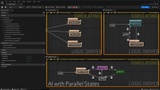
Parallel States – Ideal for systems where multiple conditions or behaviors need to run at once.
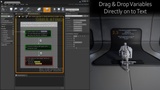
Text Graph Properties – Drag-and-drop variables directly onto text, with rich text and localization support.
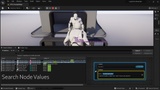
Search Tool – Find and replace property values across your project.
Content Samples & Getting Started
🆕 Combat Template now available!
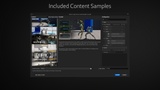
Logic Driver Pro includes content samples with example setups and templates that can be easily added to your project.
Extensive documentation is available, including guides for general use, advanced features, and a complete API reference.
Upgrading from Lite
Please make sure to uninstall the Lite version before installing Pro.
Licensing
Logic Driver Pro on FAB is licensed per seat and intended for individual developers or small teams.
At a studio, or need project-based or multi-seat licensing? See the licensing overview for options that fit your team.
Additional Resources
Logic Driver Lite (Free Version)
To view past customer reviews and questions, please visit Orbital Market (Unreal Market Search Engine).