描述
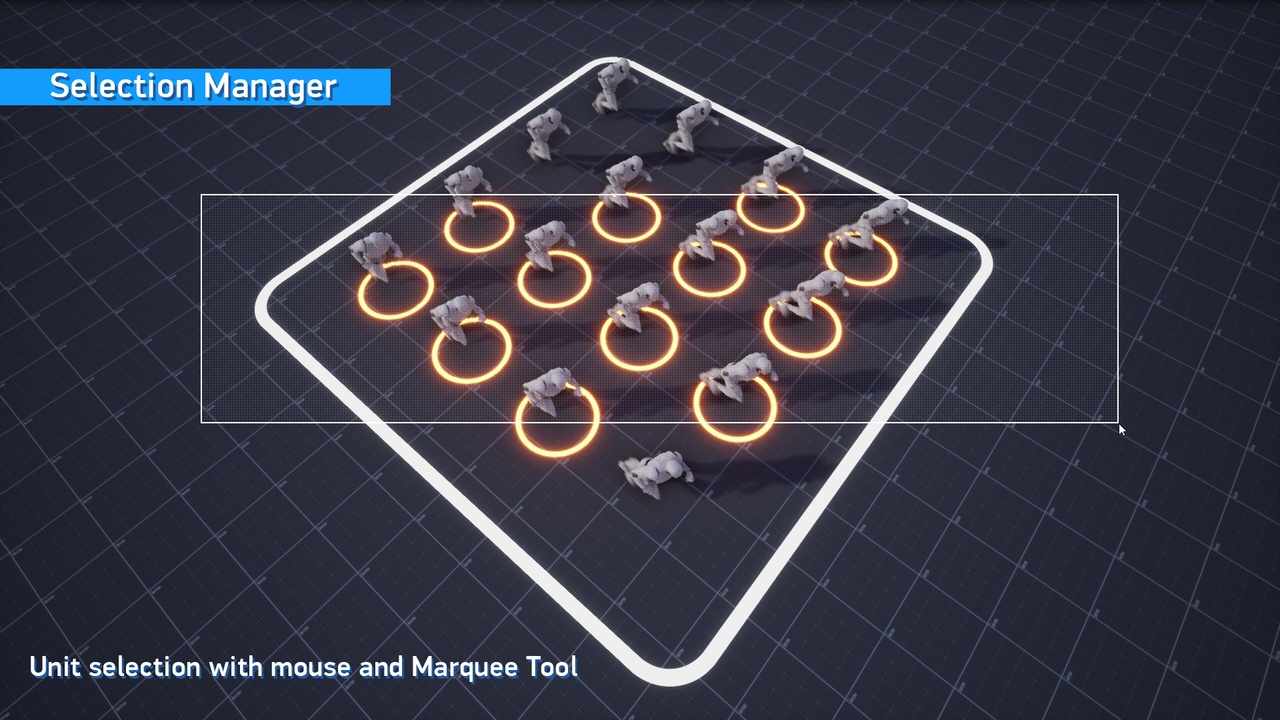
This plugin allows you to select objects in the game via mouse cursor and rectangle selection.
You can also individually customize the result of the selection for each object class.
It's Blueprint-first (no C++ required) and works with any Actor, Pawn, Character, or scene component — units, buildings, props, mixed together.
All source files are included and can be found in the plugin folder.
Video (YouTube)
New Documentation (Link) (for 5.7-5.8+)
Update 1.3 is now available for Unreal Engine 5.7 and newer.
This update includes new documentation and simplifies both plugin integration and general workflow.
The demo level is now included directly in the plugin folder. You can open it to see how the plugin is set up,
or copy the required Blueprints and assets from it into your own project.
Old Documentation (Link) (For 4.27-5.6)
Old Documentation contains download links for an old Example Project.
Features:
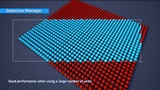
High performance (Built using C++)
Ability to select any objects that inherit from Actors or Scene Components (Actors, Pawns, Characters, Scene Components)
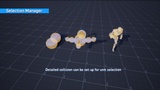
Ability to precisely configure collision for selection
Ability to select complex dynamic objects
Ability to call selection functions from other sources (e.g. if you need to select a unit by clicking on its icon)
Optional ability to dynamically highlight objects during selection
Optional ability to set the selection start point to the point that the player clicked on
Optional ability to highlight the object under the cursor
Additive selection
Subtractional selection
Foramtion selection
Has a set of functions made to select objects by a Group or Index
Works with variable camera FOV
Works with orthographic camera (can be used for 2D games)
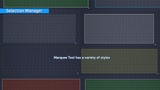
The widget for the selection frame is made using Blueprints. You can customize it with a set of textures and materials that are included in the plugin, or you can even use your own widget
Collision Viewer for visual configuration of the selection collision
Debugger for runtime collision debugging