Description
Major update coming soon for 5.0 and above!
The new version is scheduled to be released in April-May 2025.
Replicate system added
Now you can use the train at any speed you want without any problems.
The connection of wagons to each other has been made stable
Settings section has been grouped in a more understandable way.
Automatic gear display added.
Added automatic speed reduction of the train in Pawn mode.
Easy spline changing feature added.
The feature of the train stopping only at defined stations has been added.
Added crash system with ground bombs.
Improved the character's interaction with the train.
Added Automatic and Random spline switching.
Unlimited cameras can be added.
All other features will be listed with the new version.
Attention, for large projects, please wait for the new version to be released.
Attention! There is only the blueprint template system.
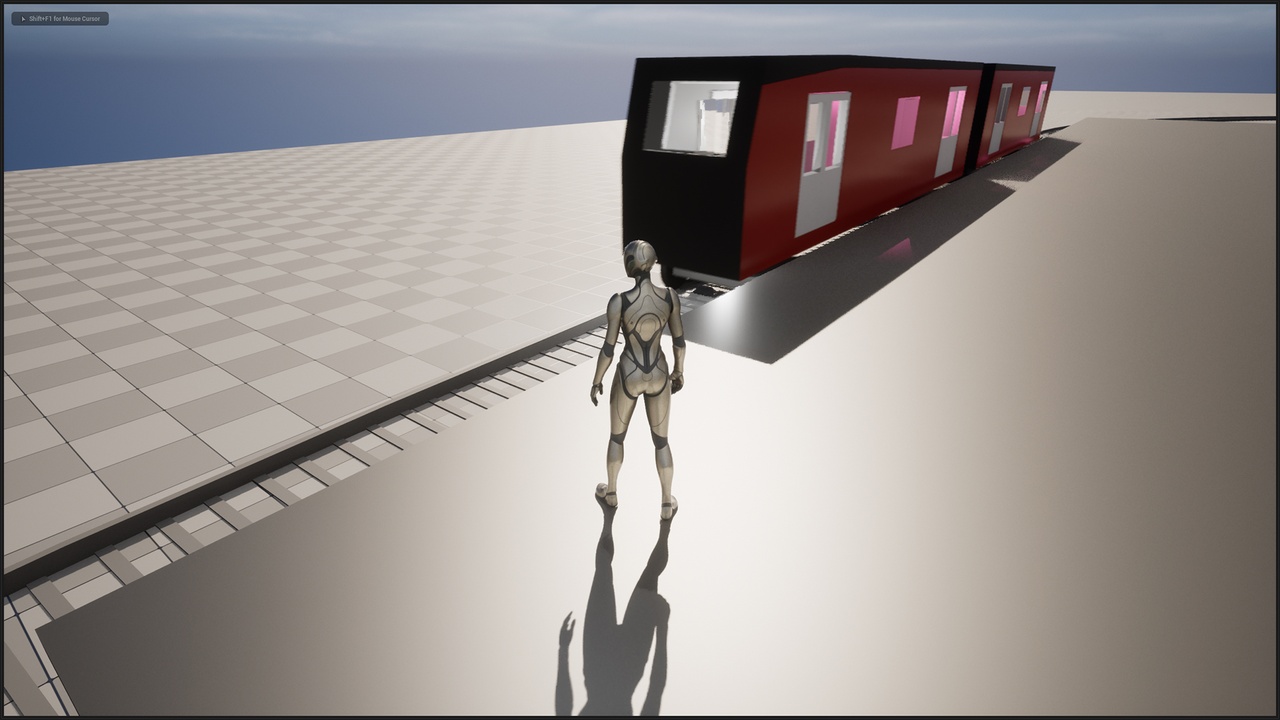
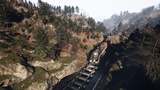
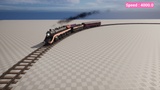
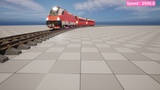
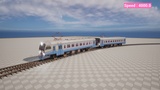
Trains, Environment, effects and music seen in the pictures are not included in the content.
After preparing the parts of any train, you can integrate it into the template in a few minutes.
You can add as many trains and wagons as you want by duplicating a single actor file.
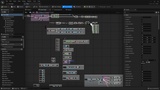
Since it is created with a Simple Plan, you can develop or modify the plan file.
3 different train intros applied to the template as an example
https://www.youtube.com/watch?v=TqsSXcV7OZs
Example yard train tutorial added to the train template
https://www.youtube.com/watch?v=NOlHxmjlqFM
Example steam train tutorial added to the train template
https://www.youtube.com/watch?v=xIvH5OcBBvI
Example victorian train tutorial added to the train template
https://www.youtube.com/watch?v=wCiV8sPkHR8
Example of applying the Quixel Bridge mine cart to the train plan
https://www.youtube.com/watch?v=z4AN5ooZCgo
Cable car system installation
https://www.youtube.com/watch?v=YfxBU-_G8fA
Free VFX package used:
https://www.unrealengine.com/marketplace/en-US/product/m5-vfx-vol2-fire-and-flames
Train products used as an example;
https://www.unrealengine.com/marketplace/en-US/product/train-yard
https://www.unrealengine.com/marketplace/en-US/product/steam-locomotive-01
https://www.unrealengine.com/marketplace/en-US/product/victorian-train-station-and-railroad-modular-set
Keyboard shortcuts
0: Character camera
1 to 6 cameras
Space bar - Acceleration
Left CTRL : Slowdown
B : Brake
L : Front lights
I : Inner Lights
O : Automatic Doors
V: Wagon separation