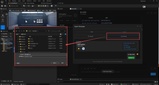
Descrizione
UE5.8 Official MCP Server Support!!!
Build Blueprints, analyze projects, and boost productivity — right inside Unreal Engine, with AI by your side.
⚡ What It Can Do For You
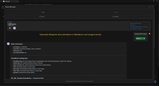
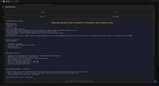
🧠 Blueprint Doc Generator
⚙️ Assist in generating logic structures
🔍 Analyze project assets
🚀 Speed up repetitive tasks
🔥 UECopilot – Limited time: 50% off
50% off now, then it will gradually increase back to the original price
⭐If you like it, feedback is appreciated 🙌
Your support means everything 🙌
🎬 Core Capabilities
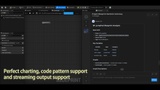
💬 Embedded AI Workspace (Seamless Experience)
Use directly inside the editor (no tool switching needed)
Supports streaming responses (feels like a real conversation)
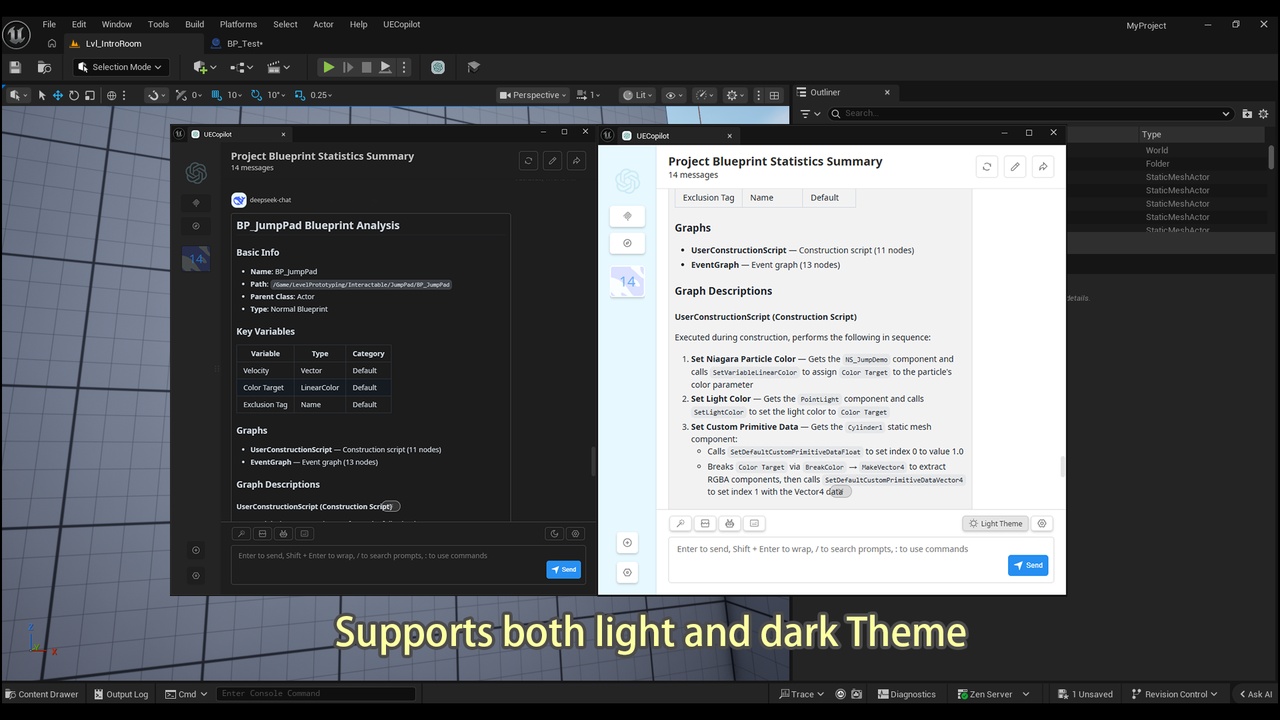
Markdown / code highlighting display
Responsive UI (adapts to different window layouts)
-------------------------------------------------------------------------------
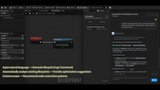
🧠 AI Blueprint Assistant
Input natural language → Generate Blueprint logic framework
Automatically analyze existing Blueprints → Provide optimization suggestions
Context-aware → Recommend node connection patterns
👉 Ideal for:
✅Generating clear Blueprint documentation
✅Rapid prototyping
✅Understanding complex Blueprints
✅Refactoring existing logic
-------------------------------------------------------------------------------
📦 Intelligent Asset Management
AI-driven asset search (Blueprints / Materials, etc.)
Batch operations (Create / Delete / Rename)
Blueprint snapshot & rollback (experiment with confidence)
Material editing assistance
-------------------------------------------------------------------------------
🔌 Multi-Model Support (Flexible & Extensible)
Supports integration with:
OpenAI
Anthropic
Google
DeepSeek
And more
👉 Freely switch between models to suit different task requirements
⚠️ Note: This software only provides integration with various models. Users are responsible for obtaining their own API keys for each model. Any usage fees charged by the model providers are not included in the software itself.
-------------------------------------------------------------------------------
🧪 Typical Use Cases
🚀 Rapid game mechanic prototyping
🔍 Analyze and optimize complex Blueprints
📚 Learn how Blueprints work
🤝 Team collaboration (auto-generate descriptions / documentation)
⚙️ Automated asset processing
-------------------------------------------------------------------------------
🛡️ Safe & Non-Intrusive Design
✅ Does not modify original project structure
✅ Does not affect the packaging/build process
✅ Can be disabled at any time
✅ All operations are controllable
👉 Safe to use in existing projects
-------------------------------------------------------------------------------
🧩 Why Choose UECopilot?
Compared to external AI tools:
✅ Fully integrated inside UE5 — user-friendly and easy to operate
✅ Understands Blueprints, not just plain text code
✅ Active maintenance team with regular updates and new features
-------------------------------------------------------------------------------
🚀 Quick Start
Purchase and install the plugin from the Unreal Engine Marketplace
Restart the UE5 Editor — the plugin will load automatically
Find the UECopilot button in the editor toolbar
Click to open the AI assistant panel and start your intelligent development journey
-------------------------------------------------------------------------------
⚠️ Current Version Notes (Important)
👉 UECopilot is under active development. The current version focuses on:
Blueprint analysis and assisted generation
In-editor AI workflow integration
👉 Please note:
AI-generated results require developer review and adjustment
Complex systems still require human design
Before generating and editing Blueprint logic, please confirm that you have made a backup using version control
Different models may produce varying results
-------------------------------------------------------------------------------
💻 System Requirements
Unreal Engine: 5.7.0 or higher
Platform: Windows 10/11 (Win64) / Linux (planned) / macOS (planned)
Required plugins:
WebBrowserWidget
PythonScriptPlugin(planned)
EditorScriptingUtilities(planned)
-------------------------------------------------------------------------------
📢 Upcoming Updates
We are continuously adding:
Stronger Blueprint generation capabilities
More accurate context understanding
More automated toolchains
-------------------------------------------------------------------------------
💬 Support & Documentation
Documentation: https://uecopilot.pixelbear.xyz
👉 Feedback and feature requests are welcome — grow with the plugin!