Descrizione
| DEMO - Try it before you buy!
| Discord - Join to ask questions and share ideas!
Want to save 30%? Check out our detector bundle with all types included! - Detectors for Actors Bundle
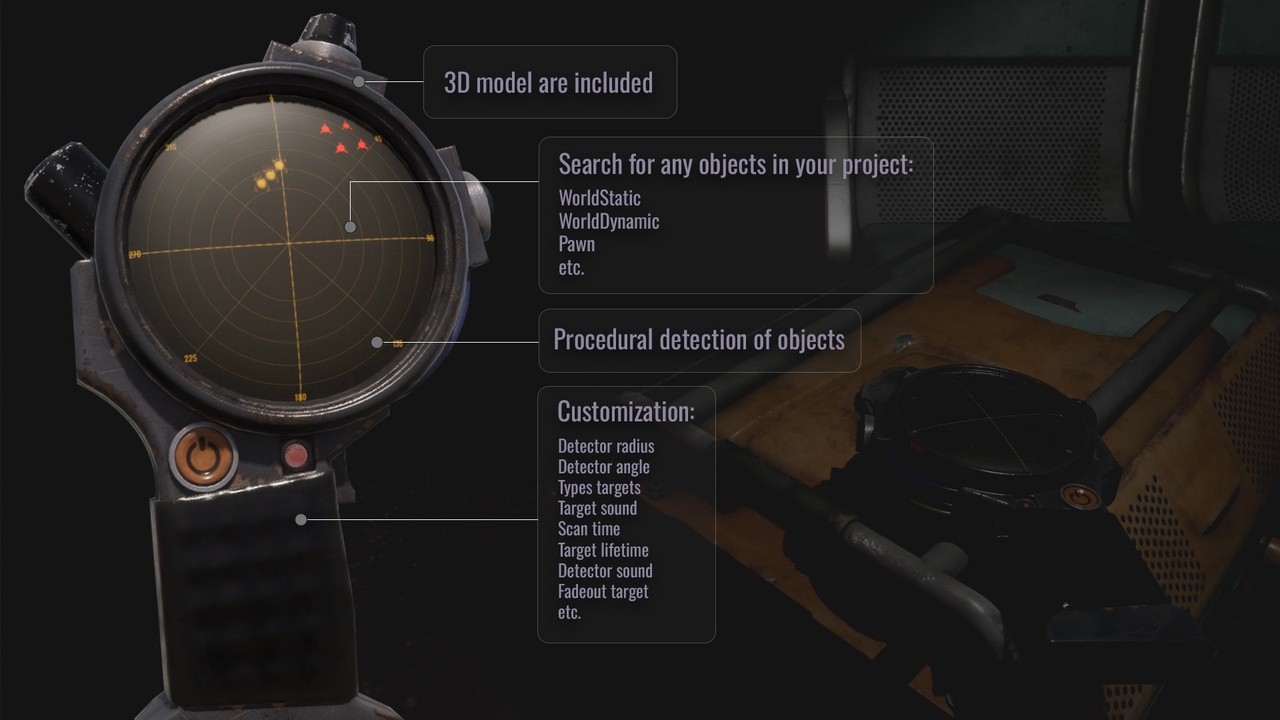
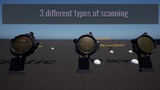
This device shows all available targets on its screen. It relies on relative calculations between the character and projects the location onto the display. The detector offers three different operating modes (scanning animations) and accurately displays targets. You can disable the fade effect, making the animation purely visual.
Key Features:
Customizable Scanning Modes: The detector offers three distinct operating modes, each with its own unique scanning animation.
Accurate Target Display: Accurately calculates and displays the location of all available targets in real-time.
Visual Control: The fade effect for targets can be toggled on or off, allowing for a purely visual animation if desired.
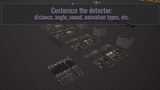
Options:
Detector Radius: Control the maximum distance at which targets are detected.
Detector Angle: Define the field of view for the detector's scan.
Target Types: Specify which types of targets the detector can identify.
Target Sound & Detector Sound: Customize the audio feedback for both detected targets and the detector itself.
Scan Time: Adjust the duration of the scanning animation.
Target Lifetime: Set how long a detected target remains on the display.
Fadeout Target: Control the visual fade effect of targets.
Target Texture: Easily change the visual icon for detected targets.
AddToViewPort: Option to add the detector display to the character's viewport.
Target Distance: Display the precise distance to each target.
etc.