描述
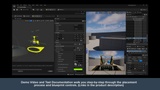
PRODUCT OVERVIEW VIDEO (Vimeo Link)
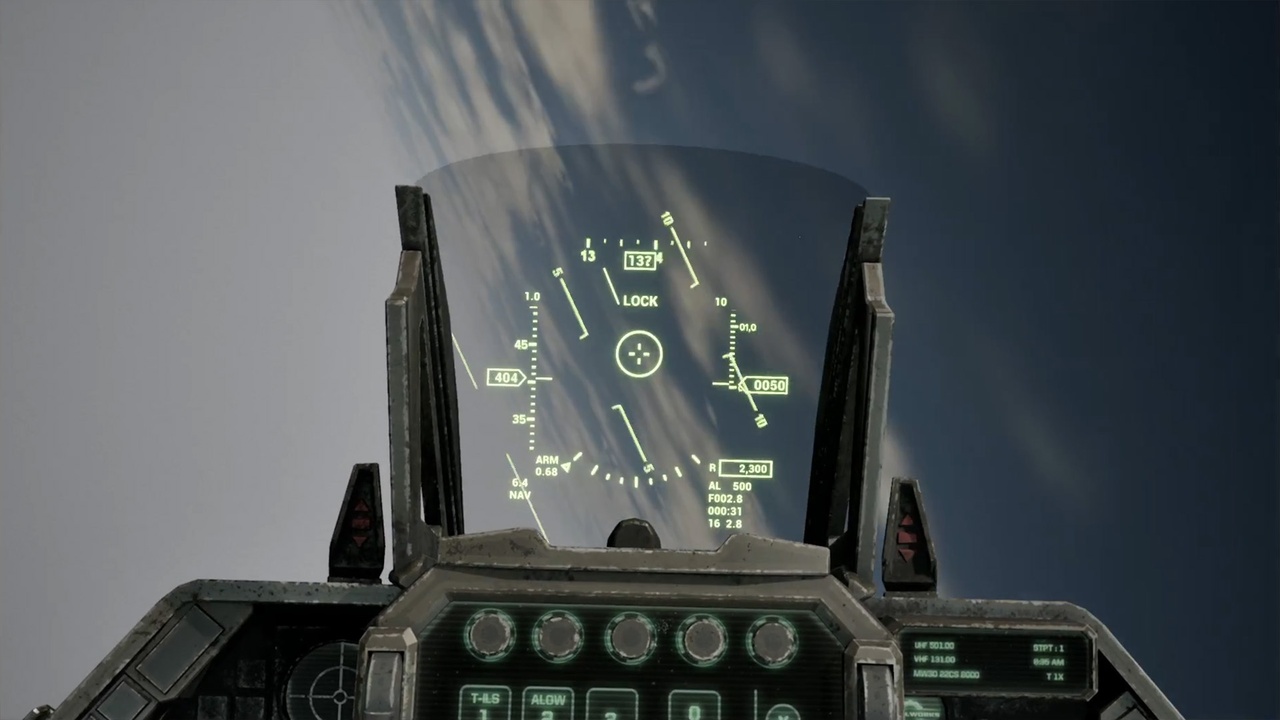
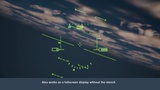
Easy Physical Aircraft HUD for Unreal Engine is an accurately-functioning, easy-to-place Heads-Up Display. Designed to look and function similar to the basic components of a classic F16 Viper or Fighting Falcon HUD, this Easy Physical Aircraft HUD uses Unreal's stencil and CustomDepth system so it becomes visible when viewed through the glass panel on your aircraft's instrument panel. (Full-screen mode without Stencil masking is also possible.)
HUD SETUP - TEXT DOCUMENTATION (Dropbox Link)
Heading, Roll, and Pitch are updated automatically based on the blueprint's rotation in world space, so the controls immediately work when placed in your scene. Heading displays a compass value from 0-359, Roll is aligned to the horizon, and Pitch displays your nose attitude relative to the horizon, from -90° to 90°.
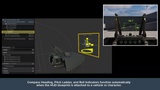
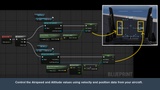
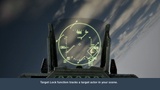
Includes functioning components: Compass Heading, Roll Indicator, Attitude/Pitch Ladder, Airspeed and Altitude Indicators, and a Target Lock function. NOTE: Altitude and Airspeed must be connected to your airplane's Z location and Velocity, and the Attitude/Pitch ladder movement requires calibration to move accurately. See documentation or setup demo video for instructions.
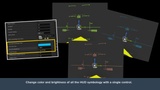
EASY - This project was built so you can simply place the HUD in your character blueprint or attach it to an aircraft or camera actor and it will begin functioning as soon as you play. Documentation and a detailed demo video walk you through how to place the HUD in front of your aircraft and set up a Stencil through which the HUD symbology will be visible. Directions to help set up your Airspeed, Altitude, and Target Lock functions are also included.
PHYSICAL - This HUD is a blueprint actor that can be placed physically in your scene, and is designed to be viewed through a transparent glass panel, just like a real aircraft HUD.
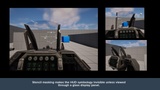
Two demonstration maps are included. One shows the HUD in a cockpit through an instrument panel, and the other demonstrates it in fullscreen mode without the rest of the cockpit visible.
PROJECT REQUIREMENTS:
Compatible with Unreal Engine 5.4 or newer (Built in 5.4.4)
Project settings for Custom Depth - Stencil Pass must be set to "Enabled with Stencil."
Uses Custom Depth Stencil values 1 and 0.
Limitations: HUD displays airspeeds from 0 to 6000, and displays altitudes from 0 to 60,000.
INCLUDED ASSETS:
Main HUD blueprint and 2 additional blueprints for Target Lock symbology
Spherical calibration helper object
Sample instrument panel and glass panel
2 demonstration maps
9 Textures, materials, and material instances for the HUD
Uses non-power-of-two textures (70x9257, 86x9661, and 3528x42)