





설명
SumeruAI AudioToFace for Unreal Engine
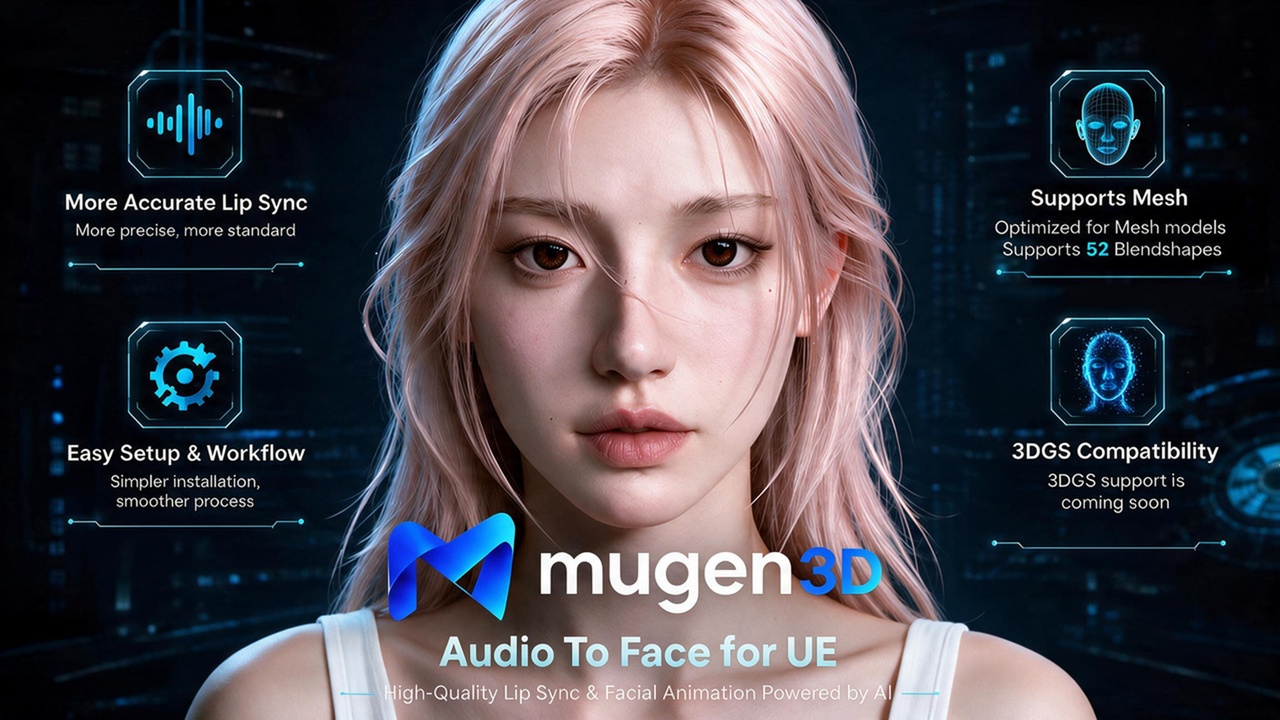
Send a WAV clip to the SumeruAI Audio-to-Face API and play speech-synchronized facial animation on a MetaHuman or any ARKit-named face.
Features
• One WAV in → 61-float ARKit frames + optional audio out
• MetaHuman path: SumeruAI ATF Face Sync writes CTRL_expressions_* curves before RigLogic
• ARKit morph playback for custom faces
• Login + protobuf client with JSON fallback
• One-click Setup ATF on a placed MetaHuman
• Demo level + mic record (16 kHz mono WAV)
Requirements
• Unreal Engine 5.3 or newer (use the zip that matches your engine version)
• Engine plugins: LiveLink (optional AnimGraph node) and AudioCapture (sample microphone recording). This plugin enables both.
• SumeruAI Access Key and Secret Key from https://www.sumeruai.us/
• HTTPS access to https://api.sumeruai.us/
• Your own MetaHuman or ARKit blendshape face (not included)
• PCM WAV (sample flow uses 16 kHz, 16-bit mono)
Quick start
1. Enable the SumeruAI plugin
2. Edit → Project Settings → SumeruAI → ATF API: enter Access Key / Secret Key
3. SumeruAI → Create ATF Demo Level
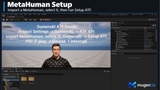
4. Import a MetaHuman, select it, then SumeruAI → Setup ATF on Selected Actor
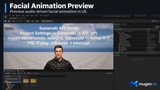
5. Play: J = browse WAV, R = record mic, I = interrupt
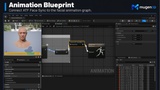
Not included: Avatar / DNA assembly, TalkStream, or a MetaHuman mesh. Face AnimBP should have SumeruAI ATF Face Sync before RigLogic.
Docs: https://www.sumeruai.us/
Cloud API usage follows your SumeruAI account terms.