
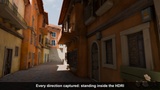

Descripción
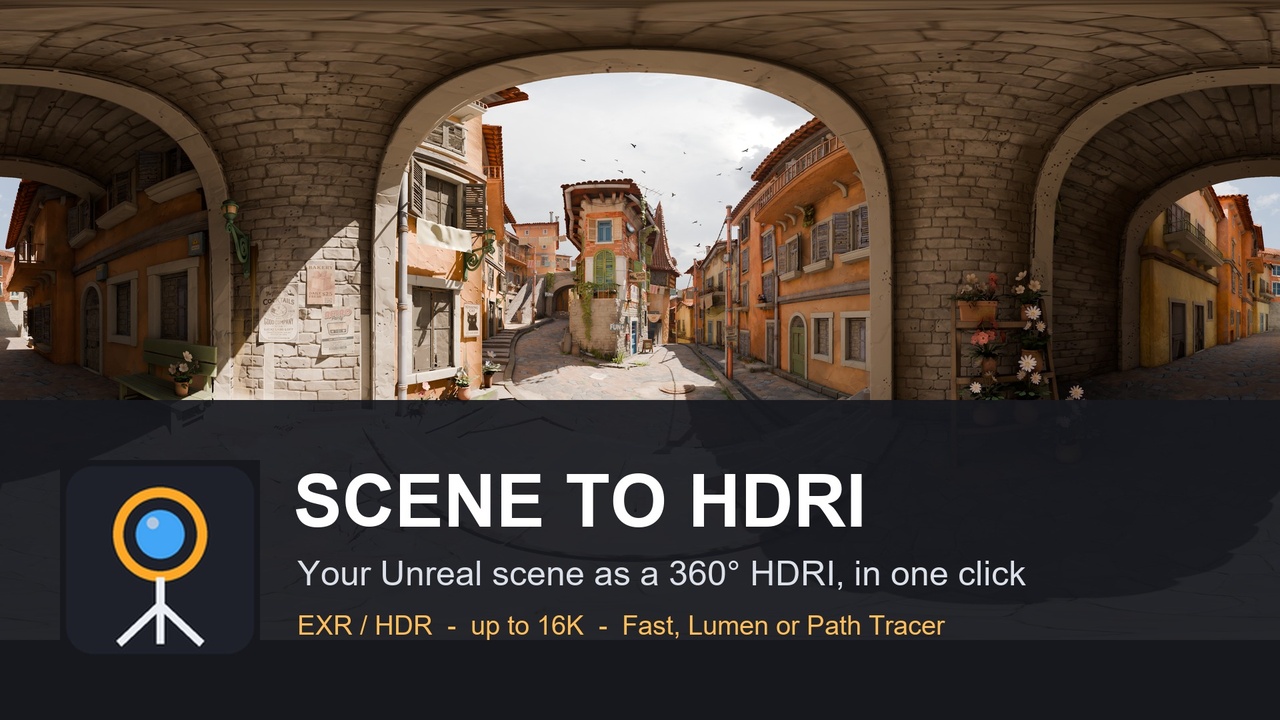
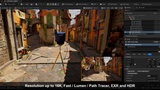
Place a 360° capture rig anywhere in your level and render that exact spot as a real HDRI: equirectangular, linear light values, EXR or Radiance HDR, from 2K to 16K, in Fast, Lumen or Path Tracer quality. Use it to light your renders in Blender, Maya, 3ds Max, Substance, Marmoset, KeyShot or another engine.
Need to light a product, a character or a car with the exact light of your Unreal scene? Scene to HDRI turns any spot of your level into a ready-to-use HDRI, in one click.
A tripod with a 360° camera
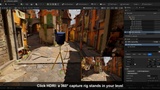
Click HDRI in the toolbar: a capture rig stands on the ground in front of you.
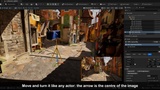
Move and turn it like any actor. The orange arrow is the centre of the image.
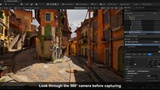
Look Through Camera shows exactly what it sees.
Click Capture HDRI.
Three qualities
Fast: the sky light capture, in about a second.
Lumen: Unreal's full lighting with bounces, in a few seconds.
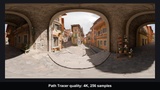
Path Tracer: reference quality, with the number of samples you choose.
Real HDR files
OpenEXR (16-bit half or 32-bit float), Radiance .hdr and a PNG preview.
2K, 4K, 8K or 16K.
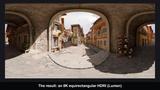
Equirectangular (lat-long), the layout every 3D package reads. Imported back into Unreal as a cubemap, it lines up with the scene.
Linear, scene-referred values: the sun keeps its intensity, so shadows and reflections come out right.
Made for production
Hide actors from the HDRI, for example the car or the character it is made for. The rig is never in its own image.
Camera height, exposure in stops, brightness normalisation, and a Sky Only mode (below the horizon, the horizon colour).
Output folder and file name of your choice.
Several rigs in a level? Capture all rigs renders them in one go.
Scriptable from Python and Blueprint.
Features:
360° capture rig placed from the toolbar, with a look-through camera;
Fast, Lumen and Path Tracer render modes;
2K to 16K equirectangular HDRI, as EXR (half or float), Radiance HDR and a PNG preview;
linear light values, optional brightness normalisation, exposure, Sky Only mode;
hidden actors, batch capture of every rig, Python / Blueprint functions.
Code modules:
SceneToHDRIRuntime (Runtime): the capture rig actor;
SceneToHDRI (Editor): the toolbar button and menu.
Number of Blueprints: 0
Number of C++ classes: 3 (capture rig actor, Blueprint library, editor module)
Network replicated: No
Supported development platforms: Windows
Supported target build platforms: Win64
Supported engine versions: 5.6, 5.7, 5.8
Documentation: https://xrforges.square-bobcat.workers.dev/docs/scene-to-hdri/
Example project: not needed: it works in any level.
Important notes:
The Path Tracer mode needs hardware ray tracing: DirectX 12 with Shader Model 6, and Support Hardware Ray Tracing, Path Tracing and Support Compute Skin Cache in the project settings. Without them the plugin says so and does not capture.
16K needs about 6 GB of RAM.