
설명
NiceMenu delivers the complete menu package every game project needs — without having to rebuild everything from scratch.
✨ Included Menus
🏠 Main Menu
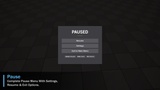
⏸️ Pause Menu
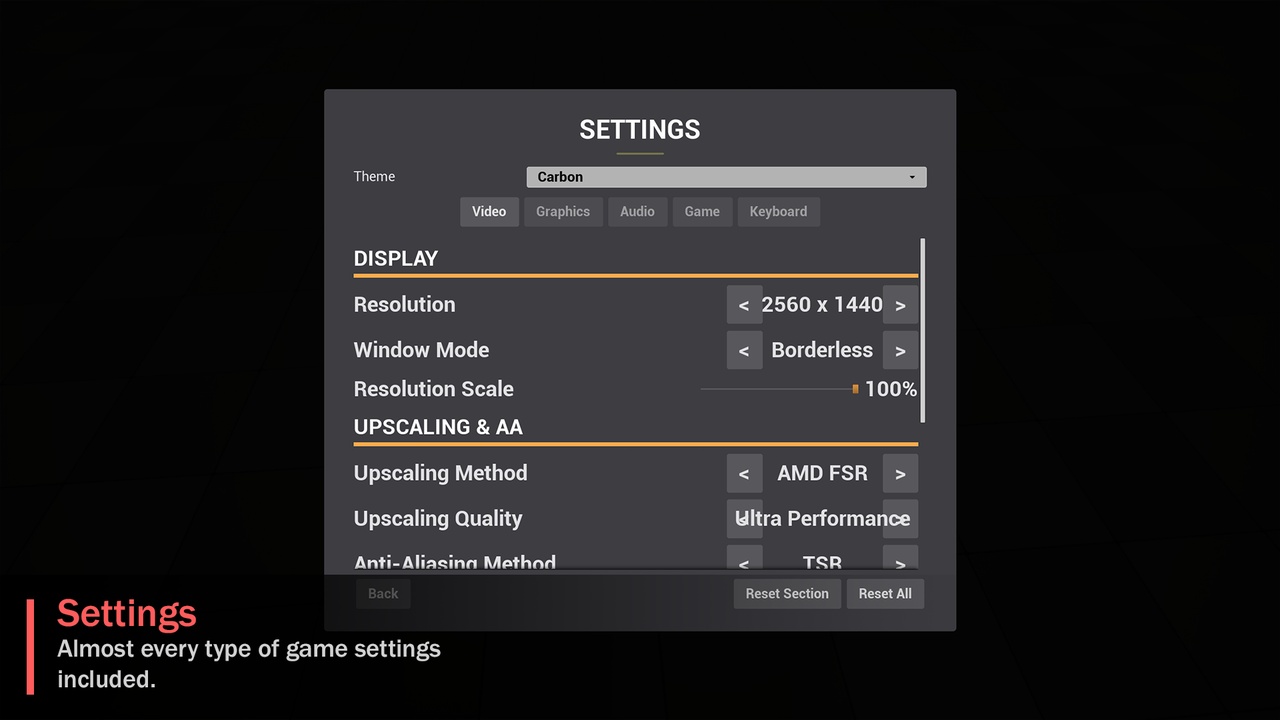
⚙️ Settings Menu
💾 Save & Load Game
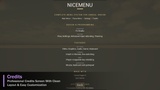
📜 Credits
🔄 Loading Screen
All menus are ready to use, with persistent settings, visual themes, and keyboard/gamepad navigation already implemented.
🚀 Ready To Use Out Of The BoxThe biggest advantage of NiceMenu is simple: it works immediately.
Each screen automatically builds a functional C++ fallback layout whenever a custom Widget Blueprint is not provided.
This means you can:
⚡ Install the plugin and immediately test the complete menu flow in PIE.
🎨 Replace the default interface with your own WBP_* widgets whenever you want.
🧩 Customize the UI without rebuilding the underlying systems.
🛠️ Get started without any mandatory setup in the UMG Designer.
No Blueprint Designer setup required.
🏠 Smart Main MenuThe Main Menu is designed to handle common game flows automatically.
💾 Continue and Load Game automatically appear or become enabled when a valid save exists.
🎮 New Game and Load Game can launch levels configured through Project Settings, with a dedicated loading screen displayed during the transition.
Simply add NiceMenuMenuGameMode to an empty level and the menu can open automatically — without writing a single line of code.
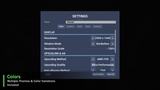
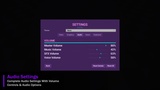
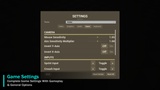
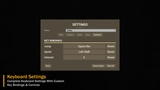
⚙️ Complete Data-Driven SettingsNiceMenu includes approximately 35 ready-to-use settings organized into 5 categories:
🎥 Video
🎨 Graphics
🔊 Audio
🎮 Game
⌨️ Keyboard
Examples include:
🖥️ Resolution
⚡ VSync
🚀 Upscalers — FSR / XeSS / DLSS
🔍 Sharpening
🎞️ Film Grain
🎯 Aim Sensitivity
🖱️ Hold / Toggle Aim
🏃 Hold / Toggle Crouch
🔧 And more
Settings are applied and saved automatically, with both per-section Reset and Reset All functionality.
⌨️ Enhanced Input Key RemappingThe Keyboard tab uses Unreal Engine's Enhanced Input system for genuine in-game key rebinding.
Players can:
🔄 Rebind actions by simply pressing a new key.
↩️ Reset individual bindings.
💾 Automatically persist their custom key bindings.
🎮 Easily configure controls for their preferred playstyle.
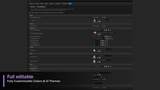
Give your game the look it deserves with multiple visual themes and customizable UI styles.
🎨 Choose from different color variations and adapt the interface to match your game's visual identity.
💾 Persistent SettingsNiceMenu handles persistence automatically, allowing player preferences to remain saved between game sessions.
No need to rebuild common menu systems or manually implement every settings workflow from scratch.
🧩 Built For DevelopersNiceMenu is designed to provide a complete foundation while keeping customization in your hands.
Install → Launch → Test → Customize → Ship.
Spend less time rebuilding menus and more time developing your game. 🎮