Description
Alice Unreal Tools is a lightweight Unreal Editor code plugin that helps developers inspect and manage basic Unreal project information from one simple editor window.
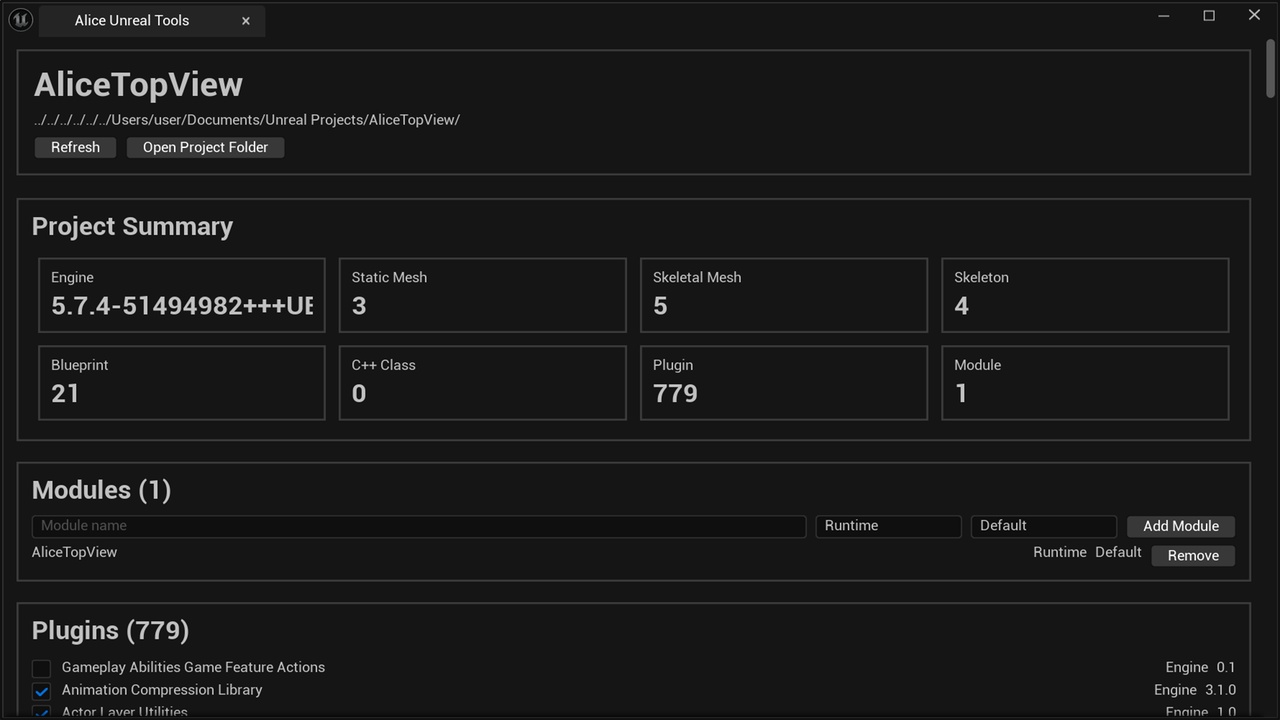
The plugin adds an Alice Unreal Tools entry to the Unreal Editor Tools menu. From there, you can quickly review project stats, module entries, plugin states, source-code structure hints, and safe cleanup targets without leaving the editor.
Main Features:
• Project Summary
View useful project information such as Engine version, Static Mesh count, Skeletal Mesh count, Skeleton count, Blueprint count, C++ class count, Plugin count, and Module count.
• Module Overview and Basic Module Management
Display the Modules array from the .uproject file.
Add a new project module with basic source files.
Remove a module entry from the .uproject file without deleting the source files from disk.
• Plugin State Overview
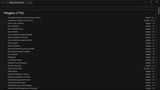
List plugins detected by Unreal Engine.
Toggle plugin enabled states and save the result to the .uproject Plugins array.
Editor restart may be required after changing plugin states.
• Code Structure Hints
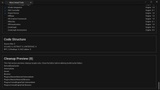
Scan the Source folder and show basic code-structure information such as source file count, UCLASS, USTRUCT, UINTERFACE, RPC, Binding, and GAS keyword counts.
• Cleanup Preview
Preview common cleanup targets such as Intermediate, Saved, Binaries, .vs, and DerivedDataCache.
For safety, this version only shows cleanup candidates and does not delete files while the editor is running.
Design Goals:
Alice Unreal Tools is designed to be simple, practical, and safe.
It focuses on showing useful project information clearly, limiting project edits to visible .uproject changes, and avoiding risky file deletion. It is intended for Unreal Engine developers who want a quick editor-side overview of project structure, plugin usage, modules, and cleanup candidates.
How to Use:
1. Place the plugin folder under your Unreal project’s Plugins/AliceUnrealToolsFab directory.
2. Open the Unreal Editor.
3. Enable the plugin.
4. Open Tools > Alice Unreal Tools from the editor menu.
Important Notes:
• This is an editor utility plugin.
• Some plugin changes may require restarting the Unreal Editor.
• Module removal only removes the module entry from the .uproject file. It does not delete source files.
• Cleanup Preview is a preview-only safety feature and does not delete files automatically.