
Описание
Unreal Capability Mesh (UCM) is a multi-interface connector for Unreal Engine plugins. It lets editor plugins discover each other and pass data through declared routes, without hard compile-time dependencies between them.
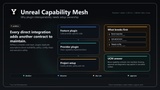
Instead of wiring feature plugins together in C++, hoping module dependencies stay in sync, or rebuilding a bridge every time a new tool is added, this plugin gives you a dedicated workflow for connecting plugin inputs and outputs. You describe capabilities, endpoints, schemas, rules, and routes as JSON manifests under Config/UnrealCapabilityMesh/, and the generic runtime discovers providers, connects compatible ports, validates schemas and policies, plans safe pipelines, and writes local diagnostics.
The connector speaks several invocation interfaces — reflection functions, file contracts, and modular-feature providers — so one route can chain calls across different plugins regardless of how each one exposes its work. It also includes a generic DataAsset/DataTable administration surface and a whitelisted configuration administration surface, both driven by the same declared routes and safety model.
It is designed for Unreal Engine plugin developers, tools programmers, technical directors, pipeline engineers, and teams that maintain several editor plugins and want clean, reviewable interoperability as project data instead of glue code.
What You Get:
A generic C++ connector with no product-specific bridge logic.
JSON manifest contracts for capabilities, endpoints, schemas, rules, routes, transforms, and adapters.
Discovery that validates manifests and reports capability availability.
A safe route planner and executor driven by a side-effect policy and rule set.
Multiple invocation interfaces: reflection functions, file contracts, and modular-feature providers.
A generic DataAsset/DataTable administration surface (export, import, sync) callable as JSON.
A whitelisted configuration administration surface for UObject config, UObject instances, and JSON files.
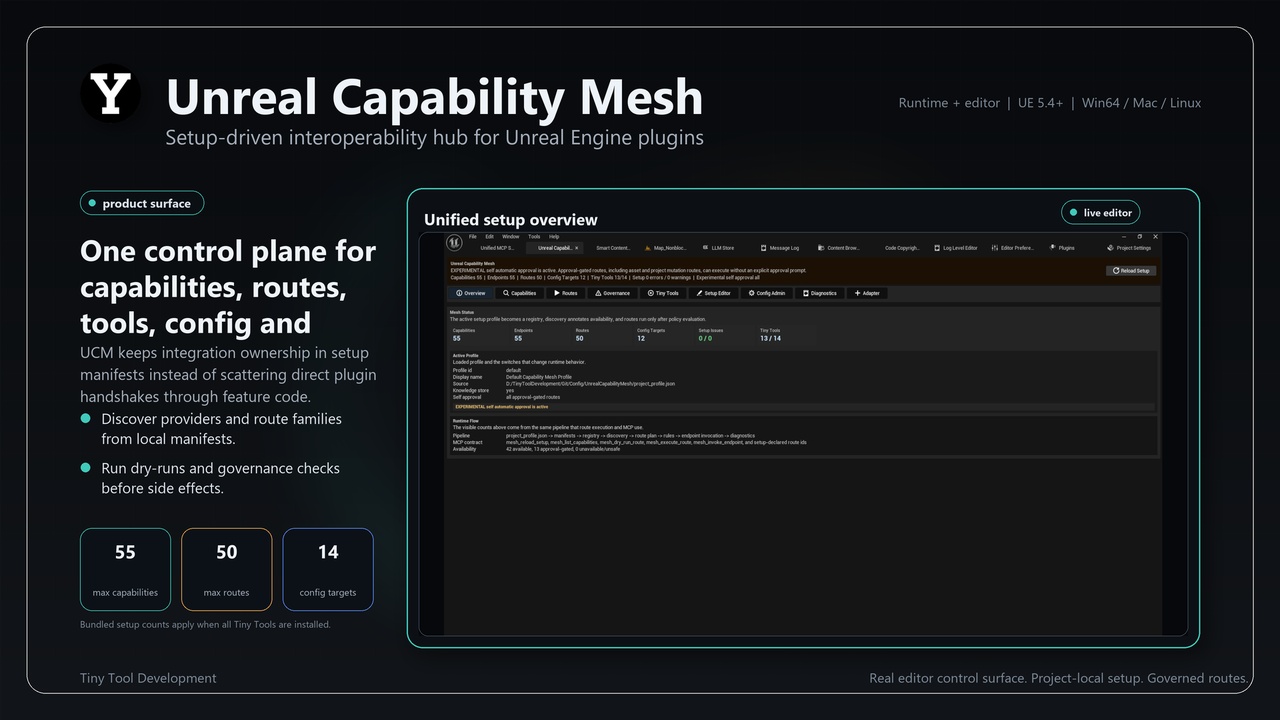
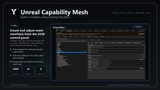
A Tools-menu editor control panel for reload, discovery, diagnostics, dry runs, and adapter authoring.
Local diagnostics written under Saved/UnrealCapabilityMesh/.
An optional MCP gateway so external hosts can operate and administer the connector — reload, inspect, dry-run, execute routes, and read/write whitelisted config.
Example ecosystem manifests and documentation.
The plugin does not add runtime gameplay code and is intended for editor and pipeline interoperability.
⭐ Key Features
Setup-driven, dependency-free connector:
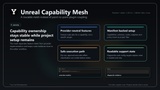
Integrations are declared in project JSON, not compiled into the hub. The C++ runtime never branches on partner plugin names or provider-specific capability ids.
Manifest-based capability contracts:
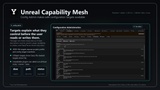
Declare capabilities, endpoints, schemas, rules, routes, transforms, and adapters under Config/UnrealCapabilityMesh/. Capabilities define what a provider exposes; endpoints define how it is invoked; schemas define the data shape; rules define what is allowed; routes define ordered, checked pipelines.
Connects inputs and outputs across plugins:
Routes chain capability steps and pass a shared JSON binding context between them, so the output of one plugin can become the input of another without either plugin depending on the other.
Multiple invocation interfaces:
One invocation router connects reflection static/subsystem/CDO functions, file contracts, and modular-feature providers, so different plugins can participate in the same route regardless of how they expose their work.
Discovery and validation:
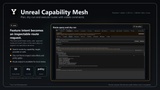
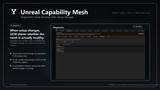
The runtime starts from project_profile.json, resolves explicit or scanned manifest paths, validates each schema_version prefix, checks required plugins, editor requirements, and supported invocation modes, then reports availability per capability.
Safe route planning and execution:
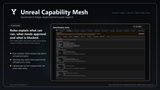
Routes are ordered, schema-checked pipelines. The planner aggregates side effects and the rule engine decides allow, approval-required, dry-run, or block. The executor keeps one shared JSON binding context across all steps.
Declared side-effect policy:
Side-effect tags such as read_only, saved_folder_write, project_config_write, asset_mutation, project_mutation, network, and ai_completion drive policy. Routes that mutate assets or project state require explicit approval supplied in the route input.
DataAsset/DataTable administration:
JSON-callable export, import, and sync of setup data through declared endpoints, with composite DataTable safety and asset_mutation only when policy allows it and approval is supplied.
Configuration administration:
A whitelisted surface reads and writes UObject config, UObject instances, or single JSON files through declared, approval-gated routes.
Editor control panel:
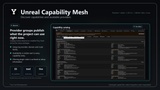
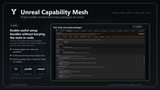
Open Tools → Unreal Capability Mesh for reload, discovery status, diagnostics, route dry runs, a plugin-grouped Route Catalog, and adapter authoring.
Adapters for third-party plugins:
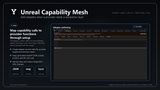
Map a provider's callable functions or file contracts into the connector through adapter manifests, without adding a direct C++ dependency to the hub. Integrate Tiny Tool Plugins directly with just one click
Optional MCP administration gateway:
A JSON gateway lets external MCP hosts operate and administer the connector: reload setup, list capabilities, dry-run and execute routes, and read or write whitelisted plugin settings and project config files through approval-gated config-admin routes. MCP is optional — the connector works fully on its own — but it can be administered over MCP when you want it.
Zero bundled runtimes:
No AI model, no Python or Node.js runtime, and no standalone executable are included.
🔹 Typical Use Cases
Connecting multiple editor plugins without hard compile-time dependencies
Passing the output of one plugin into another through declared routes
Declaring safe, policy-checked routes for asset or config administration
Exporting, importing, and syncing DataAsset/DataTable setup data as JSON
Replacing one-off bridge plugins with declared manifests and adapters
Reviewing interoperability as project data before release
Teams that want a generic, reusable connector instead of bespoke glue code
🔹 Included Content
Unreal Capability Mesh plugin (UnrealCapabilityMesh, UnrealCapabilityMeshEditor, UnrealCapabilityMeshDeveloper Editor modules)
Runtime connector: loader, registries, discovery, rule engine, route planner/executor, transform engine, invocation router, diagnostics, knowledge store
DataAsset/DataTable asset administration subsystem
Configuration administration subsystem for whitelisted targets
Optional MCP gateway subsystem for operation and administration
Editor Tools-menu control panel
Example ecosystem manifests under the plugin's Config/UnrealCapabilityMesh/ (mirrored into the project on first editor startup)
Documentation folder, README, CHANGELOG, and test fixtures
🔹 Requirements & Compatibility
Engine: Unreal Engine 5.x
Tested with: Unreal Engine 5.4+ (through 5.7)
Platforms: Win64 / Mac / Linux
Code: C++ plugin with UnrealCapabilityMesh, UnrealCapabilityMeshEditor, and UnrealCapabilityMeshDeveloper Editor modules
Setup: project JSON manifests under Config/UnrealCapabilityMesh/
Runtime impact: no runtime gameplay dependency intended
🔹 Notes
UCM is a connector, not an AI stack or tool pack. It does not include AI models, prompts, providers, or agent runtimes, and it does not mutate assets by itself — mutation must be performed by a declared endpoint and allowed by policy with explicit approval. It contains no product-specific bridge logic; integrations live in manifests and adapters. Review source-control diffs after any approved mutating route.
🔹 Support
If you encounter issues or have ideas for improvements, feel free to reach out via the Fab support section or the Discord support channel. Feedback from plugin developers, tools programmers, technical directors, and teams building multi-plugin pipelines is especially welcome.
Previous versions are available on request.
🔹 Discord Support Channel