

Description
Turn the scenes you already built into social-ready 3D content.
Reel Director is a Blender 4.2+ add-on for creators making Instagram Reels, TikToks, and YouTube Shorts. Build camera moves, animate objects, create clay breakdowns, explore stylized viewport looks, and prepare output from one focused workflow.
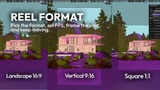
1. Reel FormatSet your output before building the shot.
Choose Vertical 9:16, Square 1:1, or Landscape 16:9. Pick HD, FHD, 4K, or 8K, set the frame rate and duration, then apply the reel format in one step.
2. Camera MovementsChoose from 32+ camera movements, generate fresh variations with Seeds, and layer cinematic FX to make every shot feel intentional.
Adjust the rig, aim, camera control, animation speed, reverse, smooth stop, focal length, depth of field, handheld motion, rack focus, and dolly zoom without rebuilding your scene.
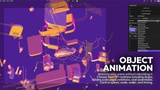
3. Object AnimationAnimate your scene without rebuilding it.
Choose from 19+ motions including drops, slides, scale pops, rotations, exploded views, float-ins, and assembly animations. Control speed, animation scale, order, stagger, reverse, and timing for single objects or groups.
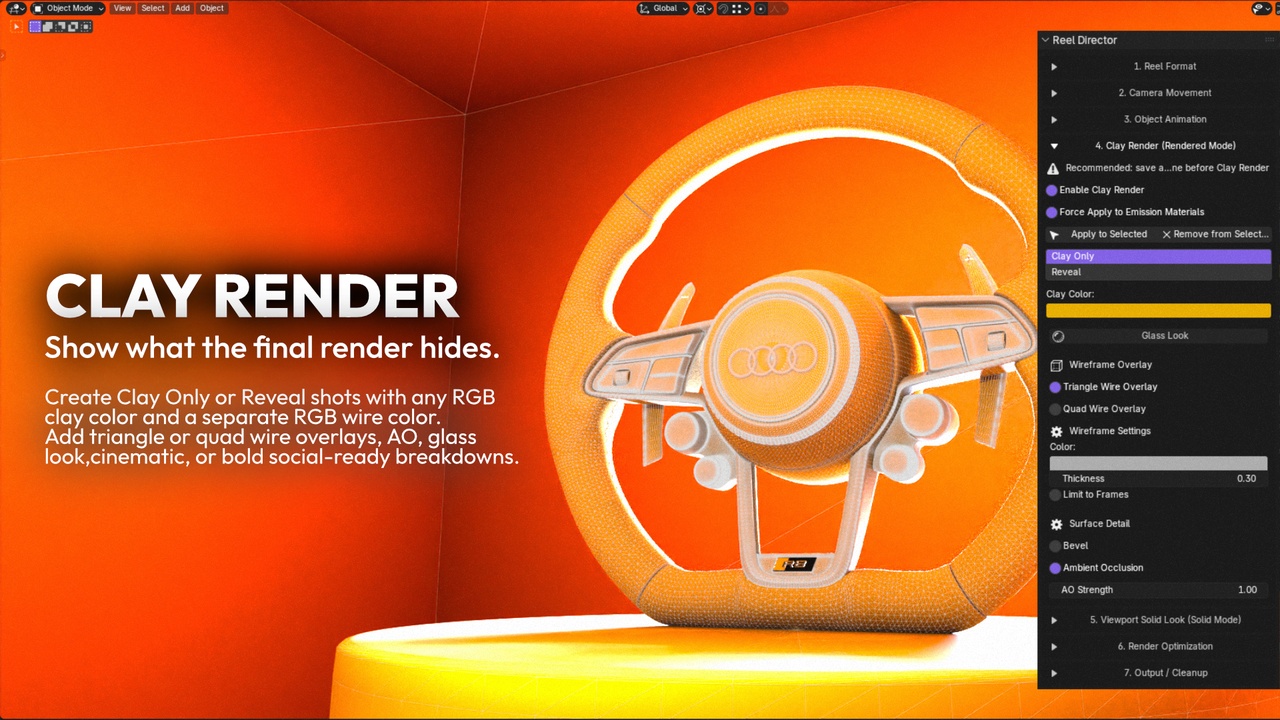
4. Clay RenderMake the breakdown the hook.
Create Clay Only or Reveal shots with any RGB clay color and a separate RGB wire color. Add triangle or quad wire overlays, ambient occlusion, glass look, bevel detail, and smooth clay-to-final transitions for cinematic or bold social-ready breakdowns.
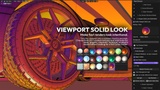
5. Viewport Solid LookMake fast renders look intentional.
Choose from 20+ curated matcaps and solid looks for clean, graphic, cinematic, technical, comic-inspired, or playful visuals. Render viewport images and videos without waiting for a full Cycles render.
Built For Existing ScenesReel Director works with the scenes you already made. Use it for product shots, automotive visuals, archviz walkthroughs, asset presentations, process content, clay reveals, and creative tests.
Reel Director creates its own camera helpers and stores backups before applying changes. Restore your object transforms, materials, and Reel Director setup when you are finished.
Blender 4.2 or newer
Works offline
No account, API, cloud service, or subscription required
Reel Director is actively developed. If you find a bug or have feedback, contact: [email protected]
Turn the Blender scenes you already have into content people stop for.