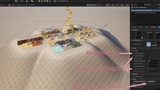
Description
Video Demo:(1) Capture & Build: Data-Driven PCG Landscape Workflow | Auto Optimization - YouTube
Tutorial(EnglishSubtitle,Human translation,Select English): https://youtu.be/NXQkxeLQS68
Video Demo and tutorial(Chinese):https://www.bilibili.com/video/BV16yeg6QEnJ/
EasyBuildScape is an editor workflow tool for turning complex LevelInstance scenes into reusable, placeable data assets and automatically generating them through PCG.
Its goal is simple:
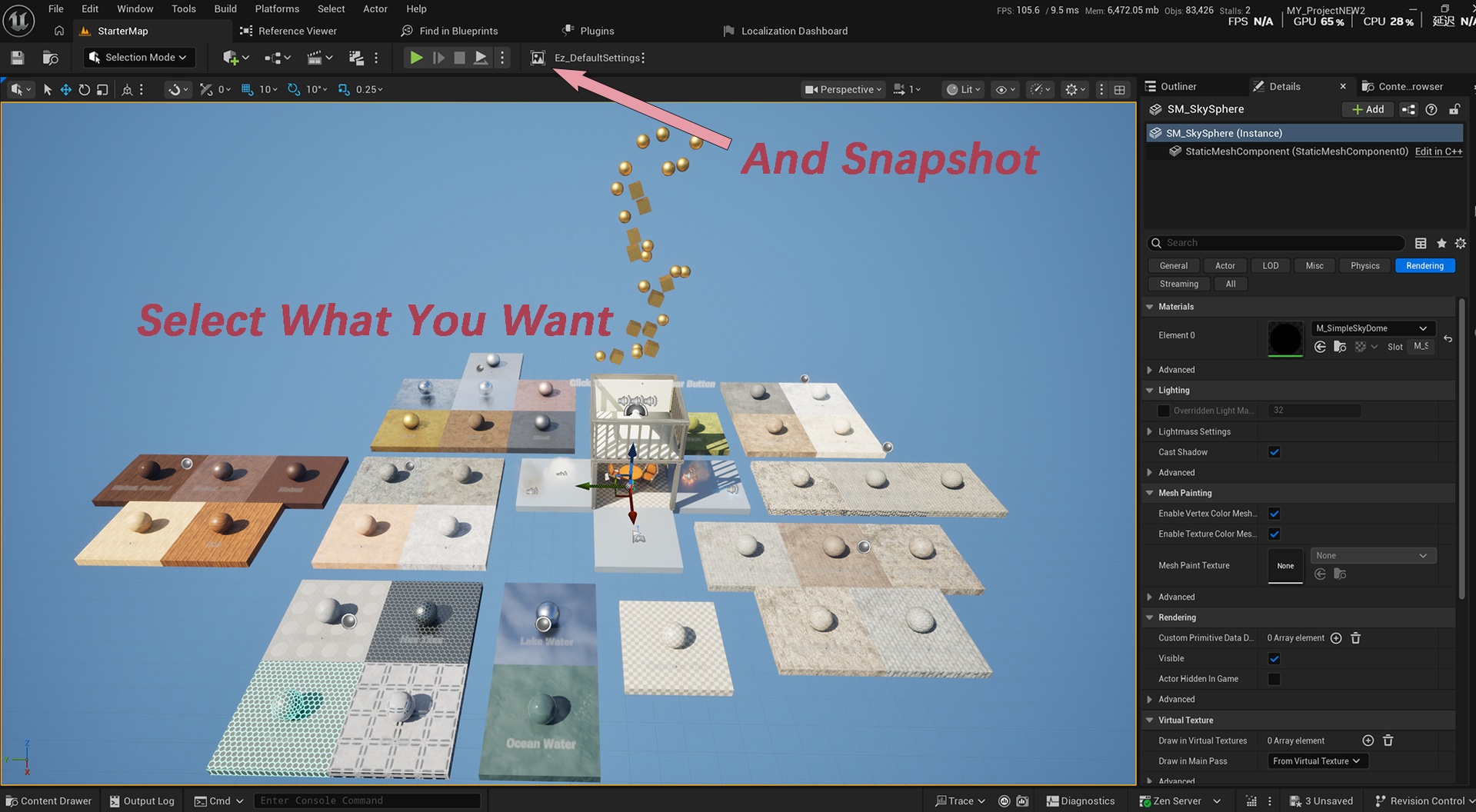
Capture a scene → Drag & Drop the Picture into the PCG Volume → PCG generates it.
No complicated manual scene optimization is required.
📸 Capture Scenes as Assets
Select multiple LevelInstances and capture them into a placeable Texture2D scene asset.
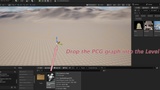
Drag the captured asset into a level with a PCG Volume, and EasyBuildScape automatically creates the required DataActor and provides the scene data for PCG to generate.
Captured DataActors can also be combined with new mesh components and captured again, allowing you to continuously build larger and more complex scene assets.
The entire process is designed to feel like working with a normal placeable asset rather than manually managing large numbers of scene objects.
⚡ Effortless Scene Optimization
Many environment assets are designed primarily for visual quality and may contain large numbers of individual scene objects without being optimized for large-scale placement.
EasyBuildScape turns these arrangements into a PCG-driven, data-oriented workflow, helping reduce unnecessary scene-object overhead while keeping the placement workflow simple.
In other words:
Let EasyBuildScape handle the optimization instead of optimizing every scene by hand.
The result is a workflow designed for efficiently handling large numbers of repeated or complex scene arrangements.
🌄 Automatic Landscape Integration
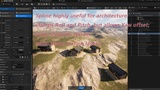
EasyBuildScape can automatically modify landscape height to smoothly integrate generated meshes with the terrain.
Two modes are available:
Per-Mesh Smoothing — each mesh can independently shape the landscape while smoothly blending with neighboring meshes.
DataActor Smoothing — each DataActor can be treated as a whole, generating a convex polygon area with a flat interior.
Multiple DataActors can smoothly blend together, helping eliminate abrupt terrain breaks and cliff-like transitions between generated areas.
You can also automatically draw a Landscape Weight Layer by simply specifying the Weight Layer Name.
Change what you need. Update only what changed.
EasyBuildScape is designed around incremental updates to minimize unnecessary rebuilding and keep the editor responsive while working with complex scenes.
⚠️ Component Compatibility
EasyBuildScape does not capture every type of component.
The following components are currently not supported for scene capture:
DynamicMeshComponent/SplineMeshComponent — cannot be represented by the ISM-based generation workflow.
Light Components — their instance-specific parameters are too extensive for efficient instancing. If you need to include lights in a captured scene, consider using a Niagara System with a Niagara Light Renderer instead.
Legacy Particle System Components — Capture but do not Generate. if you need to generate legacy particle effects, you can convert them to Niagara Systems using Epic's official conversion tools or plugins. Then replace the old Assets。
🌀 Enhanced PCG Spline
EasyBuildScape includes an enhanced version of the official PCG Spline workflow.
In addition to standard PCG spline point generation, it can automatically draw:
Landscape Height
Landscape Weight
The terrain changes are smoothly blended, making it particularly useful for treating buildings or other mesh groups as a single structure.
🧩 Simple Data Management
The underlying scene data is stored inside DataAssets and is intentionally kept out of the main workflow.
For normal use, you can simply capture and place your scene assets without opening or managing the underlying DataAssets.
When working with very large amounts of scene data, DataAssets should be organized into reasonable batches if you need to open them for editing or inspection, as extremely large datasets can require a significant number of editor controls to be created at once.
In normal placement and generation workflows, this does not require manual interaction with the underlying data.
🔄 A Data-Oriented Scene Workflow
EasyBuildScape is built around a simple idea:
Turn scene arrangements into reusable data, then let PCG handle the generation.
Capture existing scenes, combine them with new components, capture them again, and create new reusable scene assets without rebuilding the entire arrangement manually.
Required Plugins: PCG is required for this plugin to function correctly.