
Açıklama
Now available for UE 5.6, 5.7, and 5.8
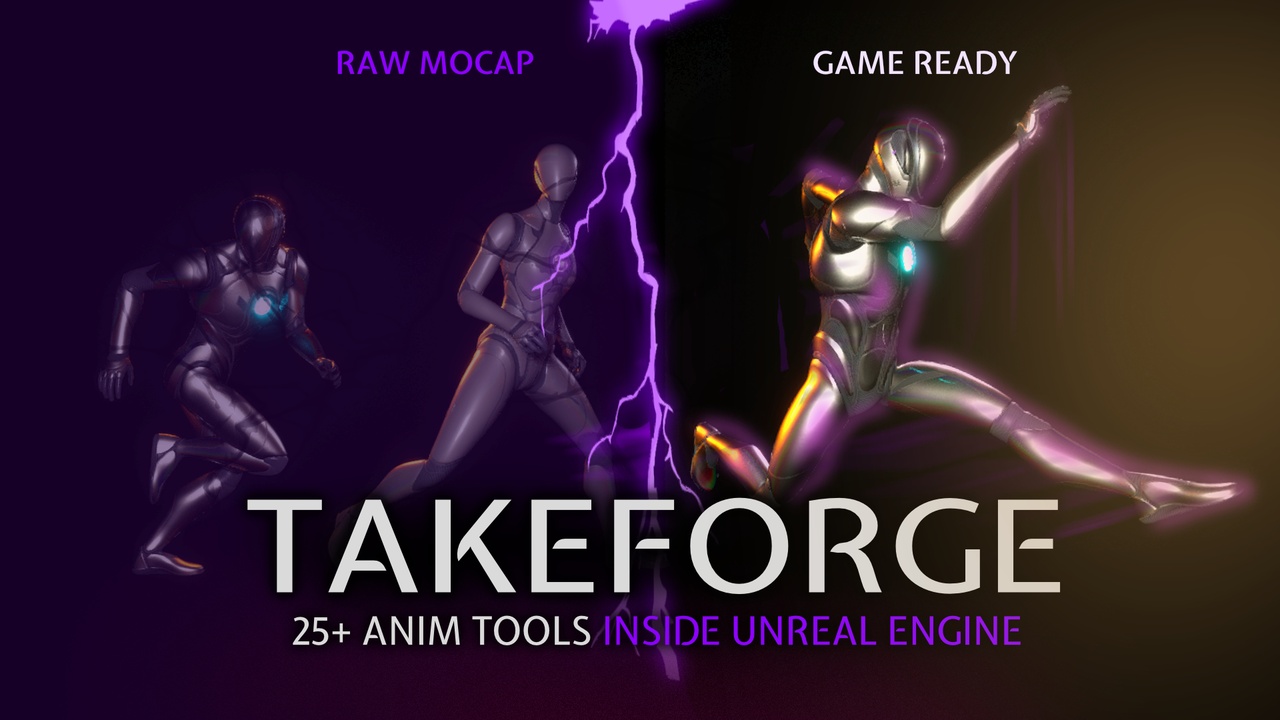
Raw motion capture rarely arrives game-ready.
The root stays at the origin while the pelvis carries the character across the scene. Feet slide or float. Takes need trimming, mirroring, retiming, looping, markers, curves, cleanup, or conversion to in-place motion. Fixing all of that usually means bouncing between Unreal, Blender, Maya, scripts, and multiple plugins.
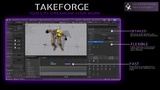
TakeForge brings 25+ baked animation tools directly into the Unreal Editor.
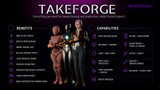
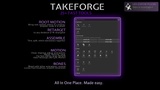
Generate accurate or smoothed root motion. Remove travel for in-place animations. Lock feet to the ground. Detect foot plants. Add sync markers and footsteps. Mirror, reverse, trim, split, stitch, retime, loop, smooth, graft bones, retarget entire batches, and more.
Everything is baked directly into standard Animation Sequence assets.
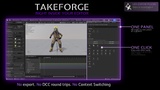
No FBX round-trips. No runtime nodes. No runtime overhead. No dependency in your packaged game.
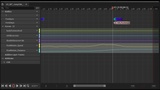
TakeForge works from the Content Browser, directly inside the Animation Editor, or through its Python, Blueprint, and editor C++ APIs.
We originally built TakeForge for our own production mocap pipeline. We still use it ourselves, and the tools continue to be improved and polished around real production needs.
Last version brought:
New features in 1.22: now there are tools that help you with Motion Matching animations preparation (syncing foot IK). Fingers retargeting from Mixamo assets is fixed, more docs and menus added.
RESOURCES
Documentation: Our Detailed DocumentationVideo: Intro to plugin
NOTE
Requires the IK Rig plugin, which ships with Unreal Engine. TakeForge enables it automatically — it's required for the Retarget Takes feature and the plugin will not compile without it.
DETAILS
WHERE IT LIVES
• Right-click any selection of Animation Sequences in the Content Browser — batch
processing across a whole folder.
• A dockable TakeForge tab inside every Animation Editor, acting on that editor's
own animation. Dock it once and it persists in your Persona layout.
• A standalone panel driven by your Content Browser selection.
• A full scripting API — every action callable from Python, Blueprint and editor
C++ for whole-library automation.
ROOT MOTION
• Exact Root Motion — the root follows the pelvis 1:1; the capsule reproduces the
mocap travel precisely, and the visible pose is untouched.
• Smoothed Root Motion — the root follows a cleaned, gameplay-friendly trajectory.
• In Place — travel removed for blendspaces, with the original speed preserved as
curves so gameplay can still read it.
Every processed take also gets foot sync markers at each heel strike, plus
RootMotion_Speed and RootMotion_Distance curves — so the output drops straight into
blendspaces, sync groups, stride warping and distance matching.
THE TOOLKIT
Cut & assemble
• Extract or remove either side of the playhead, directly from the panel
• Trim to Range — by frame, or relative to a notify or sync marker
• Split into Segments — one recording into many assets
• Stitch Takes — append one take after another with a baked crossfade and
continuous root motion
Motion
• Mirror — baked left/right copy; bones, root motion and sync markers swap sides
• Reverse — baked backwards take, notifies and curves included
• Make Loopable — blends the clip's end into its start pose
• Find Best Loop — searches for the window whose endpoint poses and velocities
match best, then trims and loops it
• Foot Lock — pins each foot while it's on the ground with a baked two-bone leg IK,
and can put floating or sinking feet back on the floor
• Align Travel Direction, Start at Origin
• Retime to Speed — an exact cm/s for blendspace placement
• Speed Ramp — variable playback speed baked from control points
• Foot sync markers and footstep notifies, placed at every detected foot plant
Bones
• Graft Bones — splice another take's motion onto chosen branches, or layer it
additively
• Isolate Bones — keep chosen branches animated, or clean exactly those
• Smooth Bones — Gaussian smoothing on chosen branches, whole clip or frame windows
Retarget
• Retarget Takes — batch retargeting from your Content Browser selection, by target
skeleton or IK Retargeter. Settings are remembered, and the output can be cleaned
up in the same pass.
Review
• Check Take — travel, speed, foot plants, ground contact and loopability at a glance
• Fix Track Order — repairs out-of-order bone tracks, a common cause of root motion
that previews correctly but plays in place at runtime
Sync Foot IK (crucial for Motion Matching) — gives you foot ik curves (contact_l and contact_r) that are used by motion matching engine
TECHNICAL DETAILS
Features:
• 25+ baked animation operations on AnimSequence assets
• Batch processing from the Content Browser
• Dockable panel in every Animation Editor, plus a standalone panel
• Automatic foot sync markers and speed/distance curves
• Python, Blueprint and editor C++ API
• Non-destructive by default — every action can write a suffixed copy
Code Modules:
• TakeForgeEditor (Editor)
Number of Blueprints: 0
Number of C++ Classes: 21
Network Replicated: No
Supported Development Platforms: Windows, macOS
Supported Target Build Platforms: N/A — editor-only, never ships in packaged builds
Documentation: https://docs.ananta-studio.com/takeforge/
Important / Additional Notes:
• Editor-only plugin. It processes assets in the editor; nothing is added to your
packaged game and there is no runtime overhead.
• Works with any humanoid skeleton. MetaHuman and UE5 mannequin bone names are
detected automatically; anything else is configurable in Settings.
• Cross-rig retargeting uses Unreal's own IK Retargeter, so an IK Retargeter asset
for the rig pair is required for that mode.
• Full C++ source included.
Assets used on the infographics and screenshots are not included. The plugin is a plugin with the source code.