
Opis
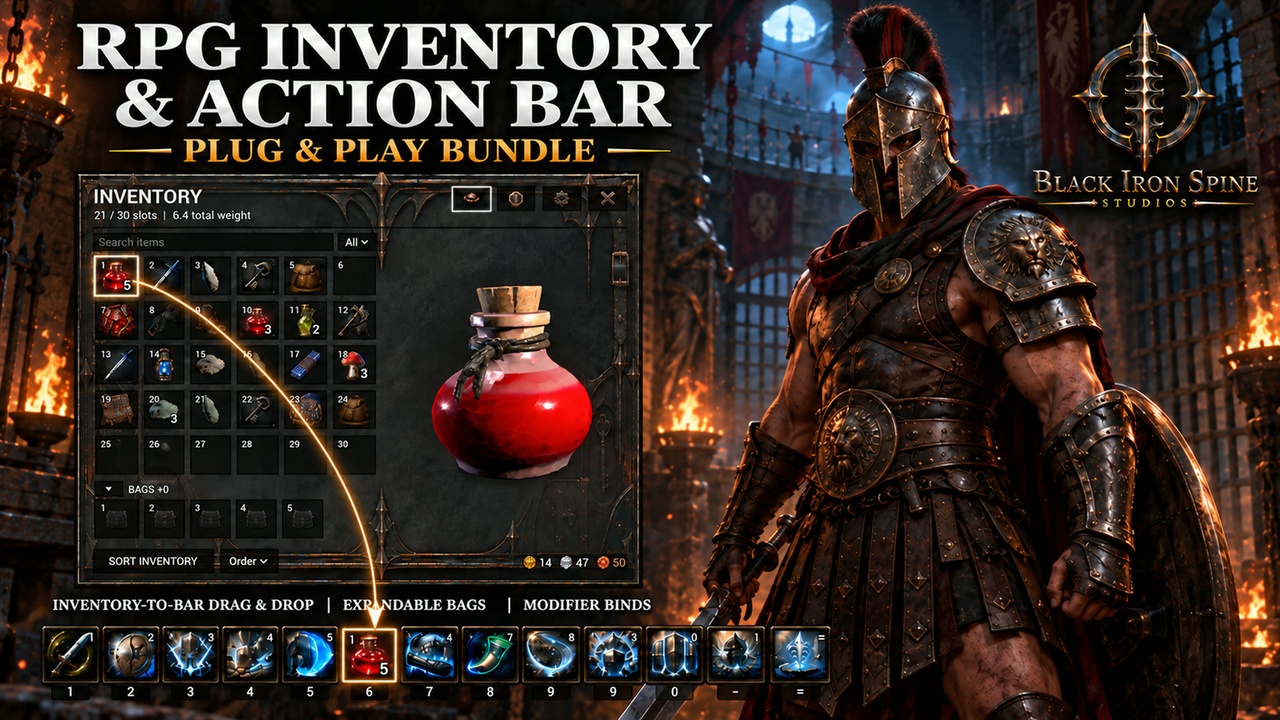
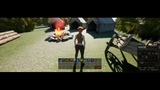
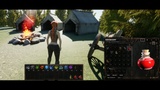
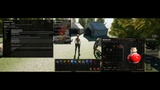
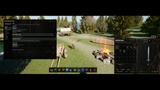
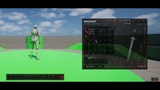
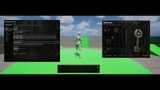
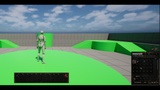
Build a flexible RPG HUD without wiring separate inventory and hotbar products together. RPG Action Bar & Inventory System: Plug & Play combines the complete BIS RPG Action Bar and RPG Inventory & Bag System with a shared coordinator that starts both systems automatically and lets supported inventory items move directly onto the action bar.
ACTION BAR SYSTEM
• Create up to five independent bars with 1–24 slots per bar.
• Use horizontal, vertical, or grid layouts with adjustable slot size and spacing.
• Drag, reorder, and swap assigned actions at runtime.
• Display keyboard, mouse, controller, and modifier-chord bindings.
• Show cooldowns, charges, labels, and synchronized item stack counts.
• Save and restore named layout profiles.
• Customize window scale, opacity, borders, art, and safe-zone placement.
INVENTORY AND BAG SYSTEM
• Start with a 30-slot inventory and expand capacity with five bag sockets.
• Search, filter, and sort items at runtime.
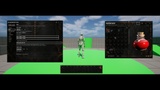
• Inspect supported items in an integrated 3D preview viewport.
• Persist inventory contents, bag state, quantities, currency, and presentation settings.
• Extend item definitions and connect your own use, equip, ability, or gameplay effects.
BUILT-IN INTEGRATION
• Drag usable, consumable, equippable, or ability-bearing inventory items onto action-bar slots.
• Item shortcuts use the inventory as the authoritative owner and keep stack counts synchronized.
• Both systems share a compact launcher bar and preserve their established public modules, APIs, asset roots, and save identities.
• Compatible Black Iron Spine systems are discovered at runtime through optional public contracts; no other BIS product is required.
INCLUDED
• Complete Action Bar Kit runtime module.
• Complete Inventory Kit runtime module.
• Action Bar Inventory coordinator module.
• C++ source and Blueprint-facing APIs.
• Buyer setup, architecture, compatibility, launcher, and component documentation.
• Five 3D item models: Health Potion, Silver Blade, Cobalt Shard, Ancient Key, and Vintage Leather Backpack.
NOT INCLUDED
• The BIS UI showcase project, forest environment, characters, tents, carts, camp props, or other scenery shown in media.
• Any additional 3D items visible in the BIS UI showcase beyond the five models listed above.
• The separate Loot, Vendors & Economy, Character & Equipment, Menu, Quest, Combat, Crafting, Dialogue, or Maps systems.
• Ready-made combat damage, ability effects, equipment-stat logic, multiplayer replication, or an online backend. Public hooks are provided for your game to implement these rules.
INSTALLATION
Copy the single ActionBarInventoryKit plugin folder into your project's Plugins folder, enable RPG Action Bar & Inventory System: Plug & Play, restart the editor, and press Play. Do not install the separate Action Bar Kit or Inventory Kit plugin folders in the same project because this product already contains both modules.
COMPATIBILITY
• Unreal Engine 5.8
• Win64
• Code plugin with included source
• Keyboard, mouse, and controller input
• No third-party runtime libraries
VERSION AND UPDATES
Initial release: 1.0.0. Black Iron Spine Studios plans ongoing numbered product updates, with later releases numbered 1.1, 1.2, and onward. Timing and scope are not guaranteed.
Selected promotional imagery and selected included demonstration models were created with generative tools and then integrated, configured, and tested by Black Iron Spine Studios. Product UI captures show the working plugin. See the Included and Not Included sections for the exact deliverables.
SUPPORT & REFUNDS
Questions or technical issues: [email protected]. Purchases and refund requests are handled through Fab under its refund policy.
STUDIO WEBSITE
Explore Black Iron Spine Studios: Official studio website
BUYER GUIDE
Install steps, controls, integration boundaries, and support: BIS RPG Action Bar & Inventory Buyer Guide.