설명
Dependency-aware unused-asset auditor for the UE5 Content Browser. Finds assets with zero references anywhere in /Game/ -- following hard and soft references -- and lets you safely quarantine them before ever deleting anything.
FeaturesDry-Run Audit before anything changes -- itemized preview with reclaimable disk space, logged to Saved/ProjectCleaner/ as .txt and .csv
True project-wide reachability analysis, not just "no referencers in this folder" -- treats Levels, Asset Manager primary assets, and protected folders/classes as roots
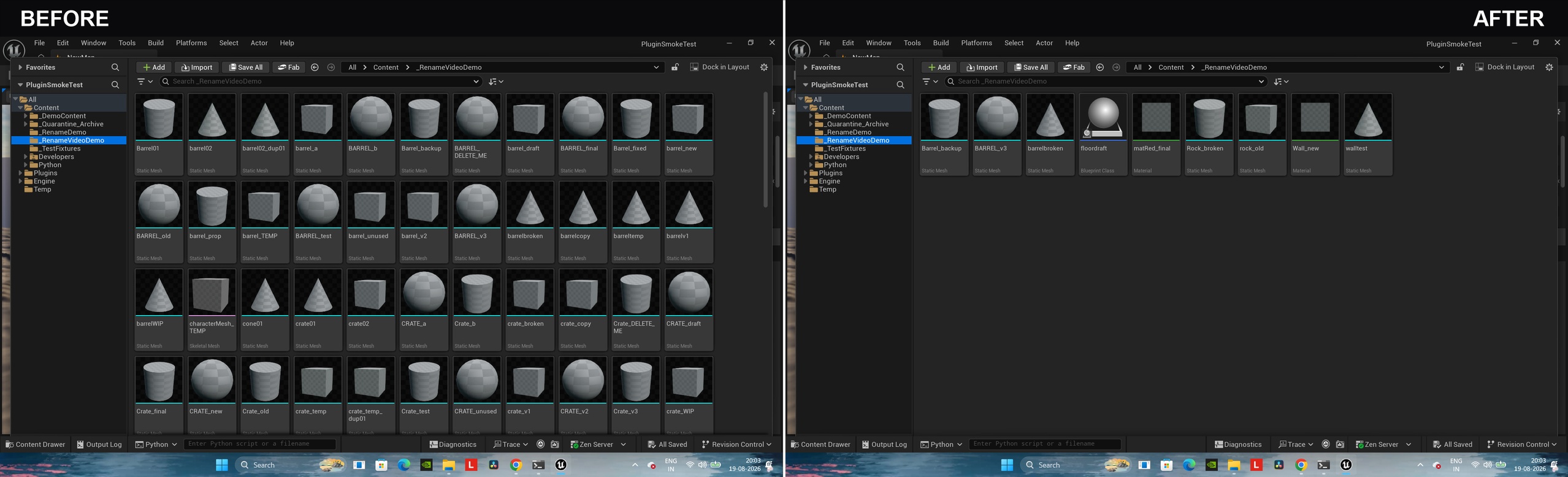
Safe quarantine instead of instant delete -- flagged assets move to /Game/_Quarantine_Archive/, preserving folder structure
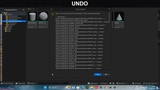
Real batch undo ("Undo Last Quarantine Batch") since asset moves aren't tracked by Ctrl+Z
Permanent Delete step that re-verifies nothing references the assets first, requires explicit confirmation, and is not undoable
Circular hard-reference dependency detector (Tarjan's SCC algorithm) as a separate, read-only, whole-project scan
Fully configurable via cleaner_rules.json -- protected folders/prefixes/classes and which reference types count as "used"
Automatic empty-folder cleanup after quarantine or delete
Requires the Python Editor Script Plugin and Editor Scripting Utilities engine plugins -- both are enabled automatically when you install this plugin, no manual setup needed
Drop the ProjectCleanerTool folder into your project's Plugins/ directory, restart the editor, and confirm it's enabled in Edit > Plugins
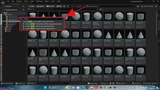
Right-click a folder and choose "Project Cleaner: Scan Folder for Unused Assets..." -- or select specific assets and choose "Project Cleaner: Scan Selected Assets..."
Review the Dry-Run Audit summary dialog and the itemized report saved to Saved/ProjectCleaner/
Confirm to quarantine the flagged assets into /Game/_Quarantine_Archive/
Test your project with the quarantine folder in place
If anything's missing, right-click any folder and choose "Project Cleaner: Undo Last Quarantine Batch..." to restore it
Once you're confident, right-click any folder and choose "Project Cleaner: Permanently Delete Quarantined Assets..." to remove them for good
Optionally, right-click any folder and choose "Project Cleaner: Detect Circular Dependencies..." for a separate, read-only scan of the whole project
Scanning and the Dry-Run Audit never change anything
Quarantine moves flagged assets to /Game/_Quarantine_Archive/ (a real rename, so the engine auto-fixes up any missed reference) and removes folders left empty by the move
Permanent Delete removes the quarantined assets from disk for good -- only run this after you've verified your project still works
Creates/updates Saved/ProjectCleaner/ (audit reports) and cleaner_rules.json (your rules config) -- neither affects gameplay or content