
Description
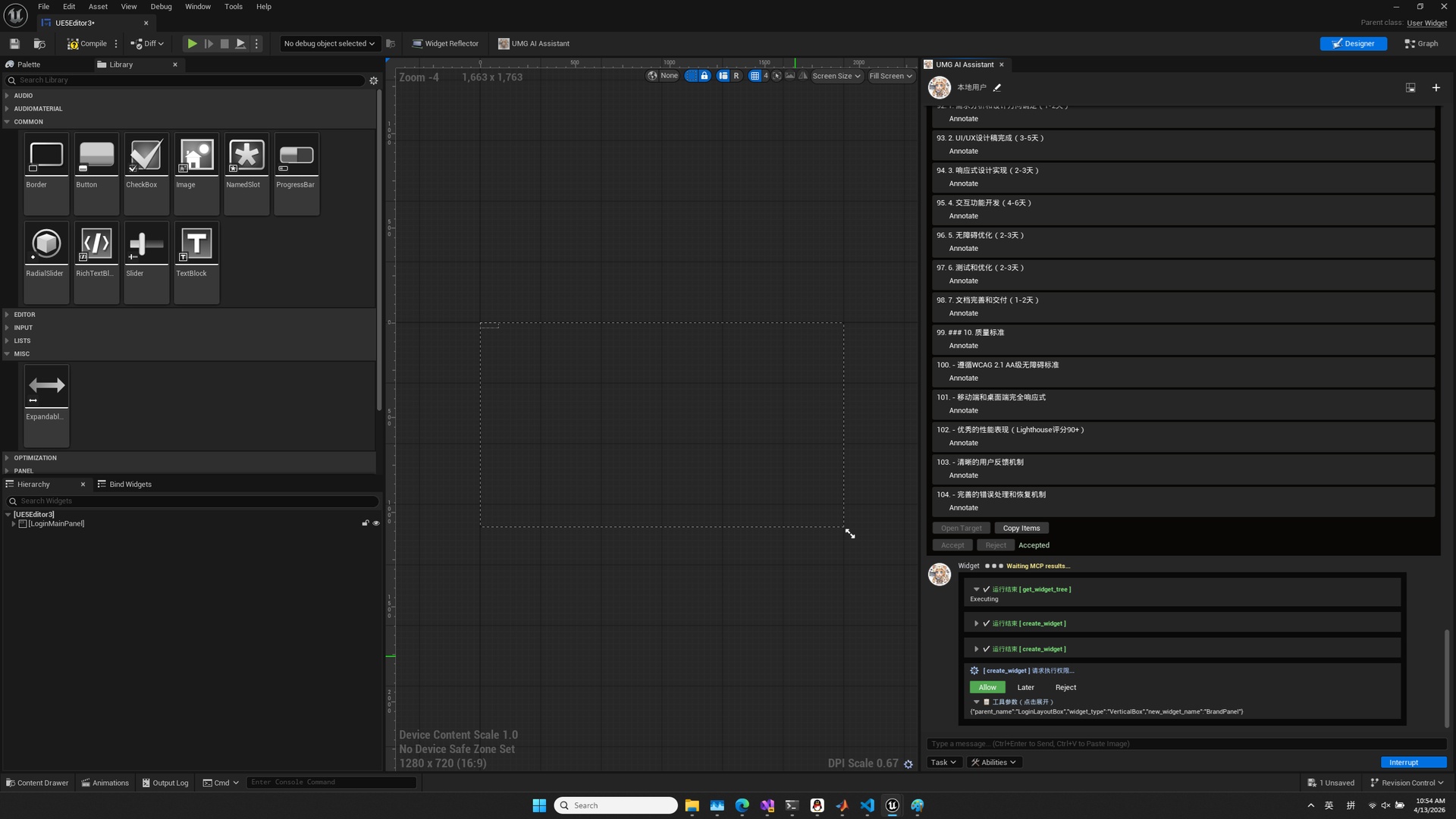
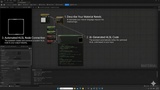
Unreal Motion Graphics MCP is an AI-assisted editor automation toolkit for Unreal Engine UMG, Blueprints, animations, Sequencer, materials, custom HLSL, assets, actors, and levels. It gives AI assistants structured, editor-aware operations instead of unsafe binary asset edits.
QUICK FACTS
- Unreal Engine 5.6, 5.7, and 5.8 on Win64.
- 89 public external MCP tools in 8 workflow groups.
- Native Fab workflow runs inside Unreal Editor and requires no Python installation.
- Optional external MCP bridge supports Codex, Claude, Gemini, and other MCP clients.
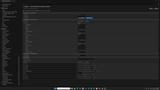
- Multi-editor discovery, multi-client sessions, dynamic ports, structured diagnostics, and an in-editor Debug Console.
TWO WAYS TO USE IT
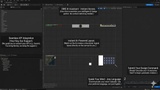
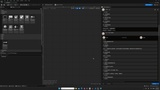
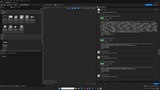
1. Native Fab route: open the in-editor UMG AI Assistant, choose a provider and Tool Mode, and work through the built-in Agent, history, approval, and task workflow. This route does not use Python.
2. External MCP route: use the included Python source bridge with an MCP client. This route is optional. You create its Python/uv environment outside the installed plugin. The Fab archives contain no Python runtime, virtual environment, Python executable, generated log, or cache.
WHAT THE 89 MCP TOOLS COVER
- Connection and sessions: discover live Unreal Editor instances, connect to dynamic ports, and inspect session state.
- Editor, assets, and context: inspect projects, assets, selections, compilation state, and editor context.
- UMG widgets and layout: read and edit widget trees, properties, slots, bindings, styles, hierarchy, naming, and target-scoped layout.
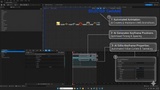
- Blueprint and BlueCode: make semantic, reviewable graph changes with planning, validation, revision checks, and protected deletion.
- Animation and Sequencer: create and edit UMG animations, tracks, keys, transforms, and timing.
- Materials and HLSL: create and edit material graphs, expressions, parameters, and custom shader code.
- Levels and actors: inspect and modify actors, components, and level context.
- Validation and reliability: structured results, explicit destructive actions, save/compile flows, diagnostics, and rollback-aware operations.
FAB AND OPEN SOURCE
Both editions share the public MCP core. The open-source repository is for the source-based external MCP workflow and community development. The Fab edition adds packaged UE 5.6/5.7/5.8 builds, Epic Launcher installation and updates, the native in-editor AI workflow, providers and Agents, conversation history, Tool Modes, local LiteRT-LM integration, and product support.
Use source control and start with read-only inspection before requesting incremental edits, as with any editor automation tool.
Complete documentation, setup paths, Fab/open-source comparison, architecture, and searchable 89-tool catalog:
https://winyunq.github.io/UnrealMotionGraphicsMCP/
Source repository:
https://github.com/winyunq/UnrealMotionGraphicsMCP
Unreal MCP support Discord: