Descrizione
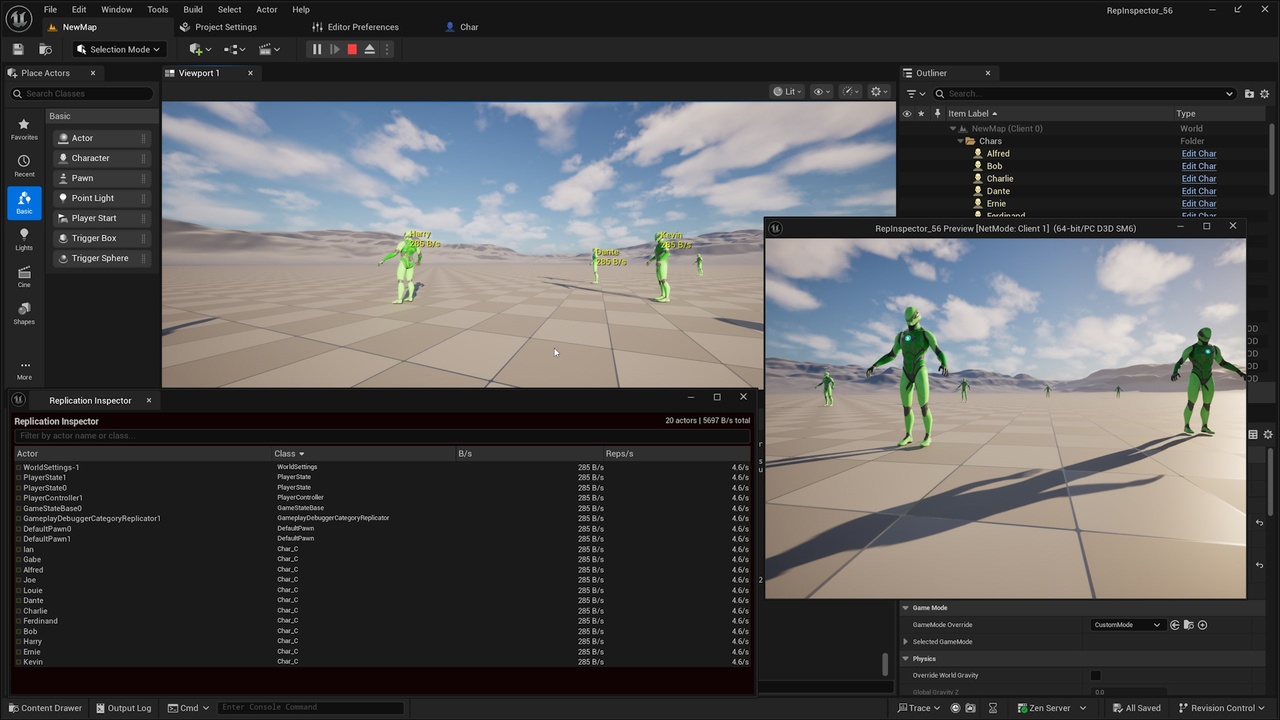
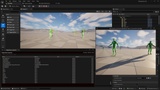
Replication Inspector is a developer tool plugin that adds a real-time overlay to your Unreal Engine viewport, showing exactly which actors are replicating, how much bandwidth each one uses, and how often they replicate.
Stop guessing which actors are eating your network budget. Press F10 during a PIE session and immediately see color-coded bandwidth data for every replicating actor in your game.
What it does:
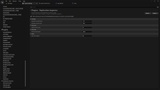
- Displays a scrollable overlay panel listing all replicating actors with bandwidth (B/s) and replication frequency
- Color-codes actors by cost: green (healthy), yellow (investigate), red (over-replicating)
- Click any actor in the overlay to select it in the editor viewport
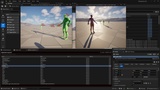
- Shows floating world-space labels above high-cost actors so you can spatially locate problems
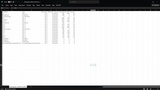
- Exports replication snapshots to CSV for offline analysis and team sharing
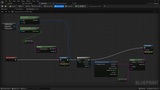
- Fires Blueprint-accessible events when bandwidth thresholds are exceeded
- Supports multi-PIE sessions with NetDriver selection
What it replaces:
- Manually running `stat net` and parsing CLI output
- Offline Network Profiler sessions that break your flow
- Guessing which actors are responsible for bandwidth spikes
Who it's for:
- Multiplayer game developers who want visual, real-time replication feedback
- Technical designers debugging net behavior without deep engine knowledge
- Teams optimizing bandwidth for competitive or large-scale multiplayer games
Technical highlights:
- Works with Legacy replication, ReplicationGraph, and Iris (experimental)
- Zero engine modifications — polls UActorChannel data through public API
- Lightweight: samples at configurable intervals (default 100ms), not every frame
- All thresholds configurable in Project Settings
- Editor/Development builds only — zero overhead in Shipping builds
Documentation: