설명
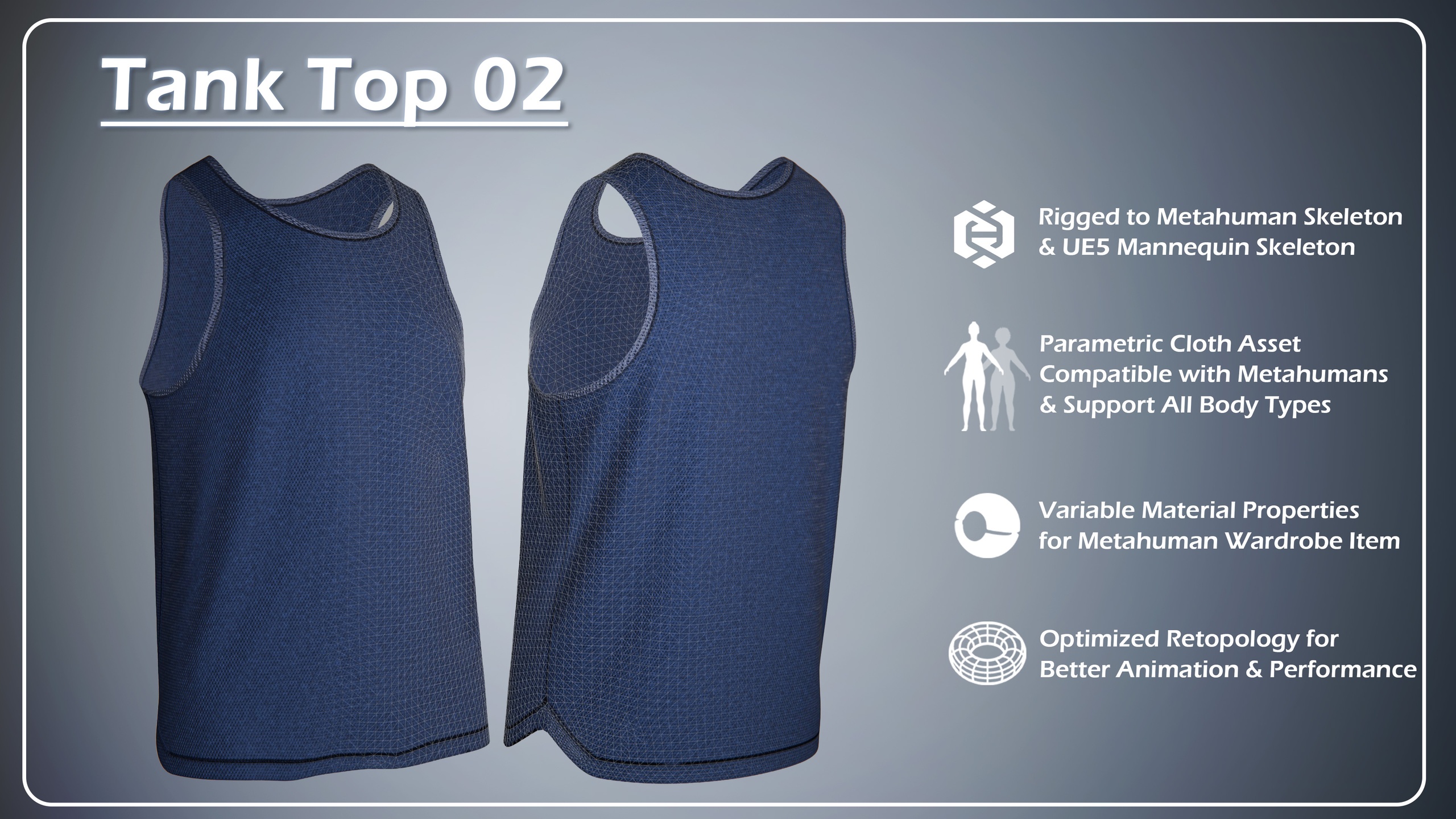
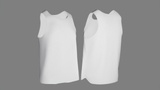
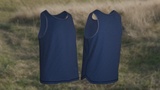
3D MODEL OF Tank Top 02
______________________________________________________________________________
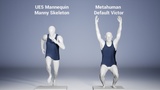
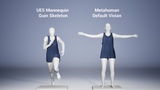
Rigged to Metahuman Skeleton & UE5 Mannequin Skeleton
Parametric Cloth Asset Compatible with Metahuman Creator
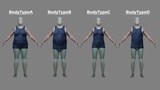
Support All Female and Male Metahuman Body Types
Variable Material Properties for Metahuman Wardrobe Item
Optimized Retopology and LODs for Better Animation & Performance
________________________________________________________________________________
This Asset Package contains these FILE FORMATS:
Unreal Engine Project 5.6 and higher Including:
Clothing: (Rigged Metahuman Wardrobe Item, Outfit Asset, Cloth Asset & Rigged Skeletal Mesh for both Metahuman Default Vivian & Default Victor and UE5 Mannequin & Original Static Mesh & Related Materials and 4K Packed Textures)
Bodies: (1 Metahuman Vivian Full Body with Skeleton & 1 Metahuman Victor Full Body with Skeleton & 1 UE5 Manny with Skeleton and 1 UE5 Quin with Skeleton)MHPKG for Metahuman Creator Including:
Clothing: (Rigged Metahuman Wardrobe Item, Outfit Asset & Related Materials and 4K Packed Textures)
Bodies: (1 Metahuman Vivian Full Body with Skeleton & 1 Metahuman Victor Full Body)
FBX - Static Mesh (Only Rigged Clothing Skeletal Mesh for both Metahuman and UE5 Mannequins, Characters NOT Included)
Blender 4 File - (Only Rigged Clothing Skeletal Mesh for both Metahuman and UE5 Mannequins, Characters NOT Included)
gltf - Static Mesh (Only Rigged Clothing Skeletal Mesh for both Metahuman and UE5 Mannequins, Characters NOT Included)
Textures - 4K PBR Packed Textures
______________________________________________________________________________
-- Click Here to Watch OVERVIEW DEMO VIDEO--
______________________________________________________________________________
How To Use MHPKG File:
Enable 'Metahuman Creator' Plugin and Restart
Create a folder called "Outfits" in your content folder, if you don't already have one. (All>Content>Outfits, or /All/Game/Outfits depending on how you are viewing it)
Create a folder in "Outfits" called "TankTop02"
Drag OA_TankTop02.mhpkg into your new "TankTop02" folder. It should unpack here.
Create and Open a Metahuman Character, Drag WI_TankTop02 into the Outfit Clothing section in MHC and double click to apply it.
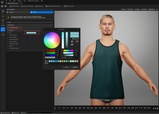
Under the Details Section, Find OA_TankTop02, then you can change the Material properties, like colors .etc
______________________________________________________________________________
FEATURES:
4K Textures
PBR Materials
Named Objects/Textures/Materials
No Default Names
No Overlapping Vertices
No Overlapping Faces
No Overlapping UVs
No Missing Textures
______________________________________________________________________________
CONTACT
If you have any questions, please contact us before making a purchase:
[email protected]
If you encounter any bugs or issues with the project, please contact us, we will resolve them free of charge.
______________________________________________________________________________