Описание
Please read the description carefully, before purchasing this project.
These are not just weapon models, the project contains all the necessary animations and logic to create your game.
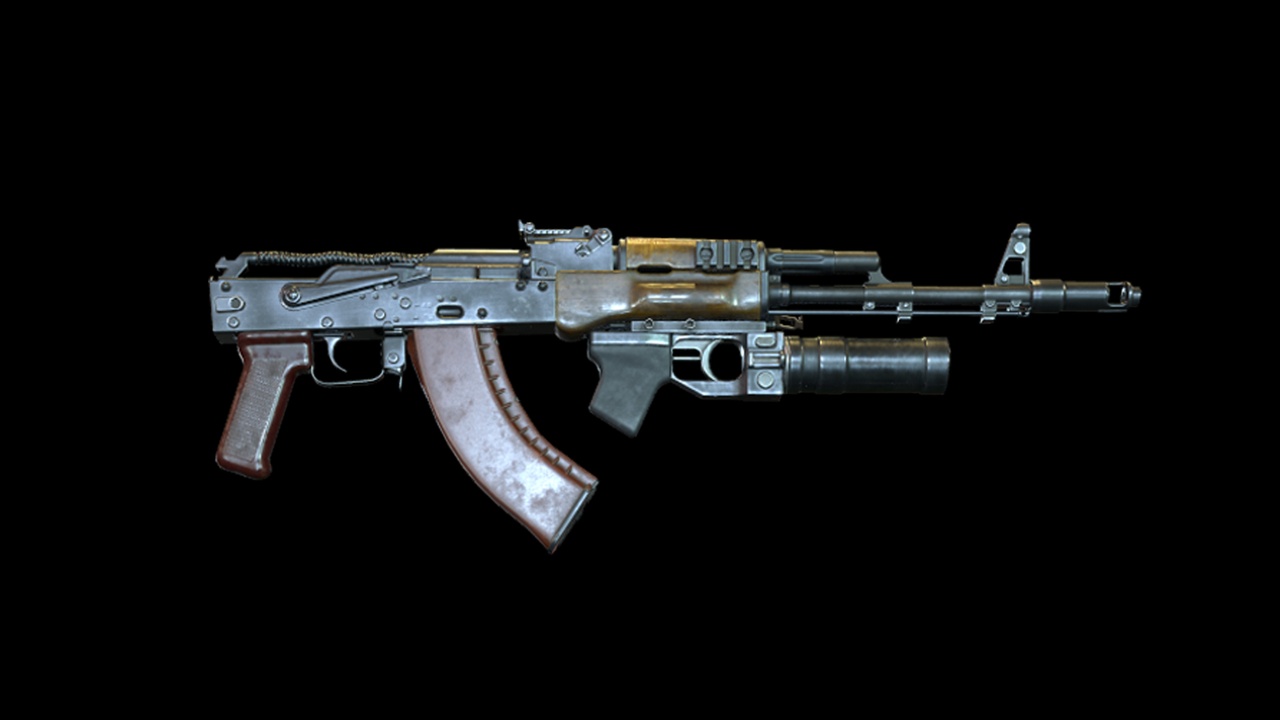
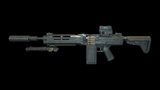
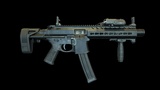
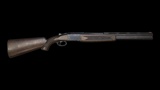
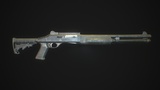
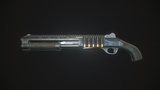
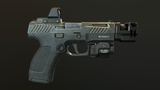
Nine skeletal weapon meshes, multiple holo sights, laser/flashlight, compensator, and suppressor.
Due to customization, you can get different views of weapons.
In addition, there are different firing modes. You can also customize the accuracy of the weapon.
This project uses a material layering system, so you can give your weapon a different look with different patterns. You can also change only a tint.
Animated for the first person.
This pack includes projects:
CGr AKMod Pack
CGr ARMod Pack
CGr PCC
CGr BASnpR
CGr FaLMG
CGr DBShotgun
CGr PAShotgun
CGr SAShotgun
CGr Handgun
This pack already includes a discount, so if you are familiar with my CGr projects and would like to purchase more weapons from my collection, this pack is a great deal. But if you are not familiar with my projects, I recommend buying any weapon from the CGr projects I offer before purchasing this weapon pack. Try to figure it out, and if you are satisfied with everything, and you still want to purchase my weapon collection, then choose this Weapon Pack.
Project "CG" stands for Customizable Guns. "r" is a remaster.
You have the main body of the weapon, which is represented by the skeletal mesh, and a variety of attachments that can completely change the look of the weapon.
Variability allows you to make weapons either classic or modern. Also (for some) short, regular, or long. Thus, we get a kind of constructor from which we can assemble different variants of the same type of weapon.
How to combine CGr projects The video was recorded for R23 and has several differences. For example, in all animation blueprints (except FaLMG), casting is replaced with interfaces.
This project uses procedural aiming.
This project uses procedural recoil.
Before purchasing the project, make sure your human skeletal mesh contains bones like "ik_hand_gun",
and "ik_hands" like an Epic's mannequin. Since most of the animations of the project actively use them.
Otherwise, the animations for your skeleton will not work correctly.
The weapon in the project is snapped on the socket of the "ik_hand_gun" bone, and this bone is used in many animations.
The project has been updated (r24). This update has several differences from the R23 remaster. Owners of the R23 project should update it to R24 to combine the projects.
R24 is already the second remaster of CG projects.
R24 The main additions of this remaster are the appearance of raindrops on weapons, procedural walking, character crouching, sliding, gun deflection when the character approaches an object, grenades were added: frag, flashbang and smoke, explosion effects, blinding effects, and concussion. Projectiles of bullets are now subject to gravity and do not fly to infinity. A system of enemy damage was added depending on the hit to body parts. For example, a hit to the head leads to the enemy's death with fewer hits than to the hand or foot.
In connection with the innovations, materials and the Data Table were changed.
The project was conceived not as a complete one, but as an asset pack. So that developers can use animation and weapon models and maybe some logic in a more advanced project.
The blueprints for this project are configured for presentation only. But advanced developers can improve it. For beginners, this project may seem complicated.
For those who decide to understand this project, you need to pay attention to custom collision presets in the project settings, and notifications in animation montages. All changes for different types of weapons must be made in the "DT_Weapon_DataTable". For your convenience, I have moved some variables from the Data Table to the weapon blueprints. This way you can change the variables and see the changes in real time. You can find them in the weapon blueprint in the construction script.
In the directory "BONUS" there are animations not implemented in the project, such as "Weapon Block Idle Animations" and "Movements".
If you decide to retarget from a UE4 mannequin to a UE5 one, then do it the proper way. Also, watch this video.
Important Note: The weapon in my project is located on the X-axis.
If you want the Y-axis, this is solved very simply - you just export the weapon model, then import it back, but with a rotation of -90 degrees on the Z-axis. You will have to do the same with the weapon animation, or manually rotate the weapon by -90 degrees in each animation, and set the key.