
الوصف
SUPPORT: Discord - bugs in #bug-report (tag Voxel Mining System), questions in #support, in English.
Voxel Mining System - real mines and working farm fields in the landscape you already have.
Dig hillside galleries and open pits into your own Unreal Engine landscape, raise ground anywhere with the soil you dug, and farm fields cell by cell on a grid in the landscape: crops through their stages and the seasons, watered, fertilised, harvested. A C++ plugin with a complete Blueprint API and an example map with five mine types and a farm of fourteen crops.
Mines
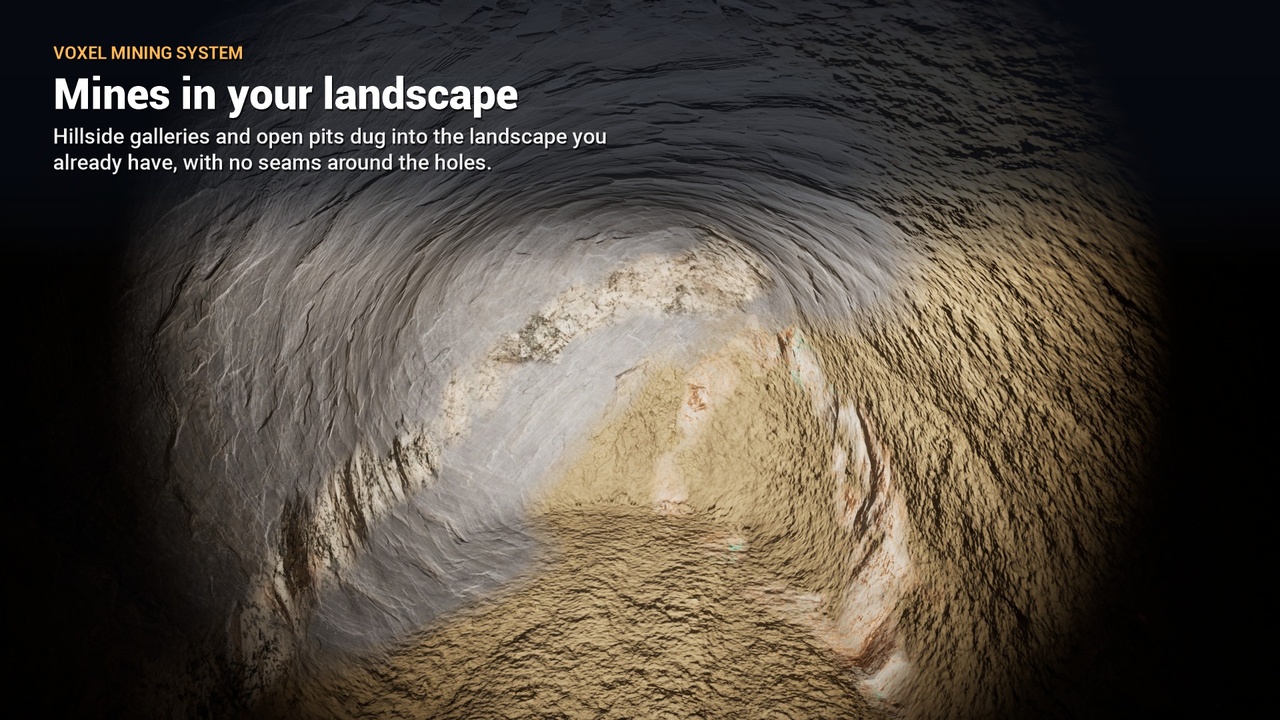
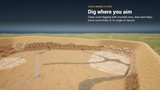
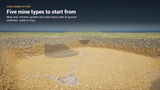
Mines in your landscape: place a mine volume, or draw its galleries, spirals and pits with Mine Shape actors (splines, branches, an editor preview of the space that can be dug). The plugin opens the ground there, paints the landscape hole and draws the voxel rock around it with your landscape's own look (any runtime virtual texture kind): no seams, no separate terrain. Mines on other floors work too.
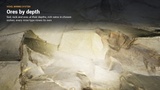
Entrances already dug (or closed until the player finds them), side galleries, dead ends and niches with rich veins. Everything outside the shapes is bedrock: a mine runs out.
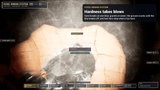
Hardness takes blows: granite takes seven blows of a pickaxe, sand one; the ground cracks, dusts and sounds softer until the bite breaks off, and a bar shows the progress. Tool tiers: the pickaxe stops at rock too hard for it, and tells the player why.
Clean, natural digs: rounded rims, no thin flakes or floating crumbs left, loose sand and gravel sliding to their angle of repose. The buildings, walls and props of your level keep the ground they stand on, also with World Partition and data layers.
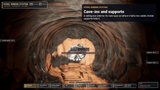
Cave-ins and supports: ceilings wider than their rock can hold warn, then fall into rubble you can dig again; timber supports hold them.
Drops for any inventory: pickups that fall and get collected, or resources straight into your inventory through one interface.
What is left: every mine counts its remaining ground per material; a status panel shows it while digging.
Sound and dust: pick hits on soil, rock and ore, refused hits, cave-ins and their warning, poured soil, and the farm work (hoe, plough, manure, sowing, watering, harvest), with variations, all made for the plugin.
Weather on open ground: wet, snowy and dusty pits and puddles, picked up from Ultra Dynamic Weather or set by your game.
Raised ground
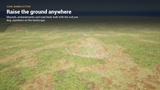
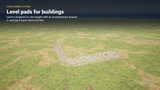
Mounds, embankments, road beds and level pads for buildings anywhere on the landscape, paid with the soil in the player's bag (or free), dug back like any ground. Soil poured by the player settles into natural piles. Sparse chunks: only the ground you add costs memory.
Farm fields
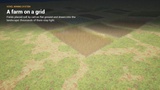
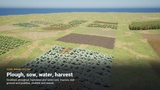
A farming loop on a world grid of 2 m cells: fields placed on flat ground (not on rock, in mines or on raised ground), grubbed, fertilised, ploughed, harrowed, sown and watered cell by cell, harvested to stubble; weeds on land left alone; rain. Every work says why not when it cannot (wrong state, too steep, not a field).
Crops with their own stages, as many as each crop needs, with names and times (sprout, tillering, stem, heading, ripe for wheat): faster on wet and fertilised soil, withering when left ripe too long, a growth quality the interface shows as stars.
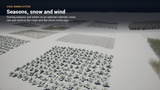
Seasons and a calendar (optional): sowing seasons, growth in days, winter that kills the crops that are not hardy; the plugin's own clock, or your game's time system moves it.
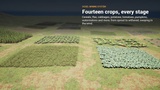
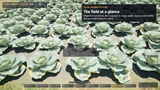
Fourteen example crops, every stage modelled with its withered plant and its stubble: wheat, rye, barley, oats, flax, cabbage, turnip, broad bean, potato, cauliflower, zucchini, tomato, Halloween pumpkin and watermelon, spread over the year. One crop material on two functions any material can use: weather (rain, snow, dust) and wind (Ultra Dynamic Weather's or your own).
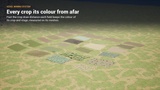
Light for thousands of fields: 8 bytes a cell; the soil drawn into the landscape through a virtual texture (furrows, sown rows, stubble, weeds, manure, wet soil and puddles, soft broken edges); only the near crops as Nanite instances, and from afar every crop and stage in its own colour, measured on its meshes.
Painted fields for games that run their own farming: ploughed, sown, fallow and wet soil drawn into your landscape material, any outline, worked row by row, or decals for landscapes you cannot change.
Made for your game
Saving that fits any system: automatic save, or the plugin's whole state as one block of bytes for your own save game or save plugin; World Partition cells that are not loaded are covered. Saved digs survive later edits to a mine (moved or resized).
Performance: meshing and collision on worker threads, well under a millisecond of game thread per hit, sleeping distant mines, Software and Hardware Lumen (distance fields, ray tracing geometry), Substrate-ready materials.
AI miners: villagers and NPCs dig like players: where to stand and swing in each mine, a walkable gallery dug blow by blow, loads carried to a storehouse, mines kept awake around them, navigation round worked mines.
Every action says why: each blow, raise and levelling reports what it did or why not (out of reach, too hard, bedrock, not enough soil), the same rules your prompts can ask before the player swings.
Your look and your items: one interface skin (brushes, fonts, palette, sounds) restyles the plugin's panels and the example interface; resource names and icons come from your own item catalogue.
Editor tools: prepare the landscape material, paint the holes, fit the mine to its shapes, add the field layer; editor scripting (Python too) places mines, shapes and supports along galleries.
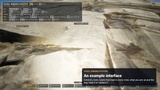
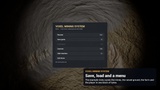
Example interface: the example map comes with a playable character with mining and farm tools, mine labels, a panel saying what can be dug or worked and why not, a digging bar, the farm cell's state with its quality in stars, the bag and a menu (save, load, controls, quit), all in the example module and easy to swap for your own.
Requirements: Unreal Engine 5.7 or 5.8, Windows. The plugin turns on three engine plugins it uses: Niagara (dust and effects), Enhanced Input (the example character's controls) and Engine Cameras (the cave-in camera shake).
Documentation: seven guides (quick start, mines, raising ground, farm fields, customizing, Blueprint API, reference) online and in the plugin's Docs folder. Playable demo on the product page.