Descrizione
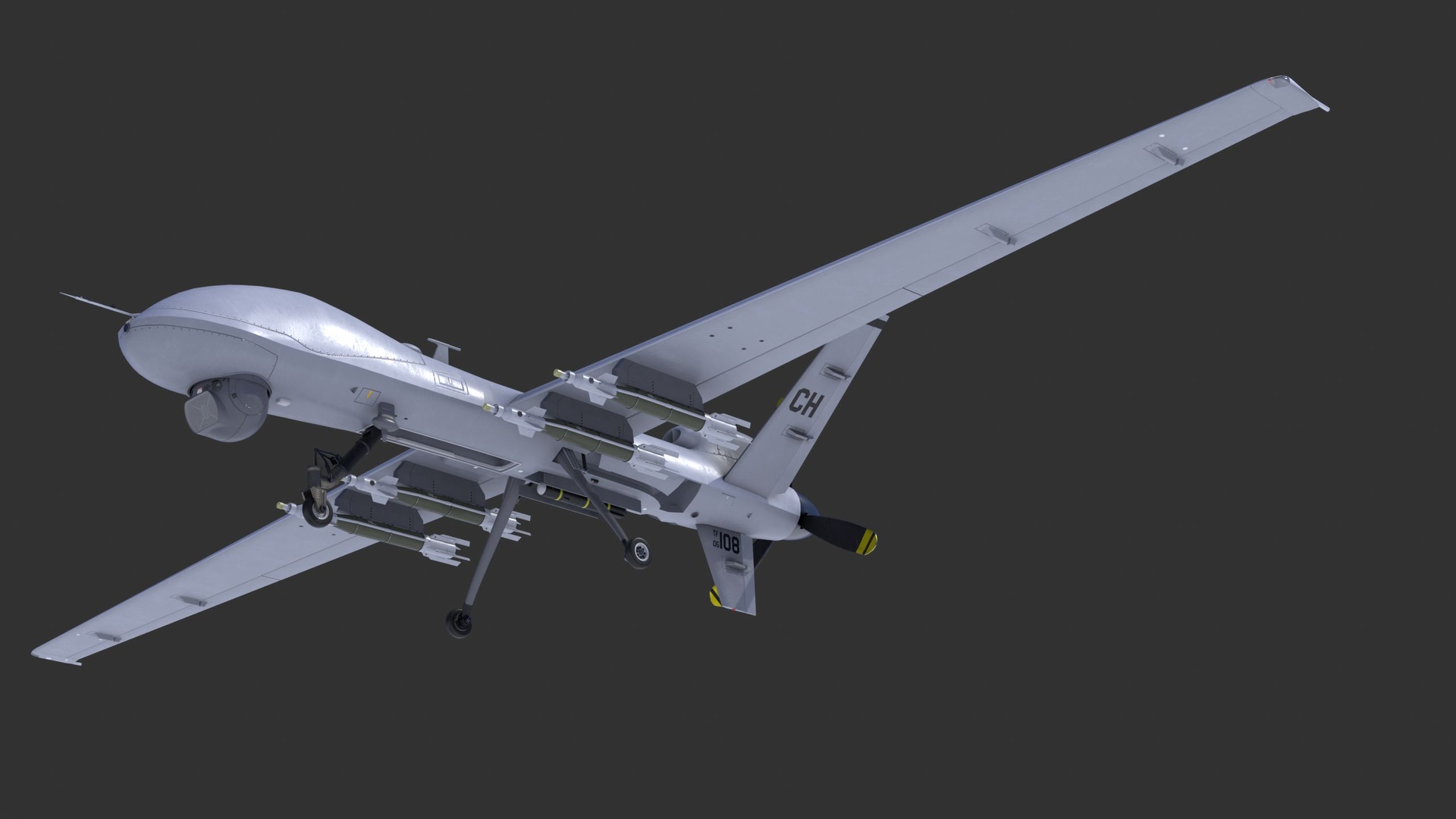
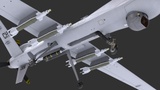
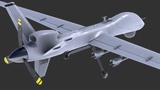
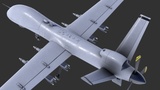
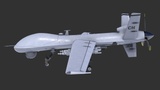
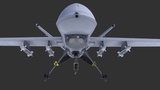
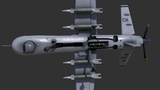
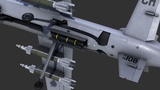
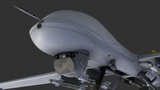
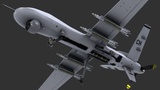
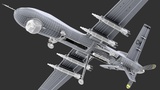
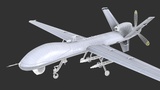
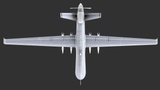
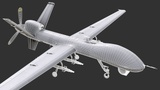
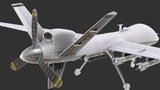
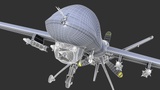
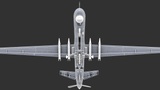
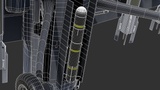
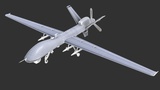
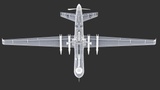
A detailed 3D model of an MQ-9 Reaper unmanned aerial vehicle featuring accurate proportions, refined airframe structure, and realistic PBR materials. Built with clean topology and optimized geometry, making it suitable for military simulations, defense visualizations, aerospace scenes, training environments, and real-time applications.
------------------------------------⚜️ GENERAL INFORMATION ⚜️----------------------------------------
Optimized low-poly mesh with clean topology and performance-friendly detail retention
Real-world scale and accurate proportions
All objects are error-free and legal geometry
No subdivision required and no plugins needed
---------------------------------------------⚜️ FILE FORMATS ⚜️-------------------------------------------------
3ds Max 2021
Blender 4.4.3
FBX
OBJ (You may need to reassign texture maps in your software.)
-----------------------------------------------⚜️ MODEL INFO ⚜️---------------------------------------------------
Object: MQ9_Reaper_Aircraft_Vehicles_001
Vertices: 63303
Polygons: 58866
Triangles (3-sided): 335
Quads (4-sided): 58531
Rendered Tris: 117397
--------------------------------------⚜️ MATERIALS & TEXTURES ⚜️------------------------------------------
3× 3ds Max scanline standard material with multi/sub-object material
Diffuse
Normal DirectX & OpenGL
Specular
Glossiness
AO
Alpha
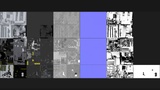
Textures (3 set):
4096x4096 = MQ9_Reaper_Aircraft_Vehicles_01_01_Diffuse.png
4096x4096 = MQ9_Reaper_Aircraft_Vehicles_01_02_Specular.png
4096x4096 = MQ9_Reaper_Aircraft_Vehicles_01_03_Glossiness.png
4096x4096 = MQ9_Reaper_Aircraft_Vehicles_01_04_Normal_DirectX.png
4096x4096 = MQ9_Reaper_Aircraft_Vehicles_01_04_Normal_OpenGL.png
4096x4096 = MQ9_Reaper_Aircraft_Vehicles_01_05_AO.png
4096x4096 = MQ9_Reaper_Aircraft_Vehicles_02_01_Diffuse.png
4096x4096 = MQ9_Reaper_Aircraft_Vehicles_02_02_Specular.png
4096x4096 = MQ9_Reaper_Aircraft_Vehicles_02_03_Glossiness.png
4096x4096 = MQ9_Reaper_Aircraft_Vehicles_02_04_Normal_DirectX.png
4096x4096 = MQ9_Reaper_Aircraft_Vehicles_02_04_Normal_OpenGL.png
4096x4096 = MQ9_Reaper_Aircraft_Vehicles_02_05_AO.png
4096x2048 = MQ9_Reaper_Aircraft_Vehicles_03_01_Diffuse.png
4096x2048 = MQ9_Reaper_Aircraft_Vehicles_03_02_Specular.png
4096x2048 = MQ9_Reaper_Aircraft_Vehicles_03_03_Glossiness.png
4096x2048 = MQ9_Reaper_Aircraft_Vehicles_03_04_Normal_DirectX.png
4096x2048 = MQ9_Reaper_Aircraft_Vehicles_03_04_Normal_OpenGL.png
4096x2048 = MQ9_Reaper_Aircraft_Vehicles_03_05_AO.png
4096x2048 = MQ9_Reaper_Aircraft_Vehicles_03_06_Alpha.png
-----------------------------------------------⚜️ NOTES ⚜️---------------------------------------------------
You may need to reassign texture maps in your software.
You may need to flip the green channel of the normal map depending on your workflow (DirectX vs OpenGL).
The attached 3D view does not represent the object's actual quality, and it is better shown in the render images.
The file and texture’s name might be a little bit different from the displayed name here. (just for a shorter or better naming convention).