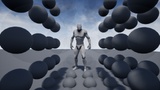
설명
Preview: https://www.youtube.com/watch?v=xy1r9udkHhc
Documentation: https://docs.google.com/document/d/1-qsVhFT9DPG0G4kFttarGxDYEf-9_bu9VT48CJG7VC4/edit?usp=sharing
Demo: https://drive.google.com/file/d/1_CyFIBN7VZGkNG_M8gmaMXkN1GdpO17B/view?usp=sharing
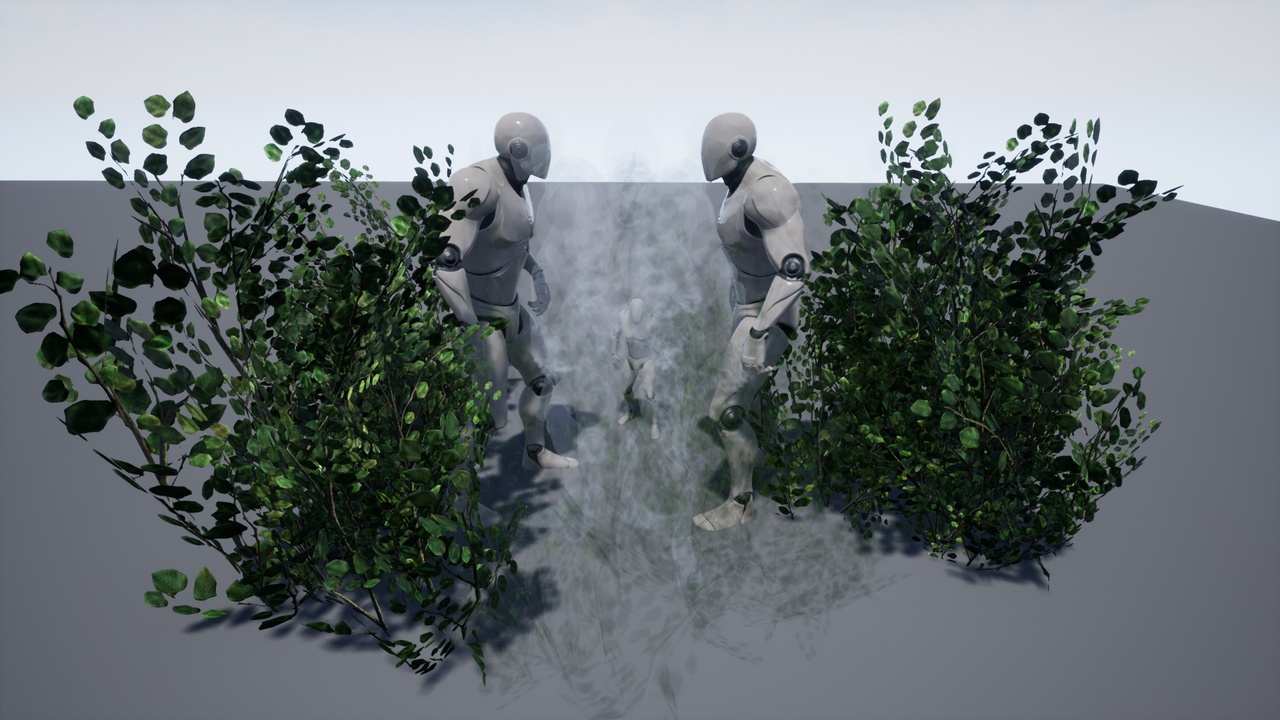
Transparency under the camera - is a blueprint component that you can embed in any of your characters. The component will make objects transparent between the camera and your character.
Support Folliage, StaticMesh, SkeletalMesh, InstancedStaticMesh, as well as your blueprints, including the above.
Support 4 transparent styles.
1) SimpleTranslucent - does not require configuration. Makes objects light transparent.
2) MaterialTranslucent - Preserves the original material and creates animation in time transparency. Supports only StaticMesh and Foliage. Requires customization. Details in the documentation.
3) MaterialTransclucent (no Anim) - The same, but without animation. Supports all. Requires customization. Details in the documentation.
4) BoxMask - creates a tunnel between the camera and the character. Requires customization. Details in the documentation.
If, for example, you select "MaterialTranslucent", but a dynamic object falls, then the option "MaterialTranslucent (no anim)" will automatically work. If the component is not configured, the "SimpleTranslucent" mode will work, even if you have selected the "MaterialTranslucent" mode.