

설명
Please make sure to fully evaluate using the trial version before purchasing!!!!
Demo Project with Trial Binary: https://github.com/CefView/UCefViewPlayGroud
Need help or have questions?
If you've made a purchase and require assistance, feel free to reach out to the author directly:
📧 Email: [email protected]
💬 Discord: UCefView
Your satisfaction matters—support is just a message away.
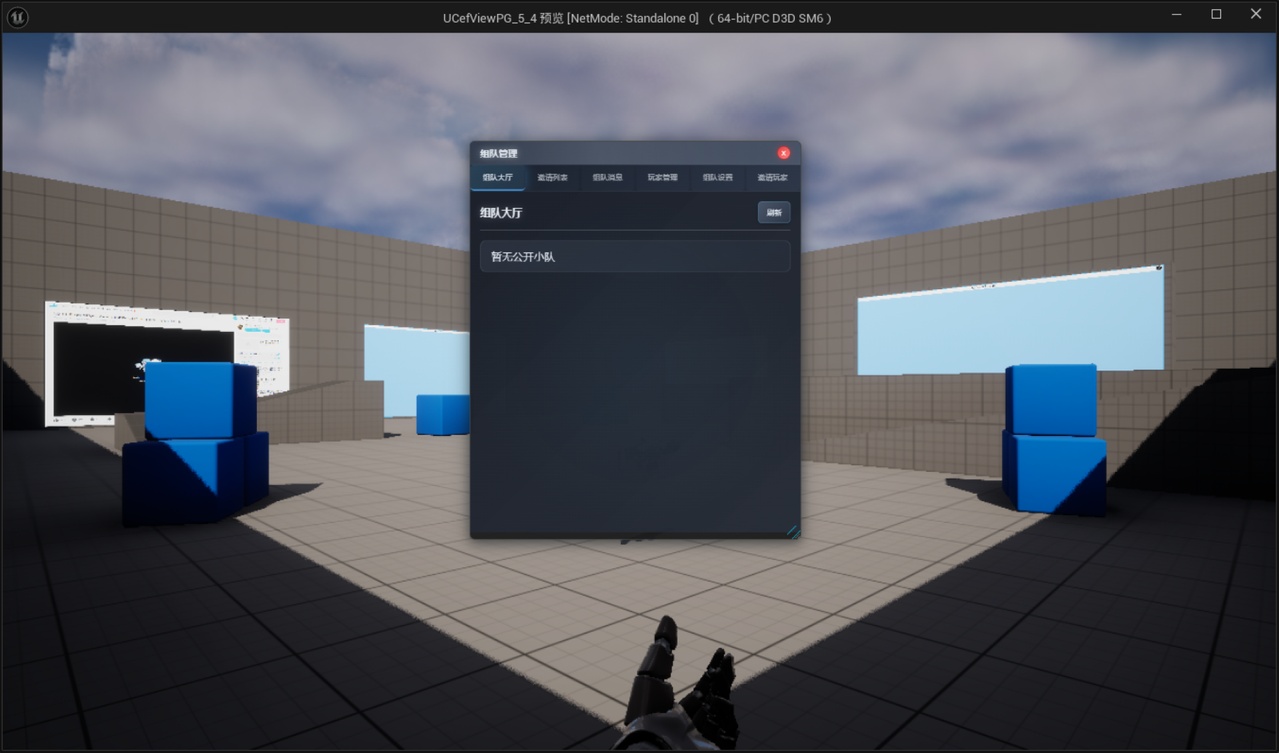
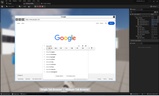
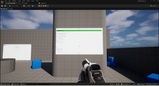
UCefView brings the full power of the Chromium Embedded Framework (CEF) to your Unreal Engine projects, delivering a robust, high-performance WebView component that seamlessly embeds modern web content into your games and applications. Whether you're building immersive in-game browsers, dynamic UI systems, or interactive tools, UCefView empowers you with:
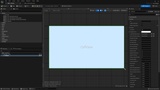
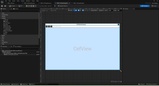
🧱 Dual UI Support: Native C++ implementations for both Slate (SCefView) and UMG (UCefView).
⚡ Hardware-Accelerated Rendering: Optimized for GPU performance using shared textures and pixel buffers.
🔗 Flexible JavaScript Bridge: Enable rich, bidirectional communication between C++ and JavaScript.
🔄 CEF Version Switching: Easily switch between different CEF versions to suit your project’s compatibility and feature needs.
🤝 WebView Coexistence: Runs CEF in a separate process, allowing UCefView to work alongside Unreal’s built-in Web Browser plugin and other WebView integrations in the same project.
Navigation and page search: Configure navigation URL prefixes and search page text through Slate or Blueprints, with incremental result events.
Fault notifications: Receive structured browser/runtime fault events on the game thread and choose when to recover.
UCefView 1.2.0 requires an XCef 2.x SDK (ABI 2). Install and select a compatible SDK in Project Settings > Engine > UCefView Settings > XCef SDK, then restart the Editor. Unreal’s built-in Web Browser plugin can remain enabled.
Supported Development Method:
✅ C++ Code Integration
✅ Blueprint Scripting
Supported Target Platforms and Architecture:
✅Windows: x86_64
✅macOS: x86_64 & arm64
✅Linux: x86_64 & arm64 (Experimental, only validated in headless mode)
Supported RHI and Data Transfer Technology:
✅DirectX 11: Shared Texture
✅DirectX 12: Shared Texture
✅Metal: Shared Texture
✅Vulkan: Pixel Buffer
Document
[UCefView](https://cefview.github.io/UCefView/).
Key Features
Seamless WebView Integration:
Embed web content directly into your Unreal Engine UI using either Slate (SCefView) or UMG (UCefView) components.
CEF Powered:
Leverages the Chromium Embedded Framework (CEF) for a modern and standards-compliant web rendering engine. Easy to switch different CEF version.
High Performance:
Utilizes Shared Texture technology and GPU hardware acceleration for optimal rendering performance.
Bidirectional JavaScript Bridge:
Easily communicate between C++ and JavaScript with a flexible and intuitive API.
Transparent Background:
Supports fully transparent rendering, allowing seamless blending of web content into your Unreal Engine UI. Ideal for overlay effects, HUD elements, and immersive UI designs where visual integration matters.
Pixel-Level Transparent Input Passthrough: Allows mouse, touch, wheel, and drag input to pass through transparent rendered pixels so layered Unreal UI can remain interactive behind a web view.
IME Input Support:
Fully supports Input Method Editors (IMEs) for seamless text input in various languages.
JavaScript Dialogs:
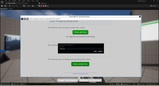
Handles JavaScript dialogs (alerts, confirms, prompts) directly within your Unreal Engine application.
Cross-Platform Compatibility:
Supports Windows, macOS, and Linux platforms.
Customizable Settings:
Fine-tune the behavior of the WebView with a comprehensive set of settings.
Why UCefView?
Modern Web Standards:
UCefView uses CEF, which is based on Chromium, ensuring compatibility with the latest web technologies.
Performance:
Hardware-accelerated rendering and efficient threading model provide smooth and responsive performance.
Flexibility:
Supports both Slate and UMG, allowing you to integrate WebViews into any type of Unreal Engine UI.
Ease of Use:
Simple and intuitive API for loading URLs, executing JavaScript, and handling events.
Extensibility:
UCefView is designed to be extensible, allowing you to add custom features and functionality as needed.
Example Use Cases
In-Game Browsers:
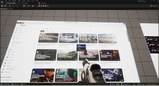
Create fully functional in-game browsers for accessing online content.
Dynamic UI:
Build dynamic UIs that are driven by web-based technologies.
Interactive Tutorials:
Embed interactive tutorials and documentation directly into your game.
External Data Integration:
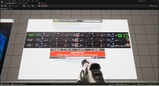
Display real-time data from external web services.
Custom Editors:
Create custom editors and tools using web technologies.