

Opis
Save System – Feature Description
Preview Video Link:https://youtu.be/ajtwEBVqmRI
This save system is designed to handle core gameplay data in a clean and structured way.
All data is STRUCT-based, allowing developers to easily extend or customize what is saved.
Included Features
Level Transition Support
The system supports level transitions. Saves load at the level where they were created.
Save Slot Validation
Save slots are validated in real-time
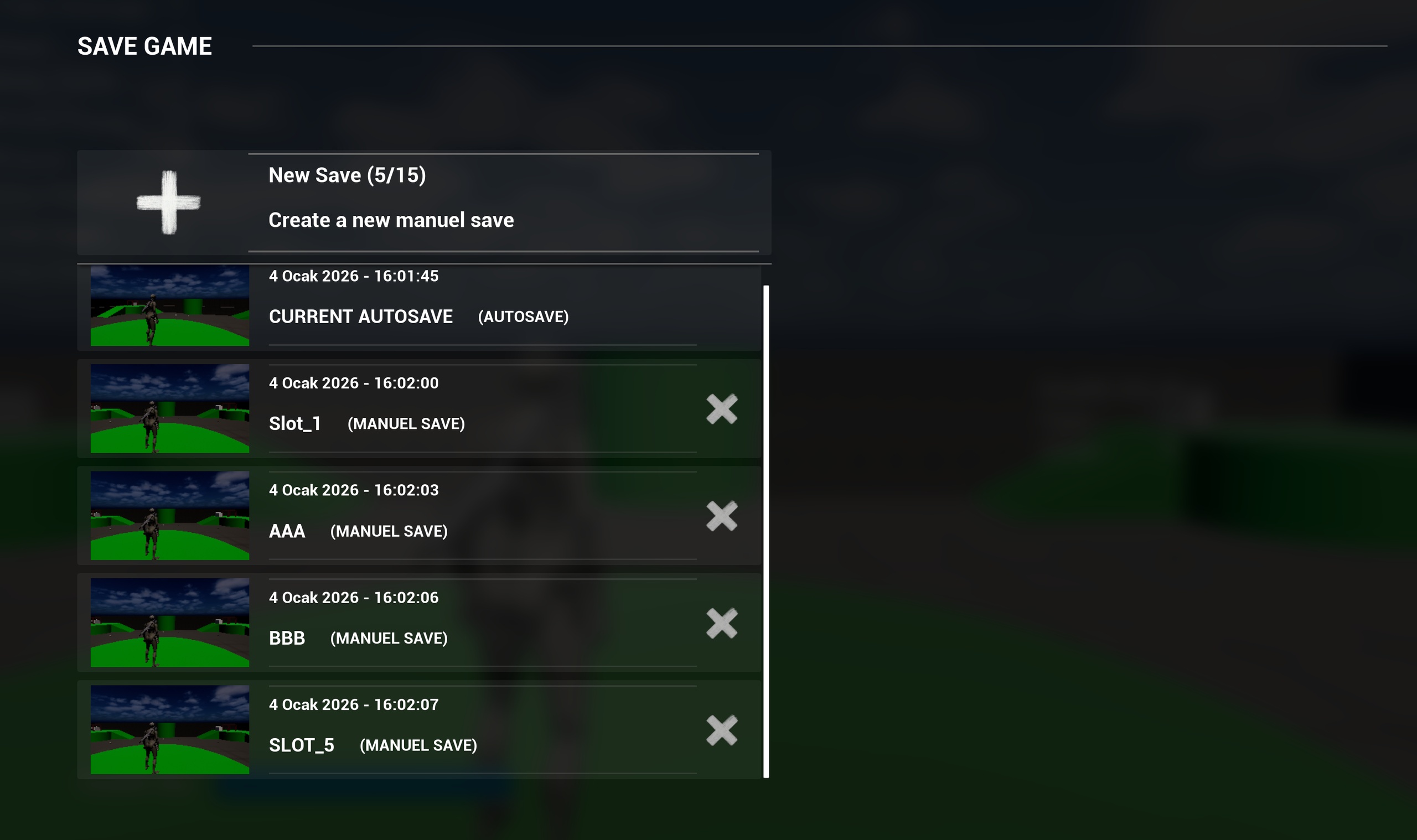
If a save file is deleted directly from Windows / file system, the corresponding slot is automatically removed from the game UI
Prevents broken or invalid save slots
Keeps the save menu always in sync with actual save files
Character Data Saving
Player location
Player rotation
Camera rotation
Health saving and loading
Inventory System
Inventory data saving
Item persistence across game sessions
Weapon System
Weapon ammo saving
Active weapon saving
Game starts with the previously equipped weapon
Overlay / Animation State
Saves the character’s active weapon animation state
Ensures correct weapon overlay state after loading
Interactable Objects
Saves whether interactable objects were picked up
Picked objects are destroyed on load
Prevents already collected objects from respawning
World Objects
Saves transforms of placed cubes in the level
Restores their positions on game load
Autosave System
Autosave trigger via collision boxes
Automatic autosave every 60 seconds
Game starts directly from the autosave slot
System Design
Fully STRUCTURE-based
Easy to extend (add or remove saved data)
Suitable for single-player games
Note:The project requires the CommonUI and Blueprint File Utils plugins to function correctly.