





Description
EDITOR AGENT BRIDGE
Work on Unreal Engine from your normal ChatGPT web conversation
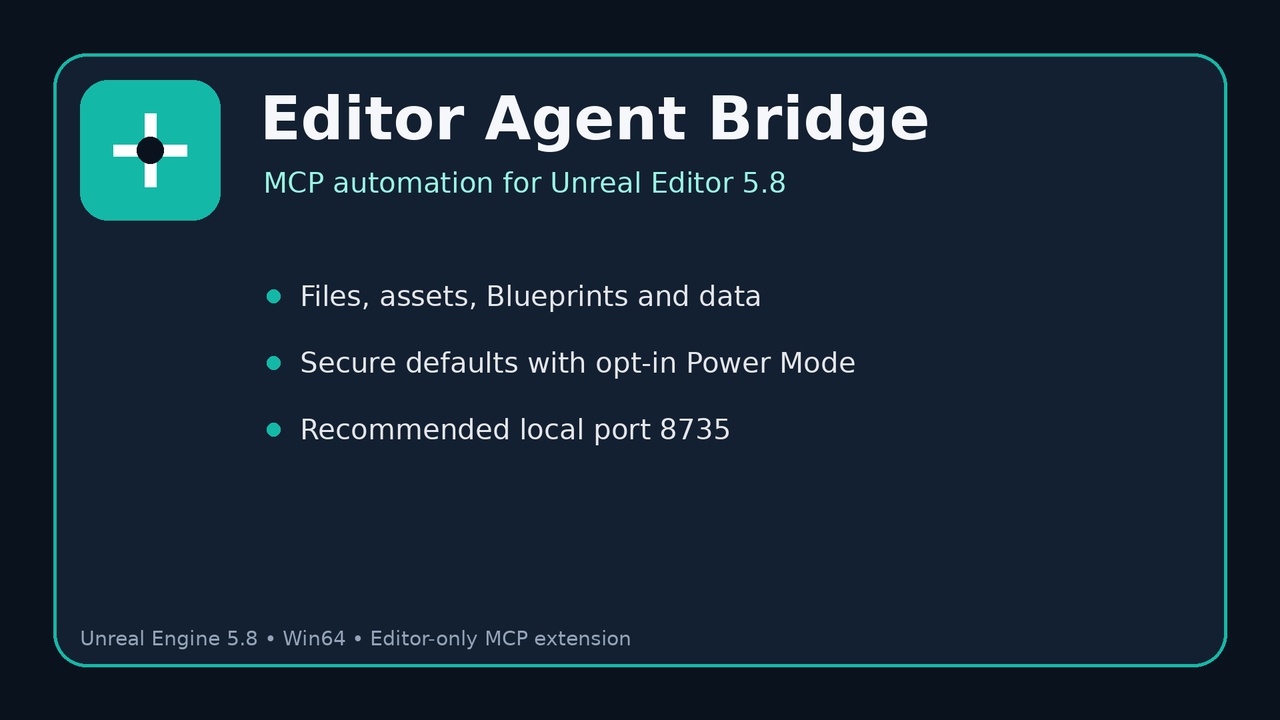
Editor Agent Bridge is an Editor-only Unreal Engine 5.8 plugin for Windows that extends Epic's Model Context Protocol (MCP) and All Toolsets workflow with practical project automation tools.
With the documented ChatGPT workflow, you can keep using the normal ChatGPT web conversation you already know while supported tools inspect, create, edit, organize, and save content in the Unreal project currently open in the Editor.
Connection path:
ChatGPT web conversation -> private Secure MCP Tunnel -> Unreal MCP server -> active Unreal Editor project
WHY EDITOR AGENT BRIDGE STANDS OUT
NORMAL CHAT INSTEAD OF A SEPARATE IN-EDITOR AI WORKFLOW
You do not need to keep Codex Agent, ChatGPT Agent mode, or Unreal's integrated Terminal open for the documented workflow. After setup, you work from an ordinary ChatGPT conversation and enable the custom MCP connection when you want Unreal access.
NO SEPARATELY BILLED OPENAI MODEL API INTEGRATION REQUIRED FOR THE DOCUMENTED CHATGPT WORKFLOW
Editor Agent Bridge does not require you to build an OpenAI API model integration into your Unreal project or maintain a separate per-request model API billing pipeline. If you already have access to compatible ChatGPT custom MCP features, the documented workflow uses that account and its existing plan/tool allowance.
This does not mean AI usage is token-free or unlimited. ChatGPT plan limits, tool limits, permissions, feature availability, external-service limits, and fair-use restrictions still apply.
MORE THAN A CONNECTION
Epic's Unreal MCP and All Toolsets provide the foundation. Editor Agent Bridge adds universal project tools and a security/configuration layer so you do not have to build your own file tools, project data tools, Struct/DataTable workflow, save helpers, and power-mode controls from scratch.
PRACTICAL PROJECT AUTOMATION
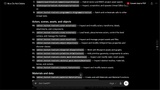
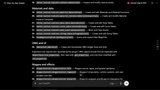
Use supported chat instructions to work across project files, Content Browser assets, Blueprints, User Defined Structs, DataTables, selected actors, project state, and save operations.
CORE FEATURES
PROJECT FILE TOOLS
- List project files and directories
- Read project-scoped text files
- Create files and folders
- Replace or append text
- Copy and move files
- Delete supported project files
- Calculate SHA-256 hashes
- Create automatic backups before text replacement
- Optionally download files into approved project locations
CONTENT BROWSER AND ASSET TOOLS
- Create Content Browser folders
- List and inspect assets
- Duplicate assets
- Move and rename assets
- Delete assets
- Save assets
- Add asset metadata
- Import supported local files
- Inspect exact asset paths and classes
BLUEPRINT WORKFLOWS
- Create Blueprint assets
- Compile Blueprints
- Return compilation results
- Inspect Blueprint variables
- Inspect graphs and generated classes
- Inspect Blueprint structure and metadata
- Work alongside Epic's Blueprint, Actor, Scene, UMG, Material, Niagara, PCG, Sequencer, and other enabled toolsets
USER DEFINED STRUCTS AND DATATABLES
- Create User Defined Struct assets
- Add typed fields to Structs
- Inspect Struct field definitions
- Create DataTables from a row Struct
- Populate DataTables from JSON
- Populate DataTables from CSV
- Export DataTables to JSON
- Build reusable project data definitions
EDITOR AND ACTOR INSPECTION
- Identify the open Unreal project
- Identify the current level
- Inspect selected actors
- Return actor labels, UObject names, paths, classes, transforms, and components
- Inspect project workspace roots
- Read supported Unreal Editor state
SAVING AND PROJECT MANAGEMENT
- Save the current level
- Save dirty project assets
- Create and organize project folders
- Report exact paths for created or modified content
- Verify requested folders or assets exist
OPTIONAL POWER MODE
Advanced capabilities can be enabled per project:
- Unreal Python execution
- Unreal Editor console commands
- Remote file downloads
- Engine file access
- Additional project-level automation
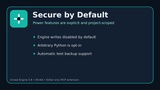
Power features are opt-in. Engine writes, arbitrary Python, and console commands are disabled by default.
WORKS WITH EPIC'S ALL TOOLSETS
When Epic's All Toolsets package is enabled, the connected MCP client may also access the broader tools supplied by Epic for supported engine systems such as Actors, scenes, Blueprints, materials, meshes, textures, UMG, Niagara, PCG, Sequencer, Control Rig, animation, Data Assets, DataTables, String Tables, Gameplay Tags, physics assets, automation, Output Log inspection, and configuration management.
The exact Epic tool list depends on the Unreal Engine version and enabled plugins.
EASY CONNECTION
Recommended local MCP endpoint:
One-time Unreal setup:
1. Install and enable Editor Agent Bridge.
2. Enable Unreal MCP / ModelContextProtocol.
3. Enable All Toolsets / ToolsetRegistry.
4. Enable Python Editor Script Plugin.
5. Enable Editor Scripting Utilities.
6. Set MCP path to /mcp.
7. Set MCP port to 8735.
8. Enable Auto Start Server and Tool Search.
9. Connect a compatible MCP client.
Optional ChatGPT web workflow:
1. Create a private Secure MCP Tunnel associated with your compatible ChatGPT workspace.
2. Use the official OpenAI tunnel-client on your own computer.
3. Connect the tunnel to http://127.0.0.1:8735/mcp.
4. Create the custom ChatGPT MCP plugin using No Authentication for Unreal's local endpoint.
5. Review the plugin permissions before use.
DOCUMENTATION & SETUP
Documentation & Setup Guide & Resources Folder:
https://drive.google.com/drive/folders/1wcVmCk0fc3vFuDYkveMVp1k7a-LGhryK
Includes installation, MCP configuration, security, toolset, troubleshooting, multi-project, and optional ChatGPT Secure MCP Tunnel guidance.
External accounts, subscriptions, services, runtime keys, and the official OpenAI tunnel-client are not included.
SECURE BY DEFAULT
- Project-scoped operations enabled
- Engine file reads/writes disabled by default
- Arbitrary Python disabled by default
- Editor console commands disabled by default
- Automatic .mcp-backup creation for text replacement
- Runtime credentials stay outside the Unreal project
- Local MCP port should never be exposed directly to the public internet
- Per-project security overrides are available through Config/EditorAgentBridge.ini
REQUIREMENTS
- Unreal Engine 5.8
- Windows 64-bit
- ModelContextProtocol
- ToolsetRegistry / All Toolsets
- PythonScriptPlugin
- EditorScriptingUtilities
- A compatible MCP client
For the optional ChatGPT web workflow:
- A compatible ChatGPT account/workspace with custom MCP plugin access
- ChatGPT web
- OpenAI Platform organization access
- Secure MCP Tunnel access
- Restricted runtime API key
- Official OpenAI tunnel-client
External services and binaries are not included.
TECHNICAL SUMMARY
Code Module: EditorAgentBridge (Editor)
Blueprints: 0
C++ Classes: 2
Network Replicated: No
Supported Development Platform: Windows 64-bit
Supported Target Build Platform: Win64 (Editor only)
DEPENDENCIES / REQUIRED UNREAL ENGINE PLUGINS
- ModelContextProtocol
- ToolsetRegistry
- PythonScriptPlugin
- EditorScriptingUtilities
IMPORTANT
Editor Agent Bridge is an Editor-only development plugin and does not add gameplay functionality to packaged games.
It extends Epic's Unreal MCP workflow; it does not replace, redistribute, or claim ownership of Epic's built-in MCP plugins or toolsets.
ChatGPT custom MCP features, Secure MCP Tunnel, Unreal MCP, external AI services, permissions, and plan availability may change between service or engine releases.
Editor Agent Bridge is not sponsored, certified, endorsed, or produced by Epic Games or OpenAI.