Descrizione
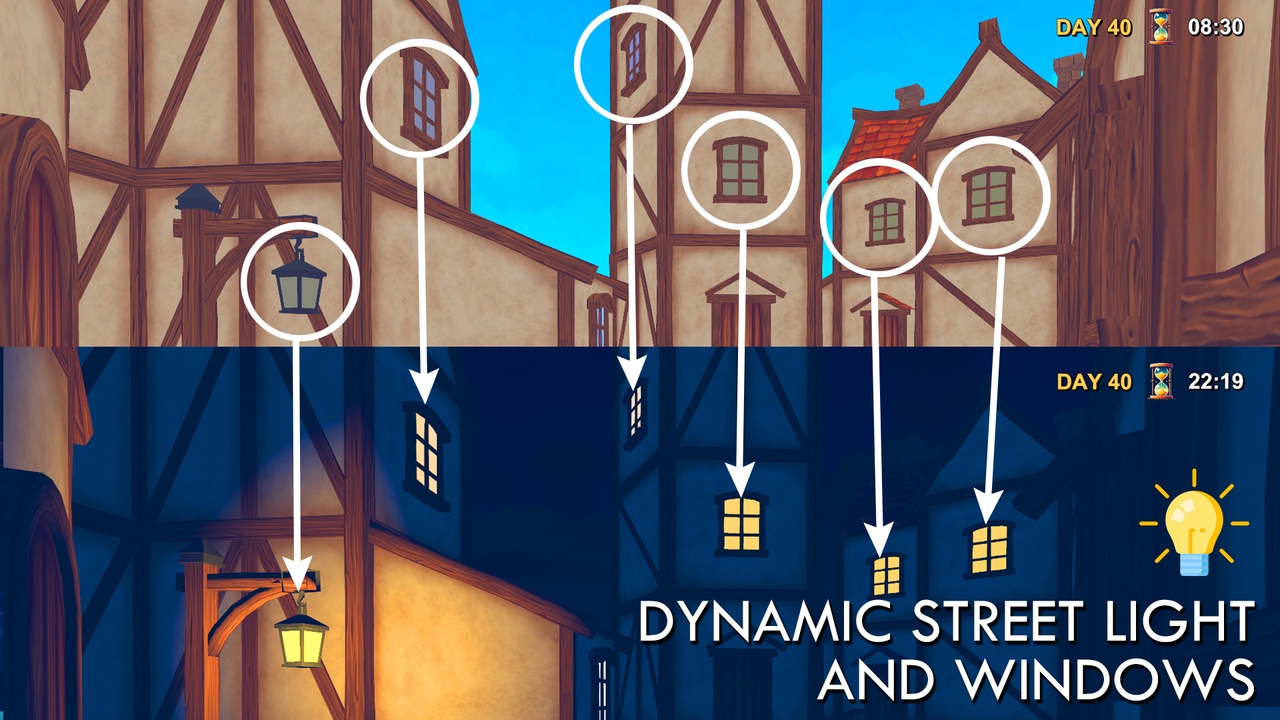
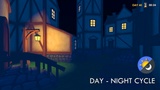
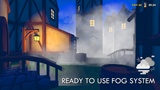
This asset allows you to effortlessly bring dynamic weather conditions and realistic time-of-day transitions into your 3D games. Rain, Fog, Thunder, Dynamic Street Lights depending on Day-Night Cycle.
VIDEO: https://www.youtube.com/watch?v=d-LHiIfAQLw
With just a few clicks, you can add immersive environmental effects such as rain, fog, storms, and clear skies, all customizable and easy to control. Additionally, the built-in day-night cycle simulates real-time lighting changes including sunrise, sunset, and moon phases, giving your scenes a living, breathing atmosphere.
Whether you're developing an open-world adventure, a survival game, or a simulation, this package is designed to save you time and boost the visual quality of your project right out of the box.
🌦 Weather Manager
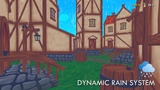
🔹 Rain Particle System: A reference to the Particle System used for the rain effect. Assign a particle system prefab that visually simulates rainfall in your scene.
🔹 Weather Change Interval: This integer value (in seconds) defines how frequently the system checks and updates the current weather condition. For example, a value of 20 means the weather is re-evaluated every 20 seconds.
🔹 Possibility for Rain: This slider (0–100) determines the probability (%) of rain occurring during each weather update cycle. A higher value increases the chances of triggering a rain event.
🔹 Possibility for Thunder When Rains: This slider (0–100) sets the probability (%) that thunder and lightning effects will be triggered only when it's raining. Useful for creating dramatic storm conditions.
🔹 Thunder Light: A reference to a Light component used to simulate lightning flashes. Typically, a directional or point light is briefly enabled and disabled to create the effect of lightning during storms.
🔹 Thunder Sounds: This field determines how many different thunder sound clips are available in your project. These will be randomly selected during thunder events for audio variety.
🌗 Day Night Manager
🔹 Sun Transform: Reference to the Transform component of the directional light representing the sun. This is used to rotate the sun throughout the day.
🔹 Sun: Reference to the actual Directional Light component used as the sun source. Intensity and color changes can be applied to simulate sunrise/sunset transitions.
🔹 Time Text: A reference to a Text component that displays the current in-game time. Typically updated in real-time.
🔹 Day Text: A reference to a Text component that shows the current day index (e.g., “DAY 10”, “DAY 3”, etc.).
🔹 Ambience Color Night: Defines the ambient light color for the night period. This controls how objects are lit in shaded areas when it's dark.
🔹 Window Color Day: The emission/light color for window materials during the daytime. Use a brighter color for realism.
🔹 Window Color Night: The emission/light color for window materials during the nighttime. Often a warm yellow to simulate interior lighting.
🔹 Sun Rise Hour / Sun Set Hour: Specify the in-game time (as an integer, e.g., 8 for 8 AM, 20 for 8 PM) when the sun rises and sun sets. These values drive the transition logic between day and night.
🔹 Skybox Material: Skybox material that is applied during the day. You can dynamically change skyboxes based on time of day.
🔹 Lights: A list of Light components (e.g., street lights or indoor lamps) that will automatically turn on at night and off during the day.
🔹 Windows: A list of Window GameObjects that simulate lit/unlit appearances based on the time of day using the colors set above.
🔹 Fog: A reference to a Particle System used to simulate nighttime fog. This effect activates based on the defined night-time conditions.
🔹 Possibility For Fog At Night: A slider (0–100) controlling the chance of fog appearing at night. Adds randomness and realism to the atmosphere.
🔹 Event To Invoke When Sun Rise / Sun Set: Optional UnityEvents that are triggered when the sun rises or sets. Useful for playing sounds, triggering animations, or changing music dynamically.