Beschreibung
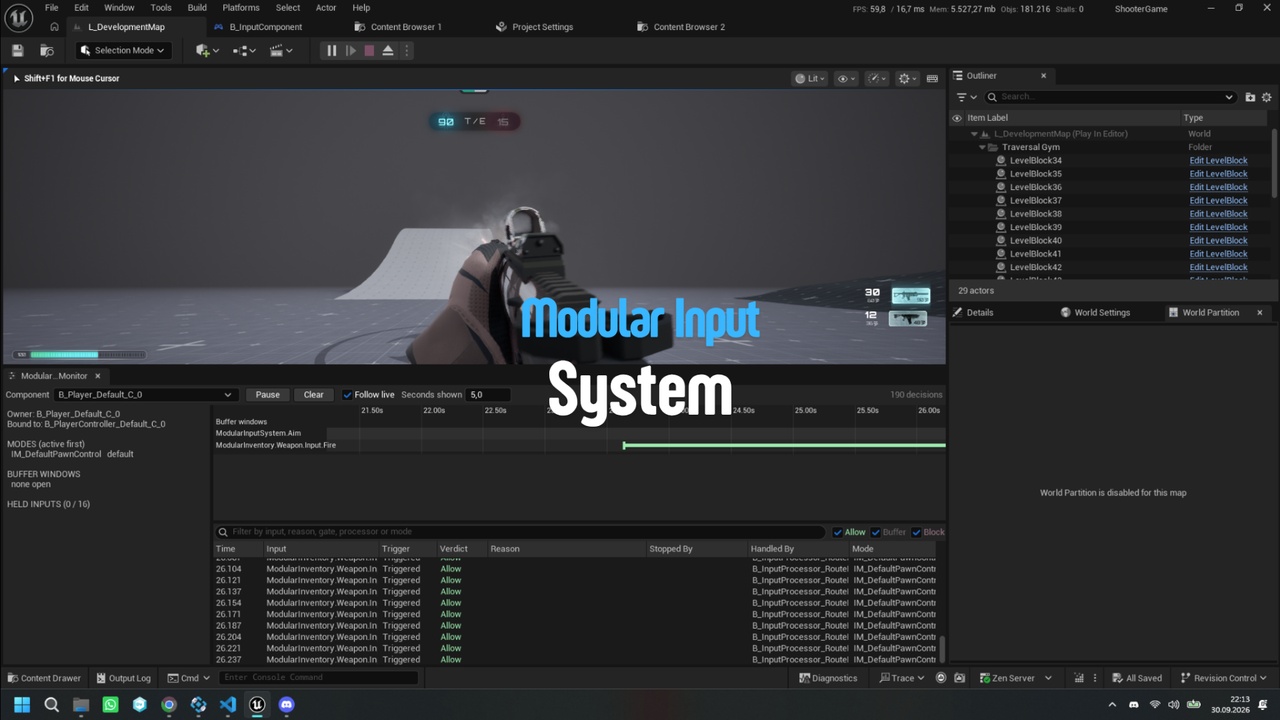
Modular Input System puts a layer of gameplay tags between Enhanced Input and your game. Your gameplay code never touches Input Action assets: it receives tagged input events such as Input.Attack or Input.Dodge, data assets decide what those events may do, and any system can ask the input buffer questions like "was Attack pressed in the last 0.2 seconds?"
Every decision is recorded with the reason behind it. When an input seems to do nothing, the Input Monitor shows which rule stopped it and which processor handled it.
Key Features
• Tag-based Enhanced Input: give every Input Action a gameplay tag and choose, per action, which trigger events are routed. Events you leave out are never bound.
• Input Modes: data assets that describe how input behaves in one situation, such as on foot, in a menu, mid-attack or driving. Push and pop them at runtime with priorities and handles.
• Gates: rules that allow, block or buffer an input, always with a reason tag. Tag Query, Input Filter and Cooldown are included, and you can write your own in Blueprint or C++.
• 11 ready-made processors: Move, Look, Jump, Crouch, Sprint, Call Input Receiver, Broadcast Tag Event, Push Mode, Pop Mode, Open Buffer Window and Debug String.
• Time-based input buffer: consume held inputs by age from abilities, anim notifies or State Trees. Press history is kept separately, so a held button never pushes out a waiting press.
• Buffer windows: queue the next attack. A window collects inputs during part of an animation, picks the newest, oldest or highest-priority one and replays it when it closes. An Anim Notify State is included.
• Input receivers: handle tagged input directly in a pawn, controller or component Blueprint.
• Player Controller support: keep input on the controller so it survives respawns, while each pawn (character, vehicle, turret) brings its own configs and default mode.
• Device awareness: keyboard and mouse, gamepad or touch as a gameplay tag with a change event, so key prompts follow the player's device.
• Look settings and key rebinding: invert and sensitivity settings saved with Enhanced Input's user settings, input modifiers that apply them, and view models for settings and rebinding screens.
• Editor tools: a live Input Monitor with a timeline, a gameplay debugger category, inline warnings in the config editor, data validation and Content Browser entries for every asset type.
• Works with GAS, does not require it: gates read owner tags through a small interface or through IGameplayTagAssetInterface, so an Ability System Component works out of the box.
Ready to Use
The plugin includes a working sample: an Input Mapping Context, five Input Actions, an Input Config and an Input Mode. Add the Modular Input Component to a character, assign the sample config and mode, and WASD movement, mouse look, jump, crouch and sprint work right away.
Fits Your Project
• Blueprint-only and C++ projects
• Input on the pawn or on the Player Controller
• Multiplayer projects: input is local by design and binds only for local players. Send the results to the server the way your game already does, for example through abilities or RPCs.