설명
Transform Your Texture Workflow with the Most Beautiful and Powerful Texture Tool on Asset Store!
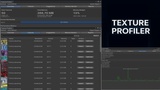
Texture Converter Pro is a premium Unity Editor extension that revolutionizes how you work with textures. Featuring a modern, minimalist interface with smooth animations and intuitive design, this tool makes texture optimization feel effortless and enjoyable.
🎯 Why Choose Texture Converter Pro?
Unlike basic texture tools, we've created a comprehensive solution that combines powerful functionality with exceptional user experience. Every pixel of the interface has been carefully crafted to provide a premium feel that matches modern development standards.
✨ Key Features:
Beautiful Modern UI - Clean, minimalist design following latest UI/UX trends
Batch Processing - Convert hundreds of textures with one click
Smart Format Selection - AI-powered recommendations for optimal formats
File Export System - Export to PNG, JPEG, TGA, EXR, TIFF, BMP formats
Real-time Preview - See changes before applying them
Platform Optimization - Pre-configured settings for iOS, Android, PC, Console
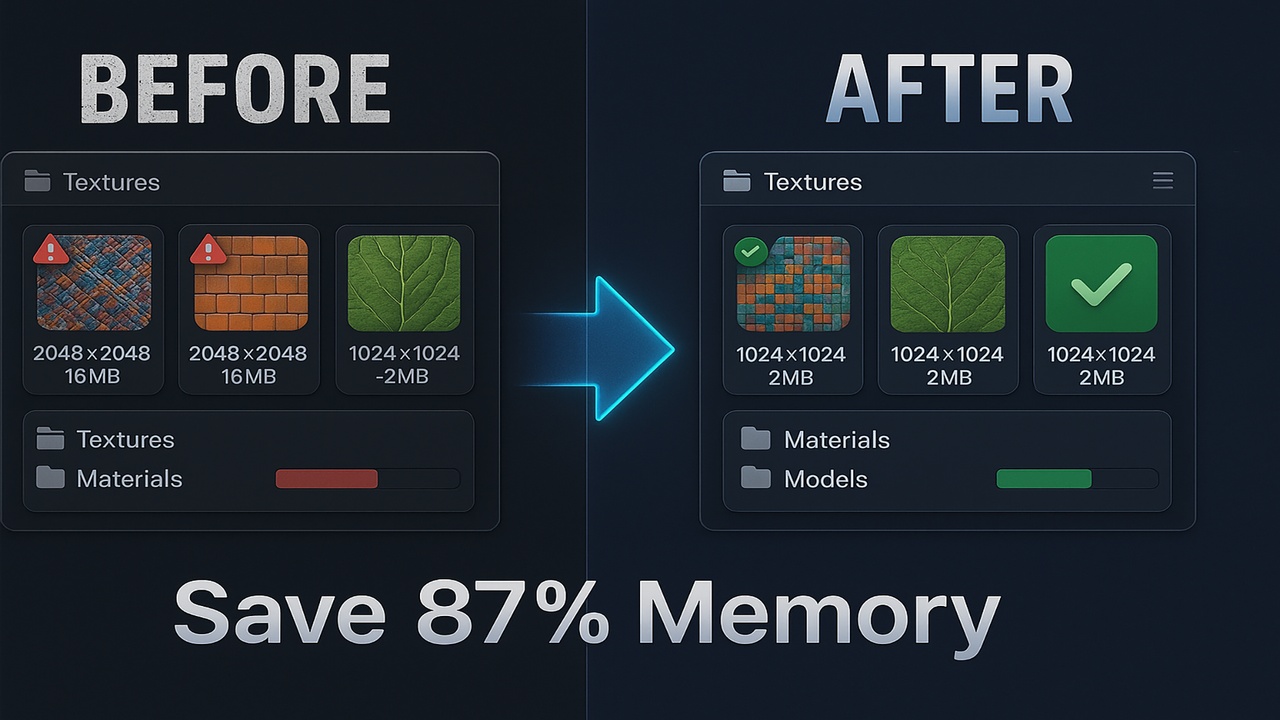
Memory Analytics - Detailed reports on texture memory usage
Drag & Drop - Intuitive file management
Search & Filter - Find textures instantly
History Tracking - Undo/redo with full history
Watermark Support - Add logos to exported images
Batch Rename - Organize files with smart patterns
Context Menus - Quick actions right from Project window
Preset System - Save and share optimization settings
Live Notifications - Beautiful toast notifications
🚀 Perfect For:
Asset Store Publishers preparing textures for release
Mobile developers optimizing for performance
Artists managing large texture libraries
Teams needing consistent texture standards
Anyone who values beautiful, efficient tools
💎 What Makes Us Different:
Design First - We believe tools should be beautiful AND functional
Zero Learning Curve - Intuitive enough for beginners, powerful enough for pros
Active Development - Regular updates with new features
Responsive Support - Get help within 24 hours
Performance Focused - Optimized for large projects
🎨 Supported Texture Formats:
Import: PNG, JPG, TGA, PSD, BMP, TIF, GIF
Unity Formats: RGBA32, RGB24, DXT1/5, BC7, ETC2, ASTC, PVRTC
Export: PNG, JPEG, TGA, EXR, TIFF, BMP
🛠️ COMPLETE FEATURE LIST:
CONVERSION ENGINE:
- Multi-threaded batch processing
- Queue management system
- Undo/Redo for all operations
- Non-destructive workflow
- Original backup system ANALYSIS TOOLS:
- Compression artifact detector
- Alpha channel analyzer
- Color space validator
- Mipmap chain inspector OPTIMIZATION FEATURES:
- Smart downscaling algorithms
- Lossless PNG optimization
- JPEG quality fine-tuning
- Alpha channel removal/optimization
- Color quantization options WORKFLOW ENHANCEMENTS:
- Hot folder monitoring
- Scheduled batch operations
- Network folder support
- Multiple naming conventions
- Folder structure templates
- Metadata preservation
- Batch reporting
- Change logs generation UI/UX FEATURES:
- Responsive modern design
- Keyboard shortcuts
- Customizable workspace