


Description
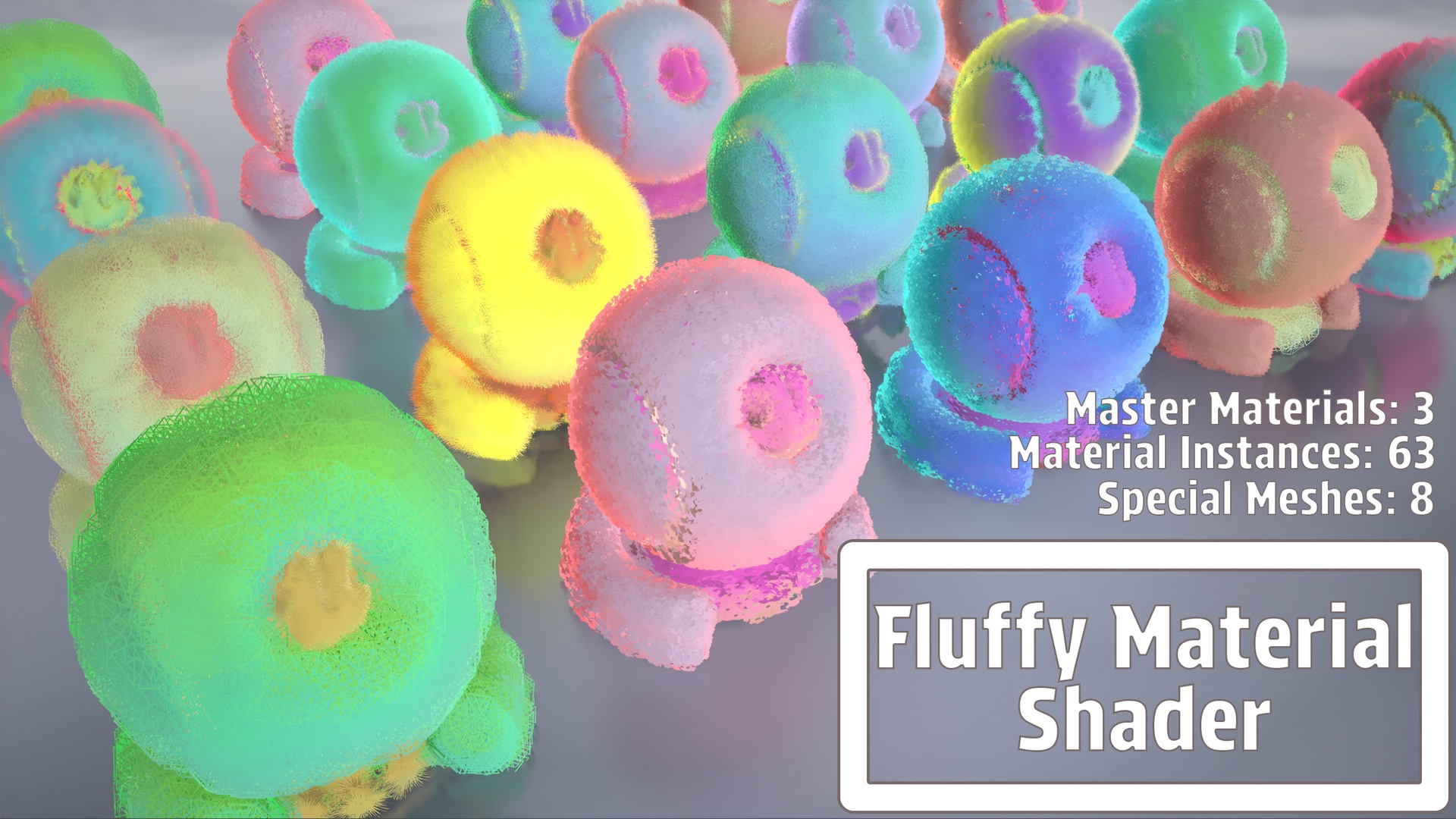
A fully customizable fluffy shader designed for creating soft, furry, or stylized surfaces with ease. Includes a powerful master material, 63 ready-to-use instances, custom meshes, and a demo map. Features advanced WPO effects (fluff, wind, blob), color controls, texture masking, and depth-based shading for high-quality stylized or semi-realistic visuals
Perfect for characters, creatures, props, and stylized environments
Demo
Detailed step-by-step documentation is available to help you correctly prepare your models for use with the Fluffy Material Shader.
Please refer to the following setup guides:
These guides explain how to properly prepare topology and UVs in Blender before importing the model into Unreal Engine.
FEATURES:
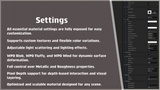
Plug-and-play fluffy master material — instantly applicable to properly prepared meshes(Please refer to the documentation above for required mesh setup)
63 material instances ready for direct use or customization
Custom WPO effects: fluffy movement, blob deformation, wind animation
Full color control: base color, tinting, light/dark variation
Custom texture slot for masks or patterns
Metallic & Roughness controls for stylized or realistic looks
Pixel depth shading for soft fading and blending effects
Demo scene showcasing all materials and meshes
Optimized and easy to modify — clean material structure
Works with any quad-based mesh (characters, creatures, props)
Number of Materials: 63
Material Functions: 4
Static Meshes: 8
Blueprints: None required
Network Replication: Not Required
Supported Development Platforms: Windows / Linux / MacOs
Supported Target Build Platforms: Windows / Linux / MacOs
Important:
If a model contains an extremely high number of quad polygons, performance may decrease
Materials and instances are provided as demonstration examples, but all instances can be safely used in production
All Blueprints included in this plugin are provided for demonstration and usage examples only
The mesh must not use Nanite, otherwise the material will not function correctly
Feedback & Reviews
If you find this plugin useful, please consider leaving a rating or short review on Fab.
Your feedback helps improve the plugin, guides future updates, and supports continued development.
Thank you for your support!