
الوصف
📄 Documentation | 🎥 Demo Video and tutorial | 💬 Discord Support | ✉️ Email Support
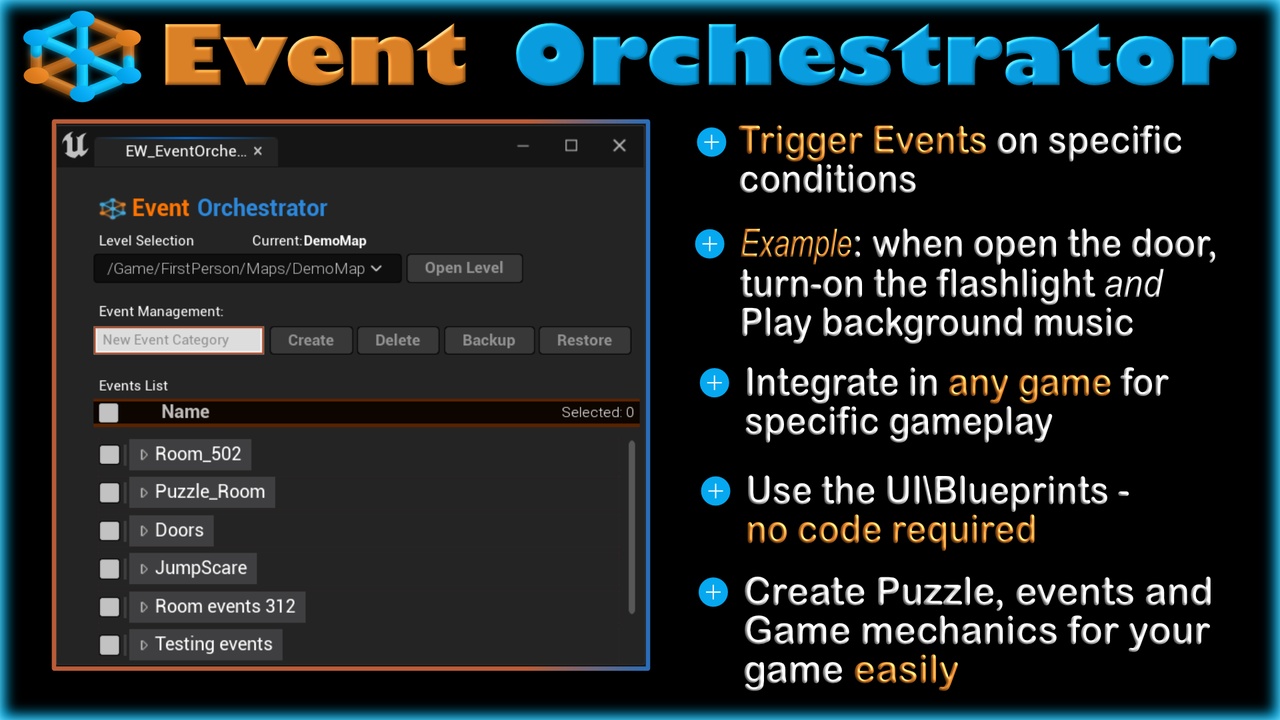
Event Orchestrator is a powerful Unreal Engine tool designed to manage game events dynamically.
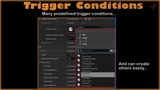
It enables developers to define "Trigger Conditions" and link them to "Actions" using logical operators (AND / OR).
This allows for the creation of complex event-driven interactions that can be customized for any game.
🔥 Features:
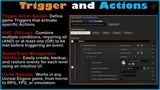
⚡ Trigger-Action System: Define game Triggers that activate specific Actions.
🔗 AND / OR Logic: Combine multiple conditions, requiring all (AND) or at least one (OR) to be met before triggering an event.
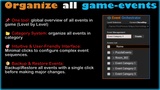
🎛️ Simple Event Management Interface: Easily create, backup, and restore events for each level using an intuitive UI.
📂 Event Category System: Organize events into categories for better structure and management.
♻️ Restore & Backup Events: Quickly save and restore events to prevent data loss.
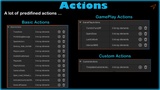
🛠️ Customizable & Extensible: Developers can create new Triggers and Actions tailored to their game's mechanics.
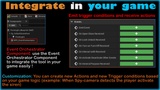
🧩 Easy Integration with Game Logic: The Event Orchestrator can be integrated into your specific game logic, which can be done easily using a Blueprint Event Orchestrator Component.
🎮 Game-Agnostic: Works in any Unreal Engine game, from Horror to RPG, FPS or simulation.
What is a Trigger Condition?
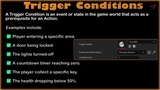
A Trigger Condition is an event or state in the game world that acts as a prerequisite for an Action. Examples include:
✅ Player entering a specific area.
✅ A door being locked.
✅ A countdown timer reaching zero.
✅ The player collect a specific key.
✅ The health dropping below 50%.
Triggers can be combined using AND / OR logic:
AND Condition: Only activates if all conditions are met.
OR Condition: Activates if at least one condition is met.
Example: To unlock a door, the player must have both a key AND be near the door (AND condition).
What is an Action?
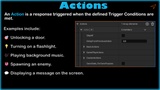
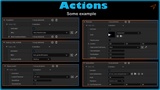
An Action is a response triggered when the defined Trigger Conditions are met. Actions can modify the game world, trigger effects, or interact with other gameplay mechanics. Examples include:
🎯 Unlocking a door.
💡 Turning on a flashlight.
🎶 Playing background music.
👹 Spawning an enemy.
💬 Displaying a message on the screen.
Customization & Integration
Developers can create new custom Trigger Conditions and Actions tailored to their game.
Compatible with Unreal Engine’s Blueprints, making it flexible for any project.
Can be used in open-world games, puzzle games, horror games, or simulations.