




설명
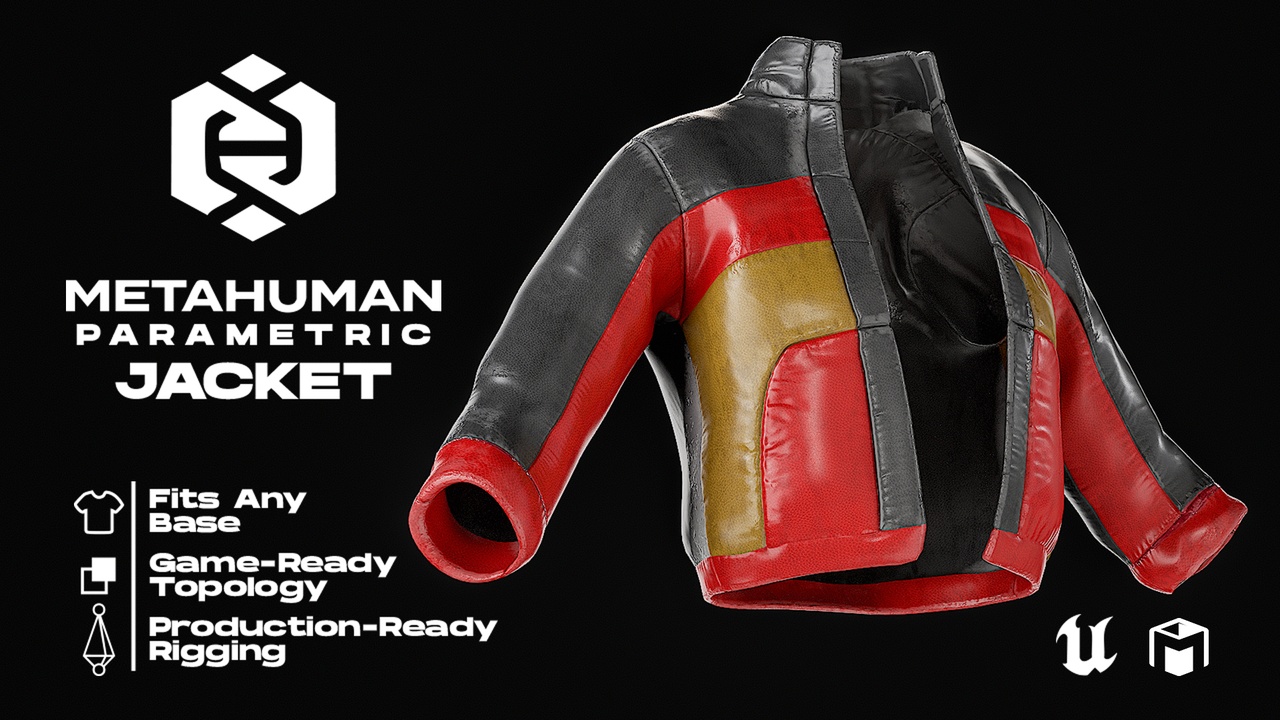
Leather Jacket for MetaHumans
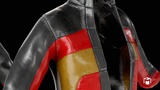
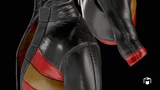
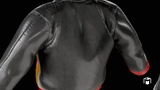
Photorealistic Leather Jacket for Unreal Engine 5.7+ MetaHumans. Production-ready with dynamic auto-fitting and advanced material customization.
🏷️ Key Features
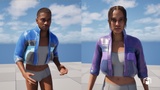
🟡 Resizable Outfit: Fully compatible with parametric MetaHuman Creator (Fits all body types seamlessly).
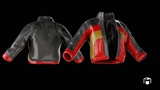
🟡 Colorable: control Color with 3 different parameters.
______________________________________________________________________________
100% compatible with the new Metahuman Creator (UE 5.6 and later, Parametric)
______________________________________________________________________________
📦FILE FORMATS:
MHPKG for Metahuman Creator
FBX - Static Mesh
Textures - 4K
______________________________________________________________________________
🏷️DETAILS:
4K Textures
PBR Materials
Named Objects/Textures/Materials
Real-World Scale
No Default Names
No NGons
No Overlapping Vertices
No Overlapping Faces
No Overlapping UVs
No Missing Textures
Perfect for use in:
Game development
Cinematic scenes
Cutscenes and trailers
Character visualization and concept art
Real-time Unreal Engine projects
🧩 Usage Instructions:
Upload the .mhpkg file from the package to your FAB server.
Create a folder named “Outfits” in the Content Browser.
Drag and drop the *.mhpkg file into the Outfits folder — it will automatically unpack.
In MetaHuman Creator, drag the WI_* asset into the Clothing section and double-click it to apply the outfit.