Descripción
Resource Spawner System is a flexible Blueprint-based framework for spawning Blueprint Actors in Unreal Engine.
Designed for survival, crafting, RPG, sandbox, and open-world projects, the system allows developers to quickly implement resource generation while maintaining full control over spawning logic and gameplay behavior.
The system includes two spawning methods:
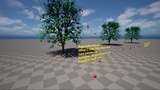
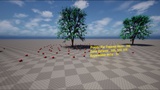
• Arround Mesh Spawner – spawn BP actors around Static Meshes
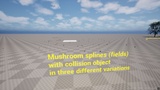
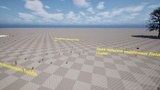
• Spline Spawner – spawn BP actors inside closed spline areas (can also spawn other Blueprint Spawners)
Key Features
Configure spawning behavior directly from the Editor through exposed Blueprint parameters
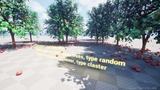
Spawn Blueprint Actors around Static Meshes or inside closed spline areas
Supports hierarchical spawning systems (Spawner → Spawner → Actor)
Blueprint-controlled PCG workflow with custom PCG Graph assignment
Trigger PCG generation on demand directly from the Spawner Blueprint
Configure PCG parameters directly from the Blueprint interface
No need to modify PCG Graphs for common gameplay scenarios
Easily extend and customize the system through Blueprint inheritance
Full control over spawn conditions, generation logic, and resource distribution
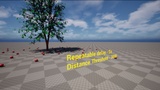
Distance-based spawning with Pawn or Player selection support
Randomized generation intervals to help distribute workload and reduce frame spikes
Simple integration into existing projects
Modular architecture suitable for project-specific requirements
Supports resource generation, collectibles, harvesting systems, environmental interactions, and procedural gameplay elements
Optimized for both prototyping and production workflows
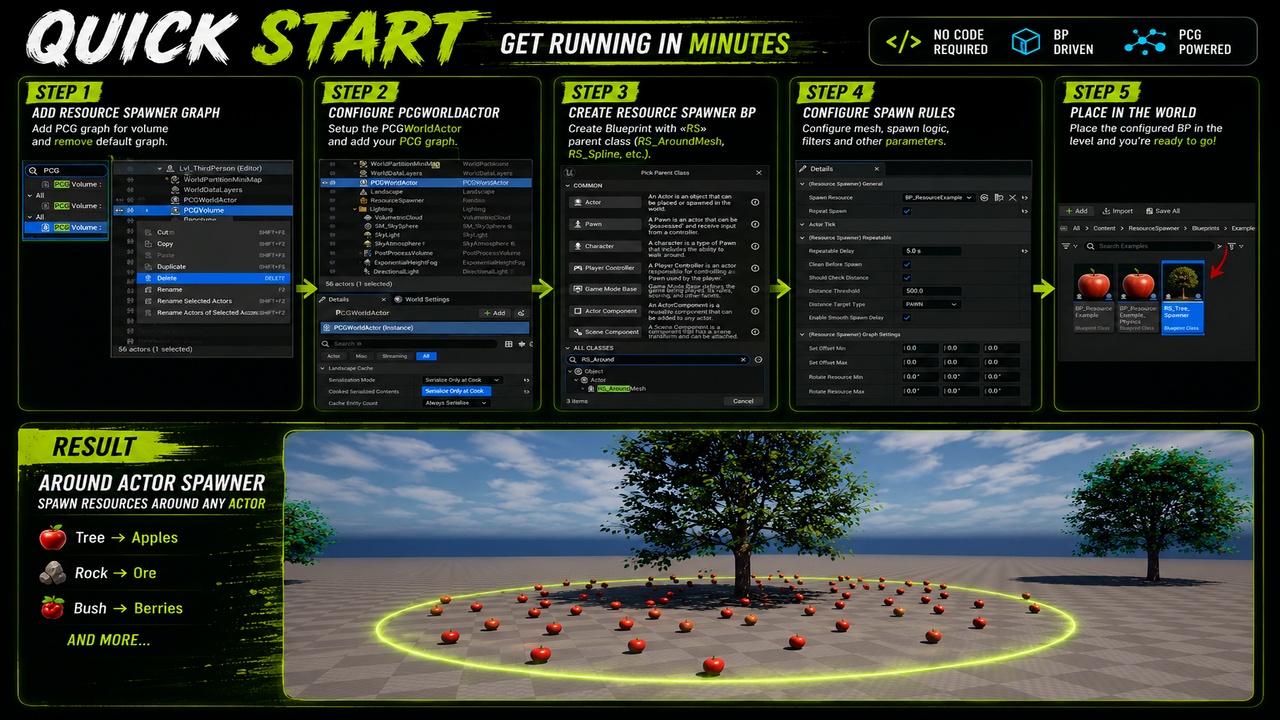
Getting Started
Add a PCGWorldActor to the level.
If your level already contains a PCG graph, this step can be skipped.Set Serialization Mode to "Serialize Only at Cook".
Create a new Blueprint class.
Select the desired Spawner type as a parent class
(for example: RS_AroundMesh).Assign a target mesh and a Blueprint Actor to spawn.
Example:
• Target Mesh: Apple Tree
• Spawned Actor: Apple BlueprintConfigure the spawning parameters.
Place the configured Spawner into the level.
Done. Your spawning system is now ready to use.
After completing these steps, your procedural spawning system will start working in your project immediately. Detailed parameter descriptions and advanced configuration options are available in the project documentation.
To see an example of how the system works in practice, you can load the demo map. Buy now and you access UDS integration automaticaly.
Required plugins:
Procedural Content Generation (PCG plugin)