Descrição
👀 Launch video: v0.1 | 📹 Update video: v0.2 | 📹 Update video: v0.3 | 🎬 Update video: 0.4 | 🎂 Update video: 1.1 | 📖 Read the manual | ❔ Read the FAQ page | 🎓 Read a hands-on tutorial | 📃 Check out the Changelog | 🔓 Check out the open-source Core version (GitHub) | 🤝 Discord support
I recommend you try the open-source Core version first, a highly functional & capable plugin in itself. Fab hosts the fully-featured, updated and supported Pro version.
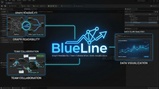
BlueLine (1.2.1) is a lightweight, modular, comprehensive C++ editor plugin. It includes Manhattan / Circuit Board wiring for Blueprints, but that is only one of its many highlights.
It is designed to solve a number of specific problems in development workflows, while automating the "boring" parts of graph organization, and allowing you to focus on logic, not layout.
The Three Pillars of Order
1. The Genetic Architect (Clean Graph)
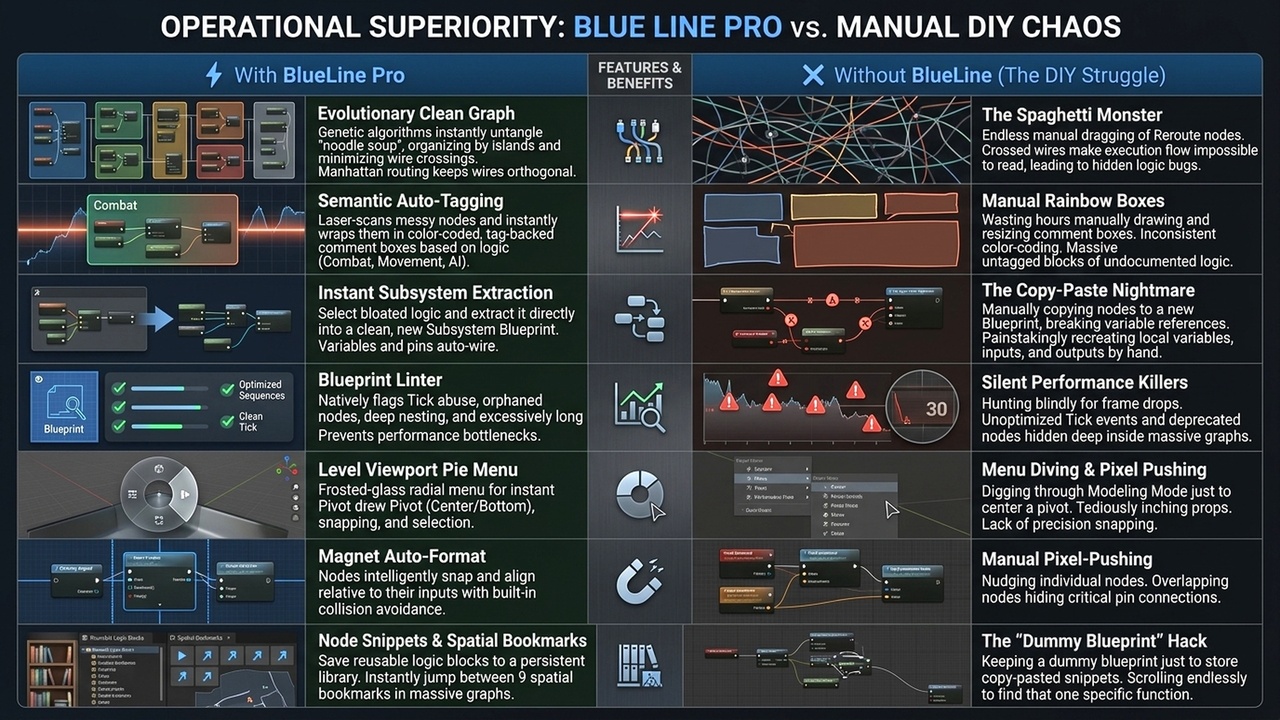
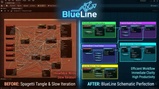
Tangled "spaghetti" is a thing of the past. BlueLine uses a Genetic Algorithm to iteratively evolve your graph. It simulates hundreds of layouts to mathematically minimize wire crossings and find the most readable orthogonal path.
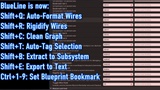
* Shift+C: Global untangling of selected logic webs.
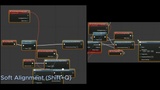
* Shift+Q: Local "Magnet" alignment for quick pin-snapping.
* Shift+R: Reroute / Rigidify wires with Pathfinding.
2. Semantic Intelligence (Auto-Tag)
Your graph should explain itself. BlueLine analyzes node titles and variable types to understand the purpose of your code.
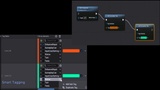
* Shift+T: Automatically clusters nodes into themed, color-coded Comment Boxes (Combat, AI, Data, Movement, etc.).
* Smart Colors: Instantly identifies logic zones without manual labeling.
3. Data Clarity (Smart Tags)
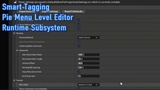
Generic grey text boxes don't scale. BlueLine transforms Gameplay Tags into Dynamic Color Chips across the entire editor.
* Visual Details: High-contrast tags in the Details Panel and on Graph Pins.
* Team Sync: Configure styles once in a DataAsset; the whole team sees the same colors instantly.
* World Debug: Static C++/BP library to draw these same colored tags in the game world for instant debugging.
Why Professionals Choose BlueLine
* Git-Friendly: "Selection-Only" formatting means we never touch nodes you didn't select—no unnecessary merge conflicts.
* Zero Bloat: Architected with a clean Runtime/Editor split. The core logic ships with your game, while the heavy tools stay in the editor.
* UE 5.7 Native: Fully optimized for the latest ToolMenus and Slate APIs. No legacy baggage. * Pure C++: High-performance, multi-threaded analysis.
Restore the peace in your project. Work with BlueLine.
---
Original (2025) description follows:
🔌 Graph Enhancements
1. "Soft Magnet" Formatting (Shift + Q)
Unlike other auto-formatters that rearrange your entire graph (destroying your specific layout), BlueLine uses a Selection-Only approach.
Usage: Select a group of nodes and press Shift + Q.
Behavior: Nodes align grid-relative to their input connections.
The "Anti-Diff" Philosophy: BlueLine never touches nodes you haven't selected. This ensures your Commit History remains clean and readable.
2. Hotkeys
Shift + Q Magnet Align: Aligns selected nodes to the grid relative to their inputs.
Shift + R Rigidify: Reroutes the tangled wires into more rigid and navigable iterations.
🏷️ Smart Tags & Visualization
BlueLine overrides the Details Panel customization for FGameplayTag, replacing the text string with a colored "Chip" widget.
1. Setup (Team Color Sync)
Colors are not stored in local user preferences. they are stored in a Data Asset so the whole team sees the same colors.
Create a DataAsset derived from BlueLineThemeData.
Name it DA_BlueLineDefault and place it in /Game/BlueLine/ (Content/BlueLine/).
Note: This path ensures the plugin finds it automatically without configuration.
Add Tag Styles:
Tag: Status.Debuff
Color: Red
Apply To Children: True
(Result: Status.Debuff.Fire and Status.Debuff.Ice will automatically inherit Red).
2. Runtime Debugging (C++)
Debug colors shouldn't disappear when you hit PIE (Play In Editor). Use the static library to draw colored tags on the HUD or in World space.
3. Blueprint Support
The library is exposed to Blueprint as "Draw BlueLine Debug Tag".