










الوصف
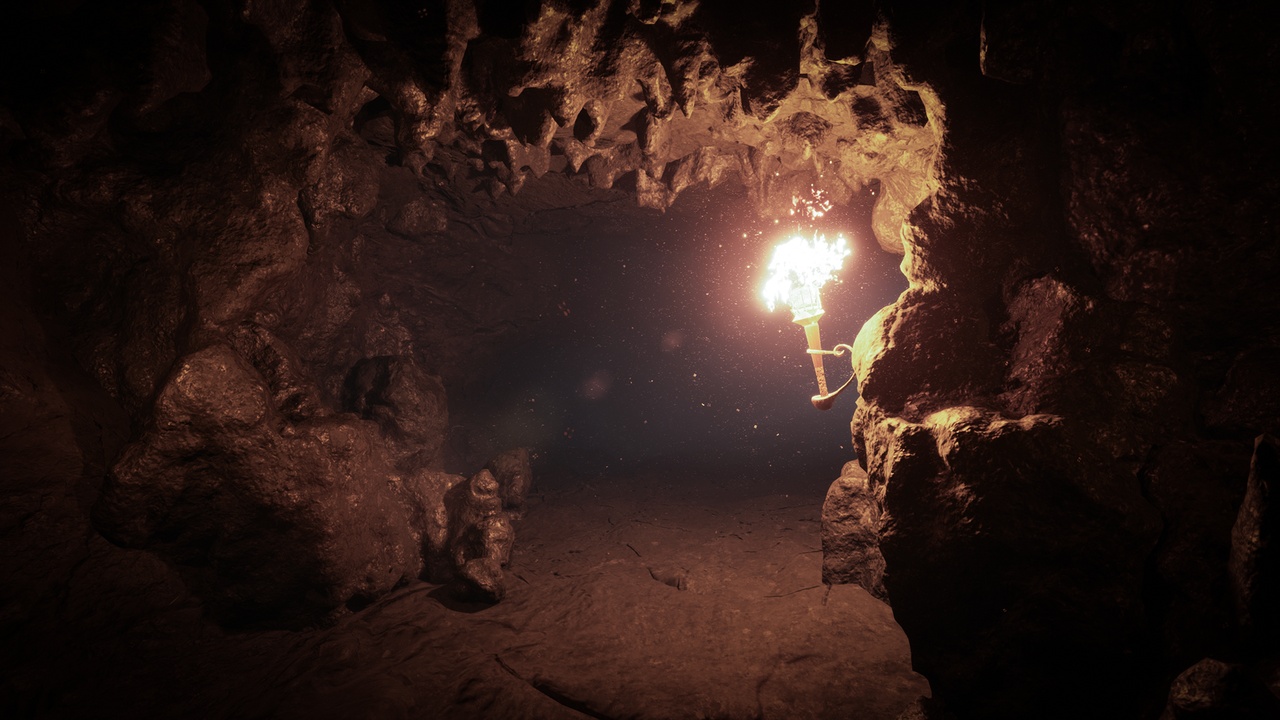
Build kilometres of volcanic cave tunnels in minutes, not days.
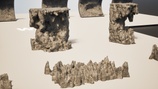
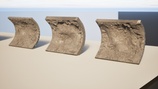
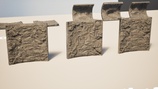
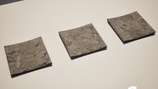
This is a modular set plus a Spline Tool that does the heavy lifting: draw a curve, and the tool deforms and scales the meshes along it, randomly picking from the set as it goes. Because the geometry bends to the spline, you don't need dedicated turn pieces — the mesh count stays small and level blockout stays fast. Extra meshes are included to close gaps, break repetition, and hand-place detail on walls, ceilings and floors wherever you want more control. Built in Houdini, delivered game-ready for Unreal Engine 5.
Fly through the preview level: Modular Volcanic Cave Assets preview
Full breakdown and extra shots: https://www.artstation.com/artwork/zxVN8Z
Looking for a colder biome? The PCG spline workflow in ice: https://www.fab.com/listings/9bdda8ff-95bf-4ecf-a7cb-7139eda1e415
WHAT'S INCLUDED
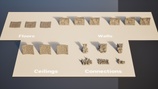
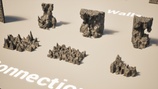
- 18 modular meshes — walls, ceilings, floors, gap fillers and detail pieces
- Spline Tool for procedural tunnel assembly
- 1 demo cave level, ready to fly through
- Hand-made convex collisions on every mesh
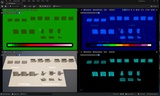
- 1 master material + 1 material instance
- UDIM texture set (Base Color, AO, Normal, Roughness), 15 UDIMs
- Source high-poly and mid-poly meshes (separate download)
- Raw texture archive at full 8K (separate download)
- Blender source file (separate download)
TECHNICAL SPECS
Engine version: 5.4+
Meshes: 18
Average triangles: ~100,000 per mesh (mid-poly, built for Nanite)
Texture resolution: 8K source, 4K in-editor
Materials: 1 master + 1 instance
Formats: Unreal Engine, Blender, FBX
Platforms: PC, Mac, Linux, PS4, Xbox One
Collisions: Custom convex, per mesh
BEFORE YOU START
This pack uses UDIM-based virtual textures. Enable them in Edit > Project Settings > Engine > Rendering > Virtual Textures (check "Enable Virtual Texture Support" and restart the editor), otherwise textures will show as missing.
SUPPORT
Questions, requests, or something you'd like added to the pack? Message me — I update my packs based on what buyers actually need.
If this saved you time, a short review helps other developers find it. It takes a minute and it genuinely matters for a small publisher.