Açıklama
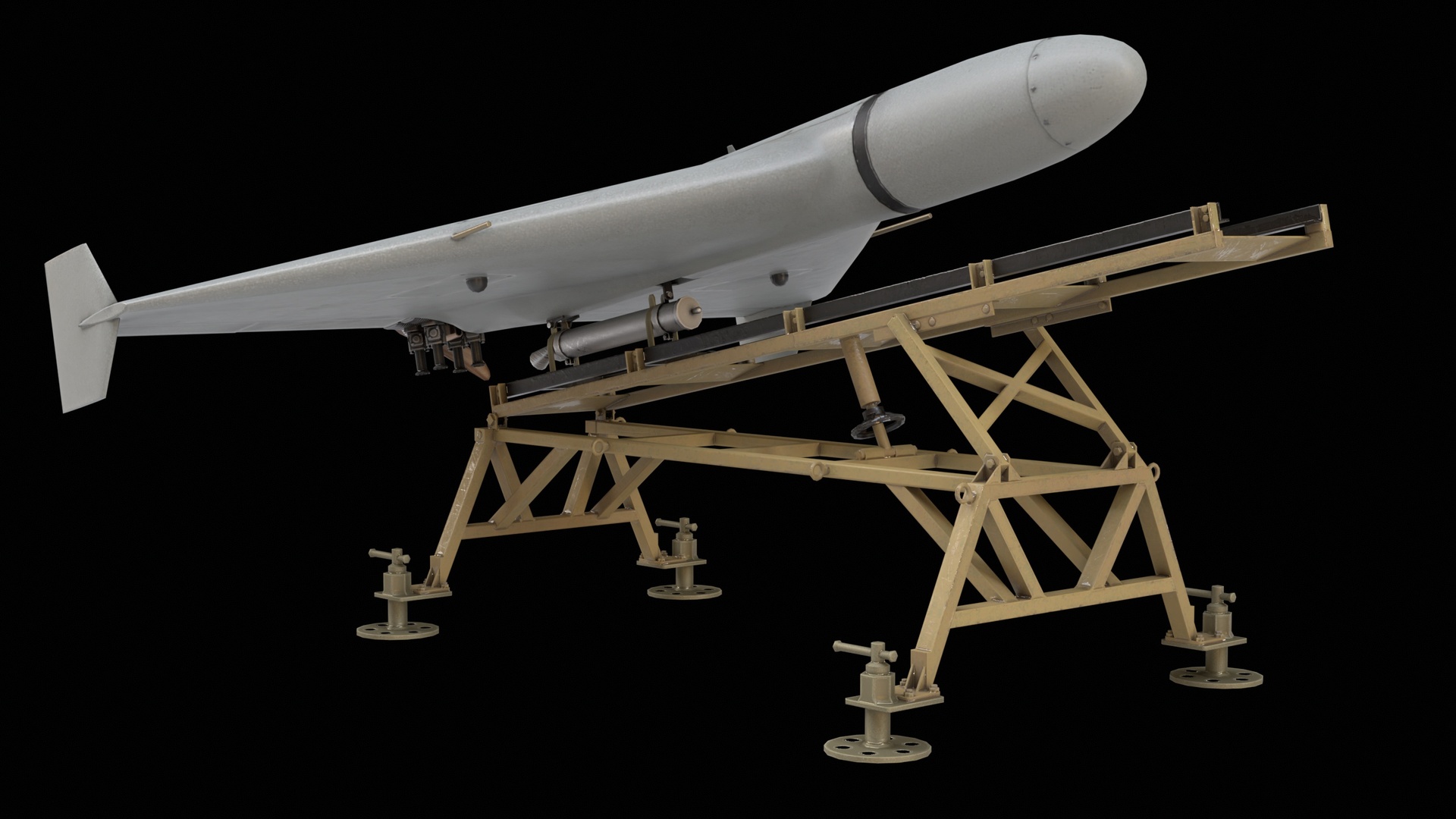
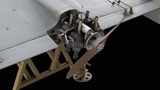
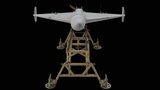
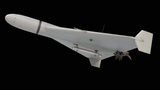
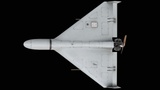
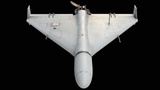
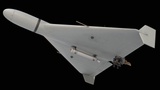
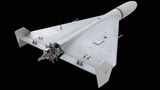
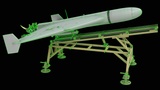
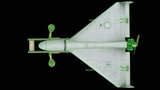
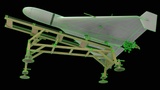
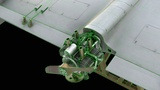
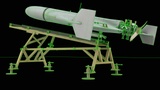
High-quality 3D model of a loitering munition drone mounted on a launch rail system, featuring detailed fuselage geometry, propeller assembly, and realistic military materials. Ideal for military simulations, defense visualization, and aviation combat environments.
FILE FORMATS:
1. 3ds Max 2021
2. Blender 4.4.3
3. FBX
4. OBJ (You may need to reassign texture maps in your software.)
5. GLB
6. GLTF
7. USDZ
8. USD
MODEL INFO:
Object: Shahed_136_Kamikaze_Drone_001
- Vertices: 4129
- Polygons: 4014
- Triangles (3-sided): 994
- Quads (4-sided): 3020
- Rendered Tris: 7034
Object: Shahed_136_Kamikaze_Drone_LaunchRail_001
- Vertices: 3625
- Polygons: 3273
- Triangles (3-sided): 772
- Quads (4-sided): 2501
- Rendered Tris: 5774
MATERIALS & TEXTURES:
Textures zipped separately
- 2× 3ds Max physical material
Textures:
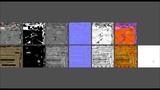
- 1024x1024 = 01_Shahed_136_Kamikaze_Drone_01_Albedo.png
- 1024x1024 = 01_Shahed_136_Kamikaze_Drone_02_Metalness.png
- 1024x1024 = 01_Shahed_136_Kamikaze_Drone_03_Roughness.png
- 1024x1024 = 01_Shahed_136_Kamikaze_Drone_04_Normal_DirectX.png
- 1024x1024 = 01_Shahed_136_Kamikaze_Drone_04_Normal_OpenGL.png
- 1024x1024 = 01_Shahed_136_Kamikaze_Drone_05_AO.png
- 1024x1024 = 01_Shahed_136_Kamikaze_Drone_06_ORM.png
- 1024x1024 = 02_Shahed_136_Kamikaze_Drone_01_Albedo.png
- 1024x1024 = 02_Shahed_136_Kamikaze_Drone_01_Albedo_RGBA.png
- 1024x1024 = 02_Shahed_136_Kamikaze_Drone_02_Metalness.png
- 1024x1024 = 02_Shahed_136_Kamikaze_Drone_03_Roughness.png
- 1024x1024 = 02_Shahed_136_Kamikaze_Drone_04_Normal_DirectX.png
- 1024x1024 = 02_Shahed_136_Kamikaze_Drone_04_Normal_OpenGL.png
- 1024x1024 = 02_Shahed_136_Kamikaze_Drone_05_AO.png
- 1024x1024 = 02_Shahed_136_Kamikaze_Drone_06_ORM.png
- 1024x1024 = 02_Shahed_136_Kamikaze_Drone_07_Alpha.png
GENERAL INFORMATION:
- Optimized low-poly mesh with clean topology and performance-friendly detail retention
- Real-world scale and accurate proportions
- All objects are error-free and legal geometry
- No subdivision required and no plugins needed
NOTES:
- You may need to reassign texture maps in your software.
- You may need to flip the green channel of the normal map depending on your workflow (DirectX vs OpenGL).
- The attached 3D view does not represent the object's actual quality, and it is better shown in the render images.
- The file and texture names might differ from the displayed names here. (just for a shorter or better naming convention).