Описание
Please read this description carefully before purchasing this project.
These are not just weapon models, the project contains all the necessary animations and logic to create your own game.
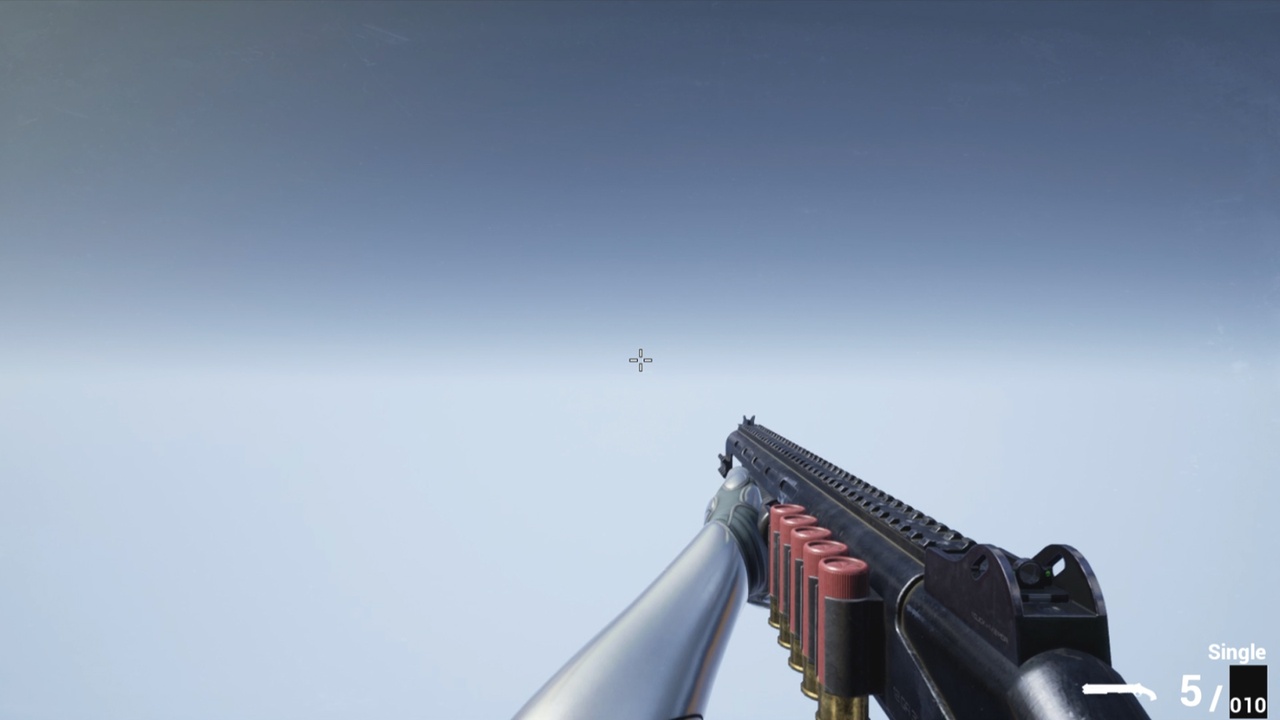
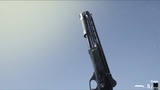
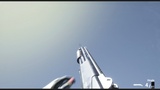
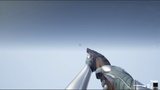
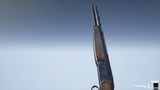
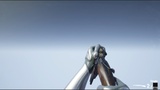
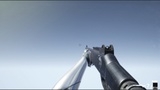
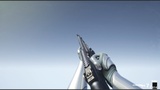
Realistic shotguns with attachments. Contains example blueprints for assembly.
Three different types of shotgun, holo sight, laser/flashlight, three kinds of choke, and suppressor.
Each type of choke gives a different angle of dispersion of the pellets from a gun.
This project uses a material layering system, so you can give your weapon a different look with different patterns. You can also change only a tint.
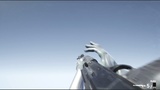
Animated for the first person.
This project uses procedural aiming.
This project uses procedural recoil.
The shotguns presented in this pack can be purchased separately.
Semi-automatic shotgun: https://unrealengine.com/marketplace/en-US/product/cg-sashotgun
Pump-action shotgun: https://unrealengine.com/marketplace/en-US/product/cg-pashotgun
Double-barrel shotgun: https://unrealengine.com/marketplace/en-US/product/cg-dbshotgun
But if you decide to buy two or more, then it will be more profitable to purchase this pack.
Before purchasing the project, make sure your human skeletal mesh contains bones like "ik_hand_gun",
and "ik_hands" like an Epic's mannequin. Since most of the animations of the project actively use them.
Otherwise, the animations for your skeleton will not work correctly.
The weapon in the project is snapped on the socket of the "ik_hand_gun" bone, and this bone is used in many animations.
The project has been updated (r23.3). The update included compatibility with all "CGr r23" projects. If you want to combine any "CGr r23" projects with this one, you should take this project as a basis and transfer other projects to it. The "CGr Shotguns Pack" project contains all the logic of all "CGr r23" projects.
The project was conceived not as a complete one, but as an asset pack. So that developers can use animation and weapon models and maybe some logic in a more advanced project.
The blueprints for this project are configured for presentation only. But advanced developers can improve it. For beginners, this project may seem complicated.
For those who decide to understand this project, you need to pay attention to custom collision presets in the project settings, and notifications in animation montages. All changes for different types of weapons must be made in the "DT_Weapon_DataTable". For your convenience, I have moved some variables from the Data Table to the weapon blueprints. This way you can change the variables and see the changes in real time. You can find them in the weapon blueprint in the construction script.
As a bonus, the project has an animation of a frag grenade throw and an animation of a stun grenade throw.
As well as animation of weapon jamming.
In the directory "BONUS" there are animations not implemented in the project, such as "Weapon Block Idle Animations" and "Movements".
If you decide to retarget from a UE4 mannequin to a UE5 one, then do it the proper way. Also, watch this video.
Important Note: The weapon in my project is located on the X-axis.
If you want the Y-axis, this is solved very simply - you just export the weapon model, then import it back, but with a rotation of -90 degrees on the Z-axis. You will have to do the same with the weapon animation, or manually rotate the weapon by -90 degrees in each animation, and set the key.