





















Description
Update VDB Clouds vol.3 to Unreal 5.4 - new Blueprint, additional maps from which the demo, seq, camera, light, 2x 8k HDRI 360 map and 1 additional vdb: dragon.
Bonus:
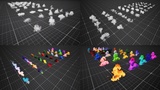
The package includes an additional new "Clouds array" blueprint that makes it easier to create larger cloud structures. Blueprint uses 50 VDBs, which it shuffles among themselves to create a different version each time.
New blueprint with built-in 50 vdb clouds plus one slot for any custom vdb. All our clouds in one Blueprint together with dynamic instance, so you don't have to edit the material instance or create new materials. Additionally, BP has built-in commands dedicated to vdb, so you don't have to search for and enter them every time.
To properly display the "SEQ_demo" demo map, you must install the free HDR Back plugin.
After installing, plug in our HDRL map with clouds that we have included, and set the plugin itself according to the attached screenshot in the gallery
To enable the HDRI Backdrop plug-in, go to Edit / Plugins, enter HDRI in the search engine, find HDRI Backdrop and check the Enable box. After restarting Unreal Enige, the plugin will be enabled.
.......................................
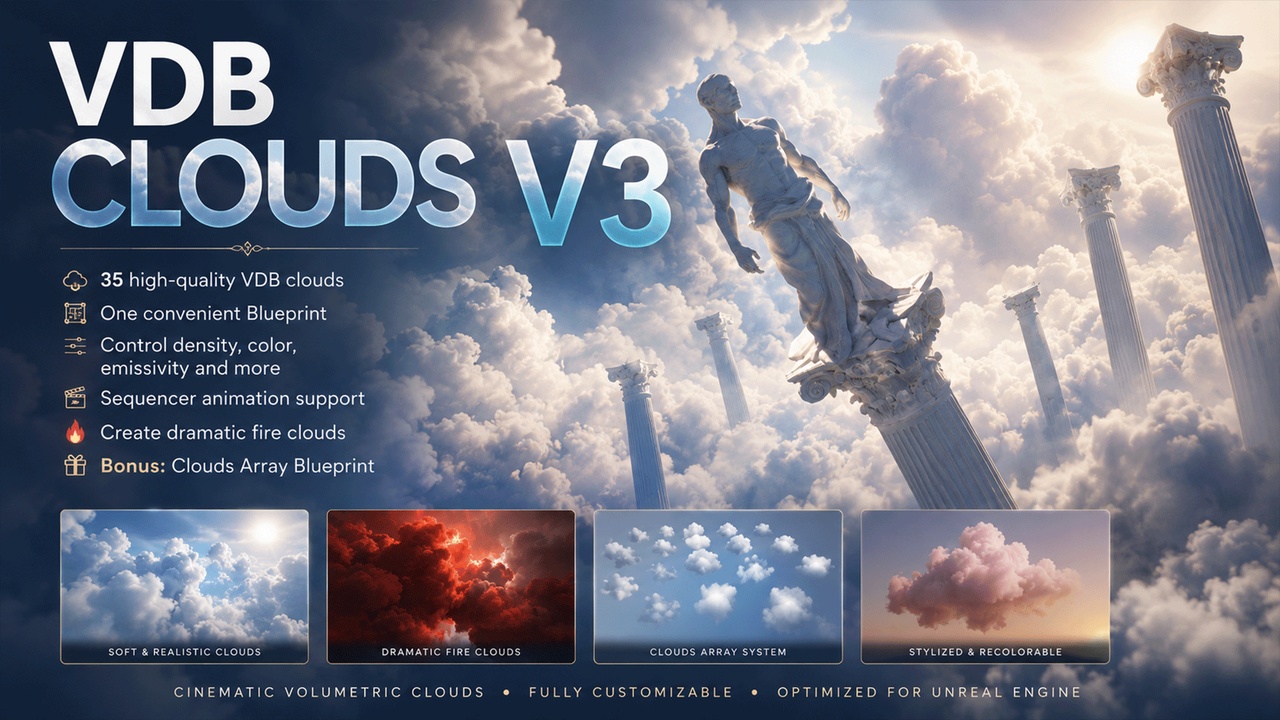
VDB Clouds V3 takes cloud realism to a whole new level. This innovative pack includes 35 high-quality VDB clouds, available in one convenient blueprint, giving you complete control over the atmosphere of your scene.
Key features:
35 VDB Clouds: Explore a variety of high-quality clouds ready to use in your project. Each cloud has been carefully crafted to deliver realistic visual effects. Live Editing with Blueprint: With the integrated Blueprint, you have full control over every aspect of the clouds. You can adjust density, color, emissivity, and many other parameters to achieve precisely the effect you need.
Sequencer Animations:
Bring your scene to life with built-in support for animations in Sequencer. Create dynamic changes in clouds by controlling their parameters in real-time based on keyframes.
Fire Clouds:
Creatively customize clouds to your needs by transforming them into impressive fire clouds. The process becomes intuitive and easy with the built-in tools in the Blueprint.
Efficiency and Performance:
Thanks to the optimized pack structure, you can enjoy spectacular cloud effects with minimal impact on your project's performance.
This pack is a comprehensive solution that allows you to create unforgettable atmospheric effects in your Unreal Engine project. Let your clouds not only be a backdrop but also a dynamic element that enhances the experience of those visiting your virtual reality.
Bonus:
The package includes an additional "Clouds array" blueprint that makes it easier to create larger cloud structures. Blueprint uses 50 VDBs, which it shuffles among themselves to create a different version each time.
Overview: