Opis
Trailer Video :YouTube Link
Documentation:Drive Link
How to use it on your own project (Tutorial Video):YouTube Link
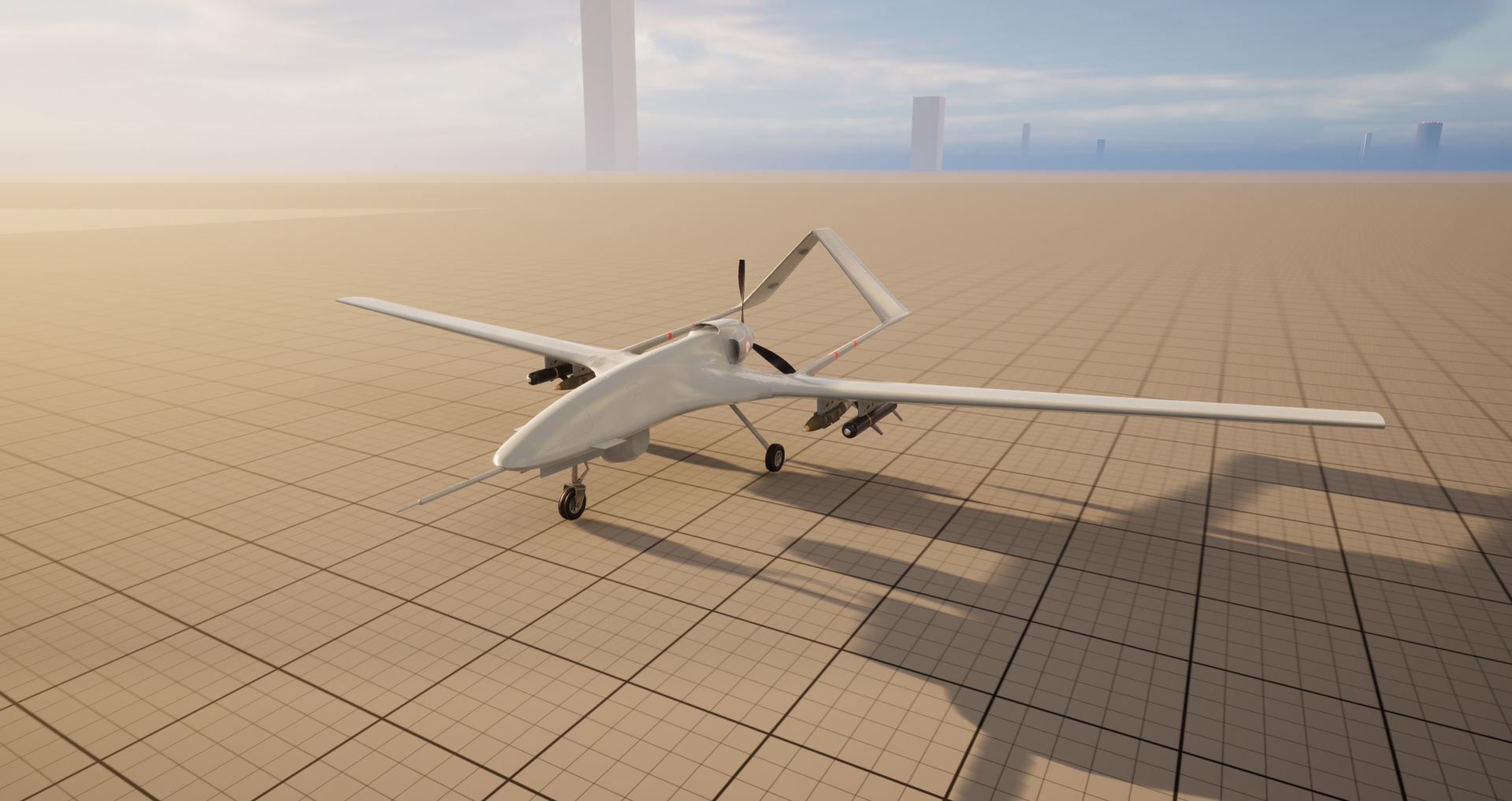
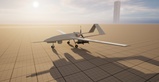
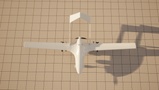
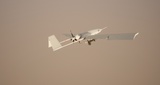
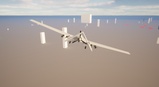
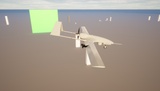
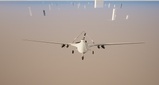
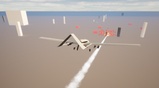
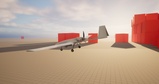
A fully modular and highly realistic UCAV system designed to bring modern aerial combat directly into your project. With smooth flight dynamics, advanced targeting mechanics, and integrated weapon systems, it delivers a top-tier gameplay and visual experience.
Features:
Supported UE Versions ( 5.4.4 and+ above )
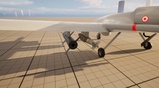
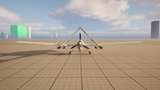
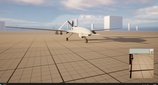
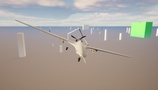
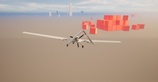
Realistic UCAV Drone model.
Realistic flight mechanics.
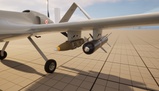
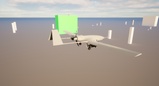
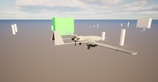
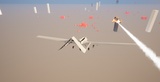
Guided bombs and smart missile integrated.
Animated propeller, aileron, flaperon, and rudder controls.
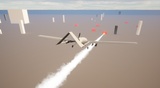
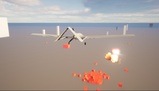
Realistic engine, explosion, and immersive sound/visual effects.
Target Camera system: A camera located at the bottom-right of the screen allows you to zoom in on the ground from high altitude and engage targets precisely by clicking directly through the camera.
LOD (Level of Detail) for each mesh to optimizing the performance.
Clean, fully commented Blueprint code for easy customization.
Technical details:
Number of Blueprints:8
Number of Skeletal Meshes:2
Number of Static Meshes:3
Number of Physics Assets:2
Number of Skeletons:2
Number of Animation Blueprints:1
Number of Animation Sequences:12
Number of Blendspaces:4
Number of Niagara Systems:6
Number of Cascade Particle Systems:1
Number of Enumerations:1
Number of Materials:14
Number of Material Instances:9
Number of Textures:26
Number of Render Targets:1
Number of Input Actions:19
Number of Input Mapping Contexts:1
Number of Metasounds:5
Number of Sound Waves:13
Number of Sound Cues:4
Number of Sound Attenuations:3
Number of Static Vector Fields:1
Number of Structures:4
Input: (Keyboard and Mouse)
Network Replicated: (No)
Supported Development Platforms:
Windows: (Yes)
Mac: (No)
File size: ( Without Demo folder )
Unzipped: 392MB
File size: ( With Demo folder )
Zipped: 382MB
Unzipped: 405MB
Notices:
Notice:! This product supports MetaSounds for Unreal Engine 5.0+. Metasound plugin must be enabled from Plugins settings!
Notice!: This product needs ChaosVehiclesPlugin. ChaosVehicles plugin must be enabled from Plugins settings!
Notice!: Custom object channel must be added for Bombs from project settings. Please watch how to use UCAV_Drone_System on your own project tutorial video ( video link on documentation and fab link ) ( Otherwise bombs will also affect own vehicle !)
Notice!: If you have crash issue on unreal engine software open up BP_UCAV_Drone and go to Vehicle Movement Component and create an External Curve on Steering Setup tab. !
Notice!: To increase the hit probability of a guided bomb, it must be released from a sufficient altitude!
Please feel free to contact me with your questions, comments and support.
Mail: [email protected]
Instagram: omr.games
Discord: omr.games
WhatsApp: +90 554 183 5094
Youtube: Omr.Games01