
Описание
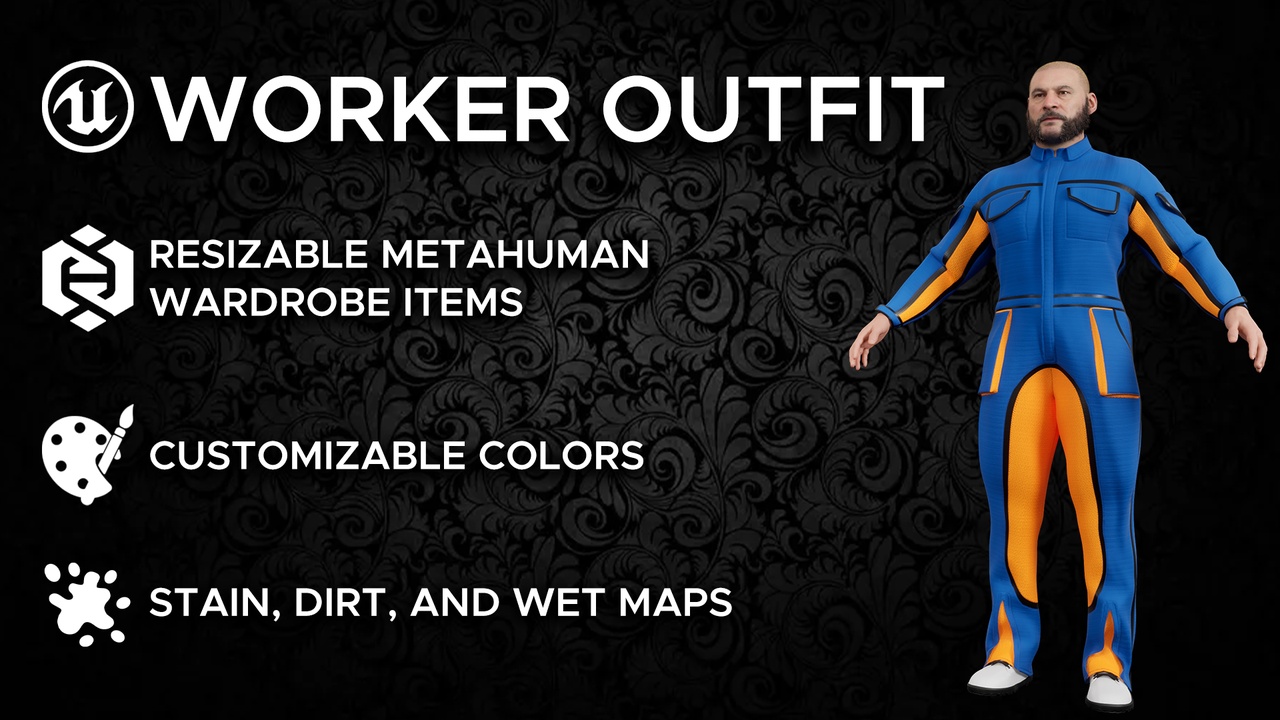
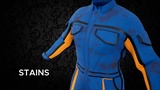
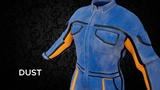
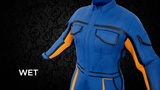
A resizable, parametric MetaHuman Worker Outfit featuring a Coverall and Boots for any MetaHuman body type, with customizable stains, dirt, and wet effects for extra character detail.
Features
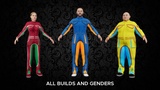
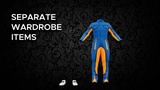
Resizable Parametric MetaHuman Wardrobe: Fully adjustable to fit any MetaHuman body type.
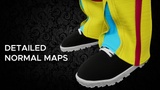
PBR Textures: Realistic 4K materials with detailed fabric definition for a lifelike appearance.
Low-Poly: Optimized geometry for smooth performance in real-time environments.
Texture Sets Included: Base Color, Normal, Packed ORM (Occlusion, Roughness, Metalness), Imperfections Map, and Body Mask.
Supported Format: MetaHuman Package (.mhpkg)
Installation
Create a new folder inside your Content folder and name it Outfits.
Open the Outfits folder, then create another folder inside it and name it as you wish (e.g., WorkerOutfit).
Drag and drop the .mhpkg file into that folder.
Open MetaHuman Creator.
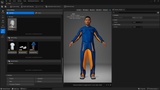
Drag the WI_* assets into the Outfit Clothing section under the Hair and Clothing tab.
Double-click on each item to apply it to your character.
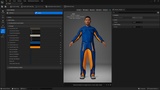
Head over to the Details tab to change the colors or add stains, dirt, or wet effects.
Important Note: To ensure body masks are applied correctly, always equip the Coverall before the Boots when using them together.
For custom wardrobe items tailored to your project, contact us at [email protected]