Descrição
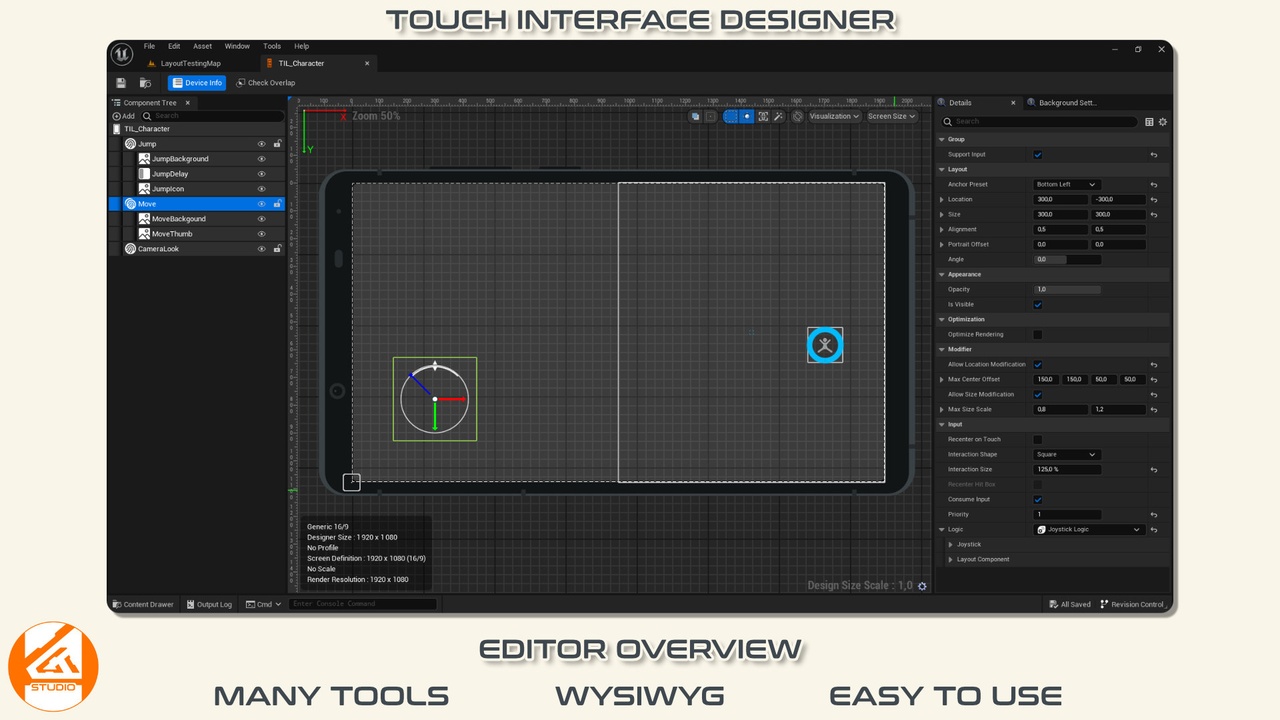
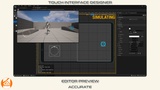
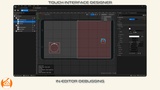
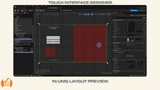
Setup Touch Interface for mobile can be a slow and annoying process because Touch Interface Asset is data only. Touch Interface Designer is a plugin that lets you create a mobile touch interface in your project with an visual editor. With the WYSIWYG user interface, Touch Interface Designer speeds up the process of creating perfect touch interface for your project. The Touch Interface Layout asset contains all the data to display the necessary widget and the Touch Interface Subsystem allows to modify in game the widget (Touch Interface) which contains layout component (virtual control).
MANY INTEGRATED FEATURES
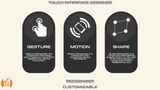
Touch Interface Designer also adds many features that the basic Touch Interface lacks such as modifying the touch interface in real time, the necessary to detect gestures (Tap, Double Tap, Long Press, Drag, Swipe, Rotate, Zoom, etc) or useful fonctionnality like Auto Move, Drag To Sprint, Free Touch, Enhanced Input compatibility, advanced visual effect (decorator) and many more features...
Convert EPIC Touch Interface Asset
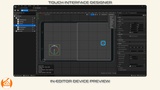
Preview your Touch Interface in different screen size and format
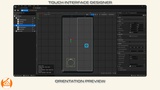
Preview your Touch Interface in pre-integrated smartphone mockup
Layout Component Logic (Define logics of any touch)
Button
Joystick
Free Touch
Slider
Knob
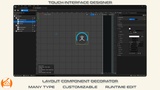
Layout Component Decorator that support advanced feature
Blur
Retainer
Progress Bar
Flipbook
Text
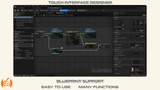
Widget Blueprint
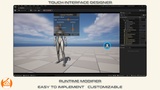
Layout Runtime Modifier
Motion Recognizer
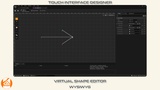
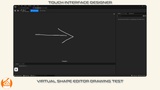
Shape Recognizer
Show/Hide Touch Interface or individual layout component
Add/Remove layout component at runtime
Change all properties of layout component
Enable/Disable Input/Recognizer
Key Rebinding
Auto Move
Drag to Sprint
Compatible with Enhanced Input plugin
Gamepad detection
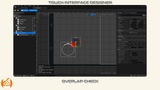
Circle Hit Test
Group
Multiplayer ready
EASY TO SETUP EASY TO USE
Touch Interface Designer is easy to integrate, configure and use. We try to develop software that simplifies your work and allows you to work faster while having access to a high level of functionality and customization.
TEMPLATE & EXAMPLE
WELL DOCUMENTED
You have access to complete documentation which explains in detail the different components of Touch Interface Designer. It will guide you to configure and use Touch Interface Designer.
SUPPORT
You have a problem? Don't worry, we'll help you! Ask any question about Touch Interface Designer and we will be happy to help you and provide a solution. In case you are stuck, you can contact us.
REGULARLY UPDATED
Touch Interface Designer is updated regularly and improvements and new features are added with each update. See the latest release note here. Go to the roadmap, you can vote for the feature you would like to see developed first. If you wish, you can follow the development of Lost in Game Studio software on official website, X or Instagram.
NOTE
Although extensive testing has been done, there may still be a few bugs here and there. If you find a bug or a feature is missing or unsatisfactory, please contact us to let us know.