





الوصف
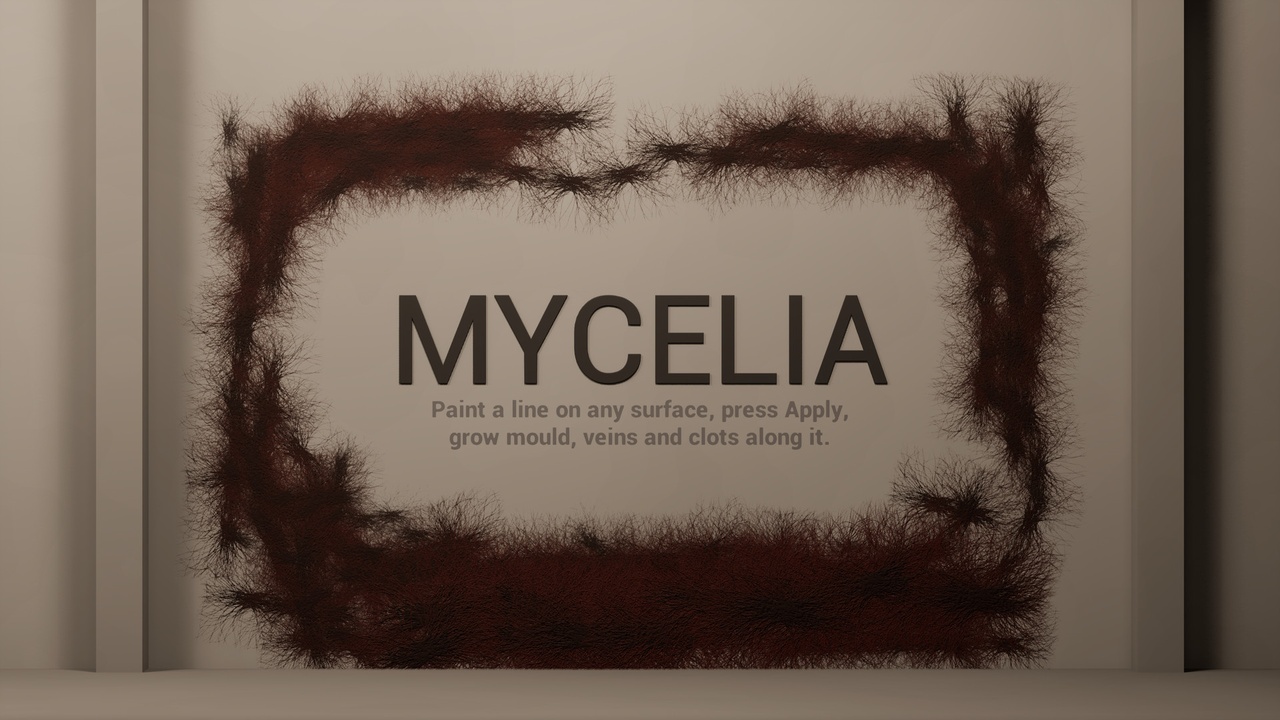
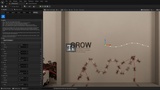
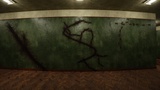
MYCELIA is an editor mode for dressing levels with procedural organic growth. Draw a line across a wall, press Apply, and a colony grows along it: tendrils that crawl over the actual geometry - up walls, around corners, over edges - with vein and blotch decals printed around them. Tune it live with sliders, re-roll it, strip it and move it, then save the level. What ships with your game is ordinary decals and spline meshes; nothing is simulated at runtime.
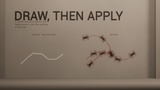
Draw first, grow second. A stroke only lays down a line. You decide what grows from it afterwards, and changing your mind never costs a redraw.
Features
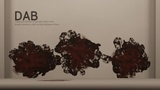
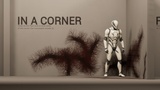
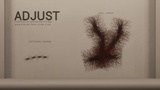
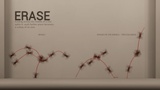
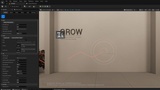
Five brushes in one editor mode: Grow (draw a line, the colony follows it exactly), Adjust (paint density along a line), Erase (rub out points; erasing across a line splits it into separate colonies), Wrap (click a prop and it gets overgrown from that spot; the growth is attached to it and moves with it), Dab (tap or drag to sow separate bursts).
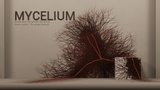
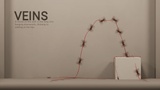
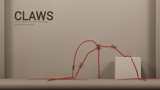
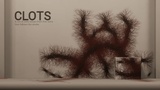
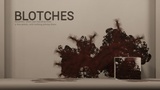
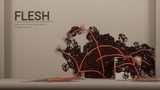
Six ready-made looks: Mycelium, Veins, Claws, Clots, Blotches, Flesh - each a complete preset of growth numbers, decals, tendril mesh and materials, with a preview picture.
Your own presets: save the look in the panel as a preset in your project with one button; it shows up next to the shipped ones.
Procedural growth that follows the surface: shoots climb inner corners, wrap outer edges and never pass through walls.
Live tuning: every slider regrows the picked colony after a short pause; look-only changes redress the same paths without regrowing.
What you see is what grows: the ring under the cursor shows exactly how far growth will reach.
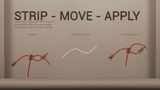
Pick, strip, move, re-apply: take the growth off, move or scale the bare line with the gizmo, grow it again in place. Scaling stretches the line, never the thickness.
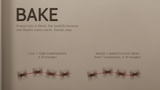
Bake: freeze the tendrils of a colony into one Nanite static mesh; the decals stay.
Your own content: any deferred decal for veins and blotches, any mesh and material for tendrils.
Performance guards: a per-colony Component Ceiling with a clear warning, cull distance, decal fade, tendril shadows off by default, no collision on tubes.
Rebindable mouse shortcuts with a built-in clash report, and on-screen hints for the brush in hand.
Full undo for every action; works with World Partition and Level Instances.
Included content
6 presets (Mycelium, Veins, Claws, Clots, Blotches, Flesh)
8 materials: decal master, tendril master, 6 material instances
1 tendril segment mesh with 3 LODs
8 textures and 6 preset preview pictures
Documentation: Quick Start, Brushes, Presets, Controls, Reference, Troubleshooting
Links: Documentation (PDF) - Example Project - Playable Windows demo
Supported engine versions: 5.6, 5.7, 5.8. Requires deferred shading with DBuffer decals.
Dependencies: Geometry Script (GeometryScripting), an engine plugin that ships with Unreal Engine. MYCELIA enables it automatically, in the editor only; Bake uses it to build the static mesh.