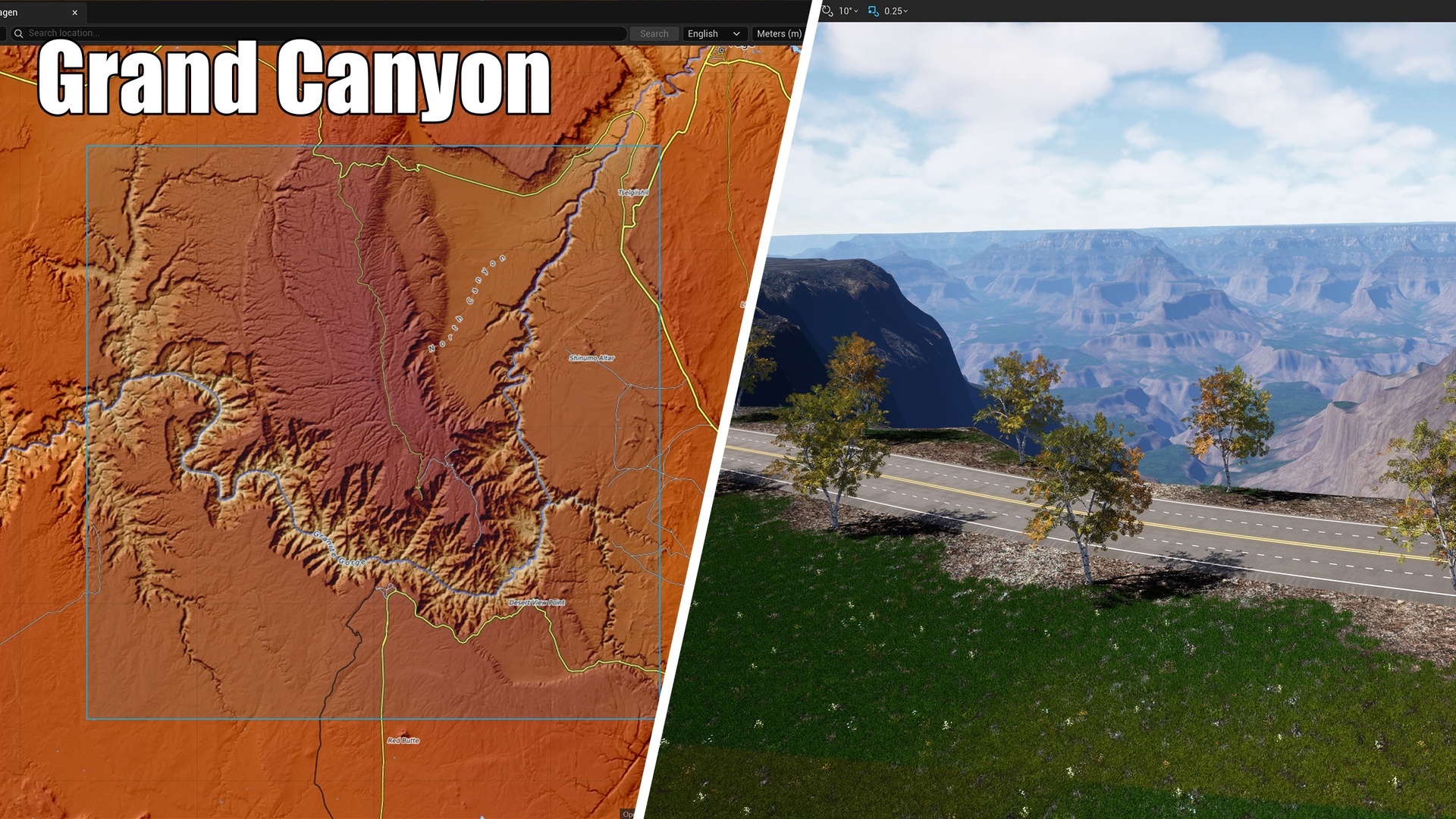


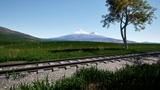

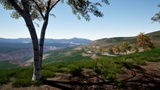
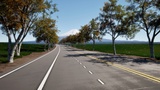
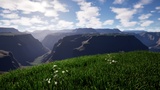
Description
The expensive part of real-world terrain has never been the modelling. It is everything in front of it: finding a data source, comparing resolutions, downloading, sorting out projections, converting formats, then fighting to get a road network to line up with the ground.
GeoTerragen folds that entire stretch into a single window. Open the panel, draw a box, and it does the rest.
Engine plugin dependencies — all four ship with Unreal EngineGeoTerragen enables four engine-standard plugins; they activate automatically on install, so there is nothing to download and no third-party SDK:
WebBrowserWidget — powers the embedded interactive map panel
PCG (Procedural Content Generation) — one of the four vector-data output modes
GeoReferencing — the engine's georeferencing / coordinate-projection backend; it ships the proj.db EPSG database our transforms resolve at runtime (UTM, polar stereographic, reprojection)
SQLiteCore — the sqlite3 runtime PROJ uses to read proj.db (the engine's own GeoReferencing requires it for the same reason)
None of the four can be disabled without removing a feature described below — they are declared here and detailed under Requirements at the end of this description.
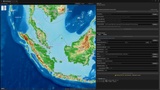
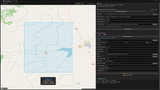
What it does for you1 · Select a region An embedded interactive map with swappable basemaps — OpenStreetMap, OpenTopoMap and Tianditu (天地图). Search by place name or jump to coordinates. Drag out a rectangle and the side lengths, area and corner coordinates update live.
2 · Download elevation data The plugin inspects every registered DEM source and picks the one that fully covers your rectangle at the highest available resolution. Data is reprojected into a metric projected coordinate system (UTM; polar stereographic in the polar regions) and written out as GeoTIFF — so when it reaches Landscape, the scale is already real-world correct.
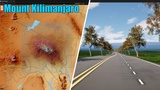
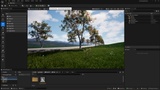
3 · Build the Landscape Set the physical size and resolution, press Generate. Terrain is created or updated in place, and if the target layer does not exist the log tells you plainly.
4 · Lay down vector paths Turn road and railway shapefiles into in-level splines — four generation modes, from plain spline meshes all the way to a Procedural Content Generation graph.
DEM sources (selected automatically)USGS 3DEP 10 m DTM — United States (CONUS + Alaska)
ArcticDEM 10 m — 60°N and above
AWS Terrarium (SRTM) — global, ~30 m
GSI DEM5A — Japan, 5 m
GSI DEM10B — Japan, 10 m
No coverage tables to read. The plugin narrows the list to sources that cover the whole rectangle and then takes the sharpest one. A "Prefer DTM" option lets you favour bare-earth elevation where a source offers both bare-earth and surface models.
Vector data: load once, generate four waysSplineActor — a spline actor plus continuously placed spline meshes (roads, tracks, guardrails)
LandscapeSpline — UE5's native landscape spline system; genuinely deforms the terrain
DeformTerrain — deforms the Landscape along the path without creating spline actors
PCG — drives a Procedural Content Generation graph, either scattering instances at intervals or generating continuously along the spline. You can also point it at your own PCG graph to place Blueprints along the path at intervals (lamps, signs, props)
Supported categories: Road · Railway (Rivers, lakes, power lines and more are on the roadmap and will be opened up in future updates.)
Input can be your own shapefile, or OpenStreetMap data downloaded by the plugin and converted locally into shapefiles.
In most modes a Landscape layer can be painted along the path — a Soil layer, say — so ground materials and foliage are automatically excluded from under the road. Grass stops growing through the asphalt.
11 languages — and they don't have to match your editorEnglish · 简体中文 · 繁體中文 · Русский · Français · Deutsch · Español · Português · 日本語 · 한국어 · العربية (Arabic, laid out right-to-left)
The plugin's language is independent of the editor's global language: run an English editor with a Chinese GeoTerragen panel, or the reverse. With no override set, the plugin follows the editor language — detected automatically on first run — and falls back to English.
Works out of the boxNothing else to install. Apart from the Microsoft Visual C++ runtime that Unreal Engine itself requires — and a normal engine install already has it — there is no third-party software or GIS library to set up.
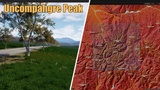
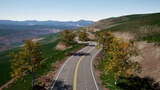
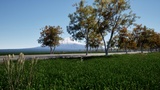
Sample data included, so you can run the whole workflow offline. The package ships a known-good input set: a USGS 3DEP 10 m elevation raster of the North Fork Shoshone River valley in Wyoming — right next to Yellowstone National Park — plus an OpenStreetMap-derived road shapefile of the same area, and a ready-made demo level, Map_Demo. Prefer not to download anything? Point the Terrain and Vector panels at the files in DemoData/ and walk through the full terrain + vector pipeline offline.
Predictable output. Everything lands in <YourProject>/GeoOutput/ — GeoTIFFs and shapefiles, nothing scattered.
Every step is logged. The operation log at the bottom of the panel reports the exact reason for each failure — not just that something failed, but why.
RequirementsUnreal Engine 5.7 – 5.8
Windows 64-bit editor (the plugin is Editor-only and does not build for packaged/runtime targets)
Engine plugins WebBrowserWidget, PCG, GeoReferencing and SQLiteCore — declared as dependencies and enabled automatically. All four ship with Unreal Engine; no separate install. GeoReferencing supplies the PROJ library and the proj.db EPSG database used for all coordinate transforms (UTM, polar stereographic, reprojection); SQLiteCore provides the sqlite3 runtime PROJ uses to read proj.db (the engine's own GeoReferencing depends on it for the same reason).
No third-party binaries bundled — the plugin is self-contained C++ source.
Internet access for basemap tiles, place search and DEM/vector downloads (basemap tiles use the system proxy; DEM and geocoding downloads can use a separately configured HTTP/SOCKS proxy in the plugin settings)
Microsoft Visual C++ Redistributable 2015-2022 (x64)
Window → Tools → GeoTerragen, or the GeoTerragen button on the Level Editor toolbar.
SupportWhen reporting an issue, please include your engine version, the plugin version, the exact steps you took, and the contents of the on-screen operation log.
One last thingWhat real terrain work actually costs you is not compute — it is the stretch spent hunting for data, downloading it, reconciling projections and wiring up road networks. GeoTerragen takes that stretch away and leaves you the part that matters.