Descripción
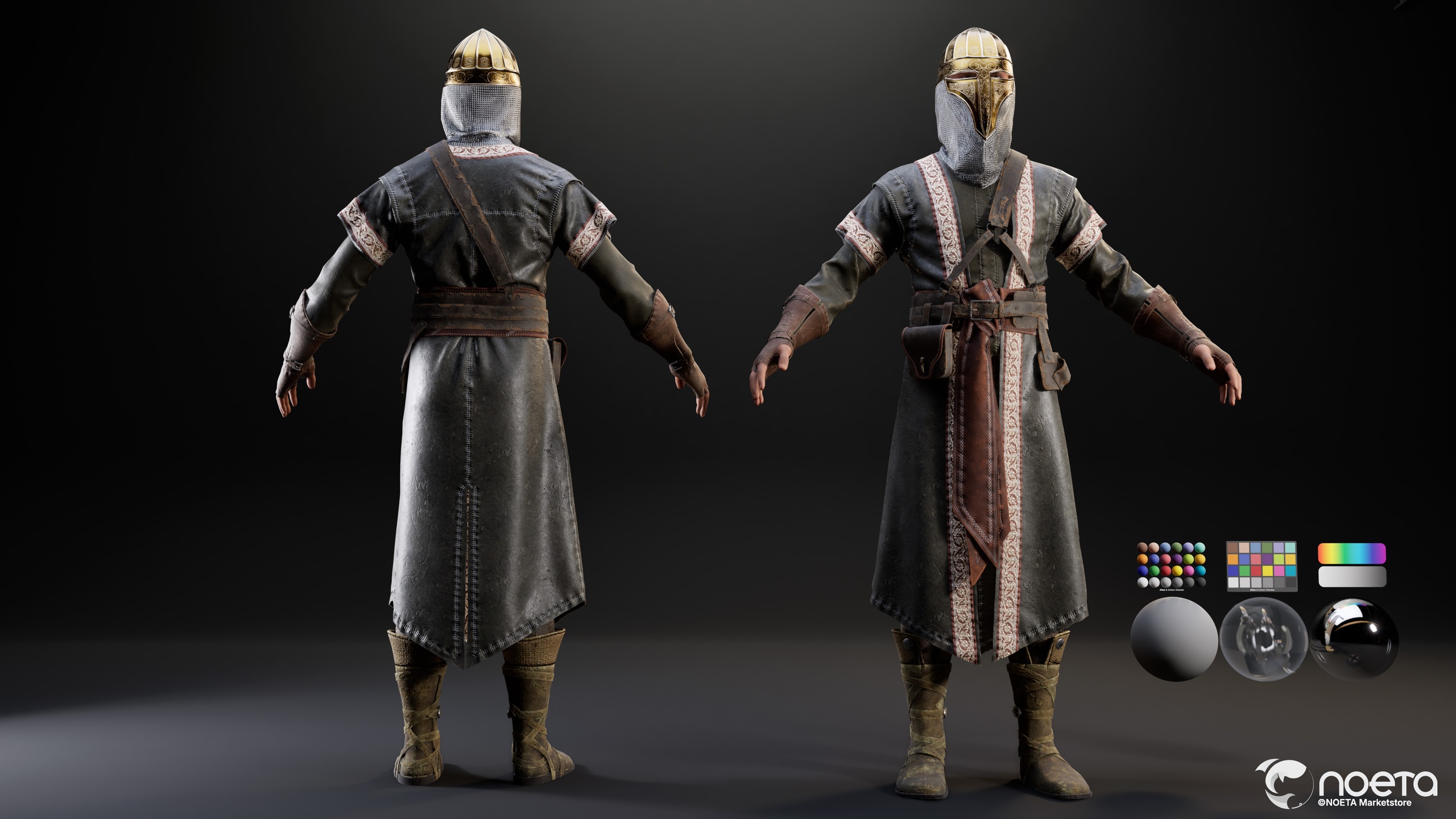
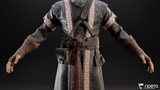
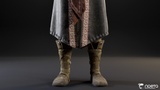
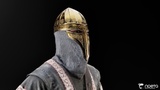
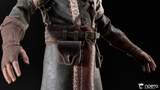
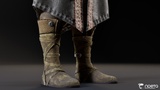
Realistic Medieval Eastern Warrior Swordsman Character Outfit. This model draws inspiration from the elite men at arms of the medieval Near East and Crusades era frontier, blending martial protection with stately ornamental craftsmanship. It features a fluted golden warmask helmet with engraved filigree browband, rosette medallion detailing, and a sculpted faceplate guarding the eyes and nose, a full chainmail coif draping the neck and shoulders, a long sleeveless surcoat of weathered grey cloth trimmed with ornate woven brocade bands, a layered long sleeve undertunic, a crossed leather baldric and wide buckled waist belt with hanging utility pouches, tooled leather forearm vambraces with fingerless wraps, and tall strapped leather boots with cloth bindings. Every element balances battlefield function with regal authority, brought to life with next gen PBR materials capturing the interplay between polished engraved gold, interlocking chainmail, worn leather, and aged cloth. Ideal for historical and medieval RPGs, Crusades and desert kingdom settings, knightly and warrior narratives, cinematic sequences, and virtual production.
The standout feature of this outfit is the engraved golden warmask helmet with its sculpted faceplate and chainmail coif, a commanding and instantly readable piece that communicates archetype, rank, and martial heritage in a single silhouette read.
The outfit ships in a steel and gold palette of slate grey, burnished gold, oxblood brocade, and worn brown leather, fully recolorable to match your project's art direction. Lumen ready and optimized for real time rendering in Unreal Engine 5.
This outfit is optimized for MetaHuman integration and Unreal Engine use, giving creators both historical depth and creative flexibility in their projects.
MetaHuman Outfit:
This is a MetaHuman Outfit Asset compatible with MetaHuman Creator Parametric Bodies. This is a "full body" outfit, recolorable, that will scale with the different MetaHuman body shapes and sizes.
Outfit Installation:
Before getting started, install the MetaHuman Clothing Construction Presets (Set of 4) from Fab: 🔗 https://www.fab.com/listings/3c0c4df1-ce96-44cf-8a30-c47d744d2a0c
This outfit requires __bodyShapeDof4.mhpkg as the base body preset for correct fitting and functionality.
Next Steps:
Create the following folder in your project directory: Content/Outfits/Swordsman
Open the OA_Swordsman folder and drag the .mhpkg file into it
Drag the WI_Swordsman.uasset into the MetaHuman Creator Outfit section
For the MetalHood:
Create the following folder in your project directory: Content/Outfits/MetalHood
Extract the OA_MetalHood folder and drag the .mhpkg file into it
Drag the WI_MetalHood.uasset into the MetaHuman Creator Outfit section
Follow the same workflow demonstrated in this video tutorial for applying the outfit: 🎬 https://youtu.be/GPI2WC4blrc
Support:
NOETA Academy Discord: https://discord.gg/PmS2jbc2