












説明
S3CompatibleStorage turns cloud object storage into a couple of Blueprint nodes — for any S3-compatible provider, with the resumable, production-grade transfer behavior that "just works" everywhere from a solo player's save file to a live-service backend.
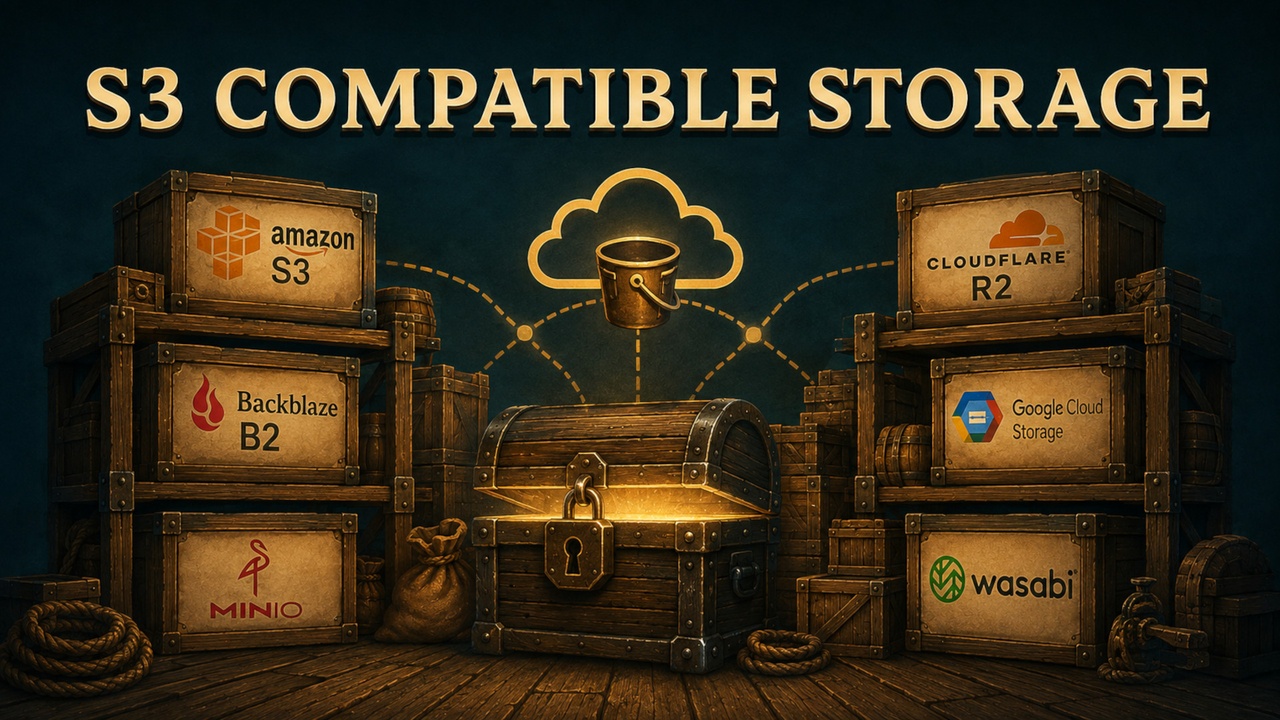
Drop the plugin into any project and point it at a bucket: no SDK to vendor, no third-party dependencies, no provider-specific code paths to maintain. Upload, download, list, tag, and manage buckets from Blueprint or C++ — the exact same API whether you're talking to Amazon S3, Cloudflare R2, Backblaze B2, Google Cloud Storage, MinIO, or Wasabi.
Why S3CompatibleStorage
Most S3 integrations force a trade-off: a thin wrapper that breaks the moment a real provider disagrees with AWS's exact behavior, or a full SDK dependency that drags in megabytes of code your project will never touch.
S3CompatibleStorage removes that trade-off. It's built and verified against six real, independently-tested providers — not just against Amazon's own documentation — and every provider-specific quirk it had to learn along the way (weak ETags, rewritten headers, addressing-style differences, lifecycle-rule dialects) is handled once, inside the plugin, so your gameplay code never has to know which provider it's actually talking to.
Resumable Transfers, Not Just Retries
A dropped connection doesn't mean starting over.
Interrupted uploads pick up exactly where they left off: the plugin remembers the multipart upload ID, asks the provider which parts already landed, and sends only what's missing.
Interrupted downloads resume too — a capability most storage plugins skip entirely. Bytes already on disk stay on disk; only the missing range is re-requested, and the file is only ever moved into place once it's actually complete.
Every resumed download is version-checked against the object it started from — a conditional request on the wire, backed up by an entity-tag comparison for providers that don't honor it — so an object that changed mid-transfer can never be silently stitched into a corrupted file. It fails loudly instead, with a diagnostic explaining exactly why.
One setting turns this on for uploads, one for downloads. Both default to on.
Six Providers, Verified Live — Not Just Documented
Every claim in this listing was proven against a real account on a real service, not assumed from a spec:
Amazon S3
Cloudflare R2
Backblaze B2
Google Cloud Storage
MinIO
Wasabi
Each one round-tripped uploads, downloads, byte-range reads, listings, batch deletes, server-side copies, tags, bucket lifecycle rules, presigned URLs, bucket creation/deletion, and resumable transfers against a live endpoint — with object keys containing spaces, ampersands, and non-Latin characters, because that's exactly what breaks a naive URL encoder. Where a provider's real behavior differs from the spec — R2's silent gzip transcoding, GCS rewriting Accept-Encoding, Backblaze's stricter lifecycle rules — the plugin works around it, and the documentation says so, by name, rather than leaving you to discover it in production. DigitalOcean Spaces and any other S3-compatible service are supported the same way via a Custom provider preset.
Everything a Storage-Backed Feature Needs
Upload a file from disk or bytes from memory, with automatic parallel multipart for anything large — memory cost stays proportional to concurrency, not to file size, so a 2 GB upload costs a handful of megabytes of RAM, not two gigabytes.
Download to disk with real byte-level progress, into memory, as one explicit byte range, or as a chunked, resumable sequence.
List a bucket with folder-style delimiters and pagination, or list every bucket the account owns.
Copy an object entirely server-side — the bytes never touch the caller.
Tag objects, and separately manage user metadata — two different namespaces for two different needs: metadata fixed at write time, tags changeable any time without rewriting the object.
Manage a bucket's whole lifecycle: automatic cleanup of interrupted multipart uploads in one node, or a full custom rule set with prefix, tag, and age filters.
Create and delete buckets — deletion is refused, with a clear reason, if the bucket still has anything in it; the plugin will never silently empty one for you.
Batch-delete any number of keys, chunked into requests of a thousand automatically, with per-key partial-failure reporting.
Generate presigned URLs, signed entirely locally — no network round trip, so it costs nothing and can't fail.
Every one of these is one Blueprint node, mirrored one-to-one in C++.
Credentials That Fit Where the Code Runs
Six distinct ways to supply credentials, because a single-player save game, a dedicated server, and a live-service backend have nothing in common security-wise:
Environment variables, for a build server or a dedicated server with a controlled environment.
A local, encrypted, per-user credential store, for a desktop application where the bucket belongs to whoever's running it.
Typed directly into Project Settings, for the simplest possible setup during development.
Runtime-supplied, short-lived credentials with automatic expiry handling — the shape a shipping game client should actually use: your backend authenticates the player and hands over scoped, temporary keys, so nothing long-lived ever ships inside the build.
Anonymous, for public buckets and presigned-URL-only flows.
Storage Profile assets, for a project that talks to more than one bucket or provider at once — a save-file bucket and an analytics bucket, say — each with its own independently cached client.
Errors That Tell You What to Fix
A failed request doesn't just hand back an HTTP status code. Every result carries a coarse, Blueprint-switchable outcome, the provider's own machine-readable error code, and — where the plugin can work it out — a plain-language diagnostic hint naming the exact setting to change: wrong addressing style, wrong region, a clock that's drifted, a bucket that isn't empty. A signature rejected because of a stray space in the secret key and one rejected because of the wrong region show up as two different, specific messages — not one generic "signature mismatch."
Debug Console Included
An optional debug module, present in Development builds and stripped entirely from Shipping, gives testers and programmers a live look at what the plugin is actually doing:
Console commands to upload, download, list, and delete without writing a test level.
A rolling log of the last 200 completed requests — method, status, timing, retry count — for "something broke, what happened" reports.
A live view of every interrupted transfer remembered on the machine, upload and download side, and exactly how far each one got.
Built and Tested Like Production Code, Not a Demo
Every operation is covered by an automated test suite — offline tests running against a scripted fake transport for fast, deterministic coverage of retries, cancellation, and edge cases no real service would reliably reproduce on demand, plus a live-provider suite that opts in with a single environment variable and proves the same behavior against real accounts. Nothing in this listing is aspirational: if a feature is described here, it has a passing test behind it, on all six providers.
What's in the Box
Runtime Core
Upload, download, and chunked/resumable transfer operations
Bucket and object management: create, delete, list, copy, tag, metadata
Bucket lifecycle rules and incomplete-upload cleanup
Presigned URL generation
Six credential-source strategies, plus Storage Profile assets
Full progress reporting and cancellation on every transfer
Optional Debug Module
Cheat console commands
Request log and resume-record inspection
Fully isolated from the runtime core — a Shipping build never carries a byte of it.
Comprehensive documentation covering everything from quick setup, credentials, and Blueprint operations to file transfers, C++ API usage, error diagnostics, provider specifics, testing, deployment, debug tools, FAQs, and real-world cookbooks — published and kept in sync with every release.